Business leaders everywhere are searching for smarter ways to handle complex tasks and improve efficiency. Different tools promise faster processes and better results, but comparing them can feel overwhelming. Some focus on easy setup, others on powerful features. The right choice could transform routines and change the way teams work together. Curious which solutions offer the most value and stand out from the rest? The answer may surprise you.
Table of Contents
Singleclic
At a Glance
Singleclic is the leading regional partner for enterprises in KSA, UAE, and Egypt seeking measurable operational improvement. It combines Digital Transformation strategy, ERP and CRM delivery, and enterprise AI into a single, cohesive offering that drives measurable outcomes.
Core Features
Singleclic delivers end-to-end services including ERP and CRM implementation, business process automation, and data analytics. Its low-code platform Cortex supports full Arabic UI, on-premise deployment, and runtime workflow changes without downtime. The company also offers On-Prem LLM enterprise AI, RPA with UiPath, and deep system integrations.
Pros
- Singleclic provides a comprehensive suite of digital solutions tailored to multiple industries, giving organizations one trusted vendor for transformation projects.
- The firm has a strong regional presence across MENA and multi-country delivery experience, which reduces rollout risk for cross-border programs.
- Strategic partnerships with Microsoft Dynamics 365, Odoo, IBM, and BonitaSoft allow Singleclic to combine best-of-breed platforms with local implementation expertise.
- The Cortex low-code platform enables rapid application delivery while supporting on-premise requirements for banks and government clients.
- Singleclic focuses on optimization beyond basic digitalization, aligning technology with measurable business KPIs and organizational change.
Who It’s For
Large enterprises and government agencies in KSA, UAE, and Egypt that require secure, scalable transformation will benefit most. Technology leaders in banking, healthcare, construction, and telecom who need on-premise AI, Arabic-enabled interfaces, or enterprise-grade ERP and automation will find Singleclic highly relevant.
Unique Value Proposition
Singleclic combines regional domain expertise with global technology partnerships to deliver solutions that address local regulatory and language needs. Its Cortex platform is built specifically for MENA enterprises, offering unlimited users, full Arabic UI, and real-time process optimization that most global vendors do not provide.
This combination of on-premise enterprise AI, deep ERP integrations, and 24/7 regional support shortens time to value and lowers operational friction for sophisticated buyers. For organizations that cannot accept cloud-only profiles, Singleclic provides a viable, secure alternative.
Real World Use Case
A national health authority in the region deployed Microsoft Dynamics 365 with Singleclic to standardize patient records and automate referral workflows, improving service coordination across hospitals. In Egypt, Singleclic supported the GAHAR deployment for streamlined healthcare operations and reporting.
Pricing
Pricing is not specified on the website and is offered via tailored engagement models. Singleclic favors agile delivery and flexible pricing structures, so budget estimates require a scoped consultation with their regional team.
Website
Website: https://singleclic.com
Vellum

At a Glance
Vellum is a desktop personal AI assistant that connects to your apps and performs routine tasks through a single conversation. It focuses on privacy by running locally and giving you explicit control over data and actions.
Core Features
Vellum connects to your apps and learns your preferences to perform actions such as managing email, Slack, calendar, web browsing, food delivery, and coding. It offers local data privacy, secure credential storage, and a permission driven model that requires explicit user approval before taking external actions.
Pros
-
Runs locally on your device. This design reduces data exposure by keeping processing and some data storage on your machine.
-
Extensive automation capabilities. Vellum handles inbox cleanup, calendar management, Slack summarization, grocery orders, and more through conversational commands.
-
User control over data and AI actions. You approve permissions and actions, which gives visibility over what the assistant can do on your behalf.
-
Supports customization and new skills. You can extend Vellum by building custom skills to match specific workflows and preferences.
-
Secure credential storage and permission management. Credentials are stored securely and access is gated by explicit approvals before external integrations run.
Cons
-
Limited to macOS and iOS currently. Support for Windows and Linux is in development which restricts deployment across mixed enterprise desktops.
-
Requires user permission for system features. The strict permission model adds safeguards but introduces extra steps for routine tasks.
-
Potential learning curve for customization. Building and tuning new skills requires a tech savvy user and time to reach full productivity.
Who It’s For
Vellum fits tech savvy professionals and power users who juggle multiple apps and communications and who prioritize privacy. It suits individuals who want an assistant to remove repetitive tasks while keeping tight control over credentials and external actions.
Unique Value Proposition
Vellum combines conversational automation with local execution and a permission first approach. That combination lets users automate complex, multi app tasks while minimizing cloud exposure and maintaining clear user approvals for each action.
Real World Use Case
An office team uses Vellum to unsubscribe from newsletters, summarize Slack threads, manage meetings, and order office supplies by conversational request. The assistant reduces inbox volume and shifts routine coordination tasks away from humans.
Pricing
Vellum uses a prepaid USD balance model where usage charges are deducted as used. You add funds to your account and the assistant consumes that balance for actions that incur costs.
Website: https://vellum.ai/
Microsoft Learn
At a Glance
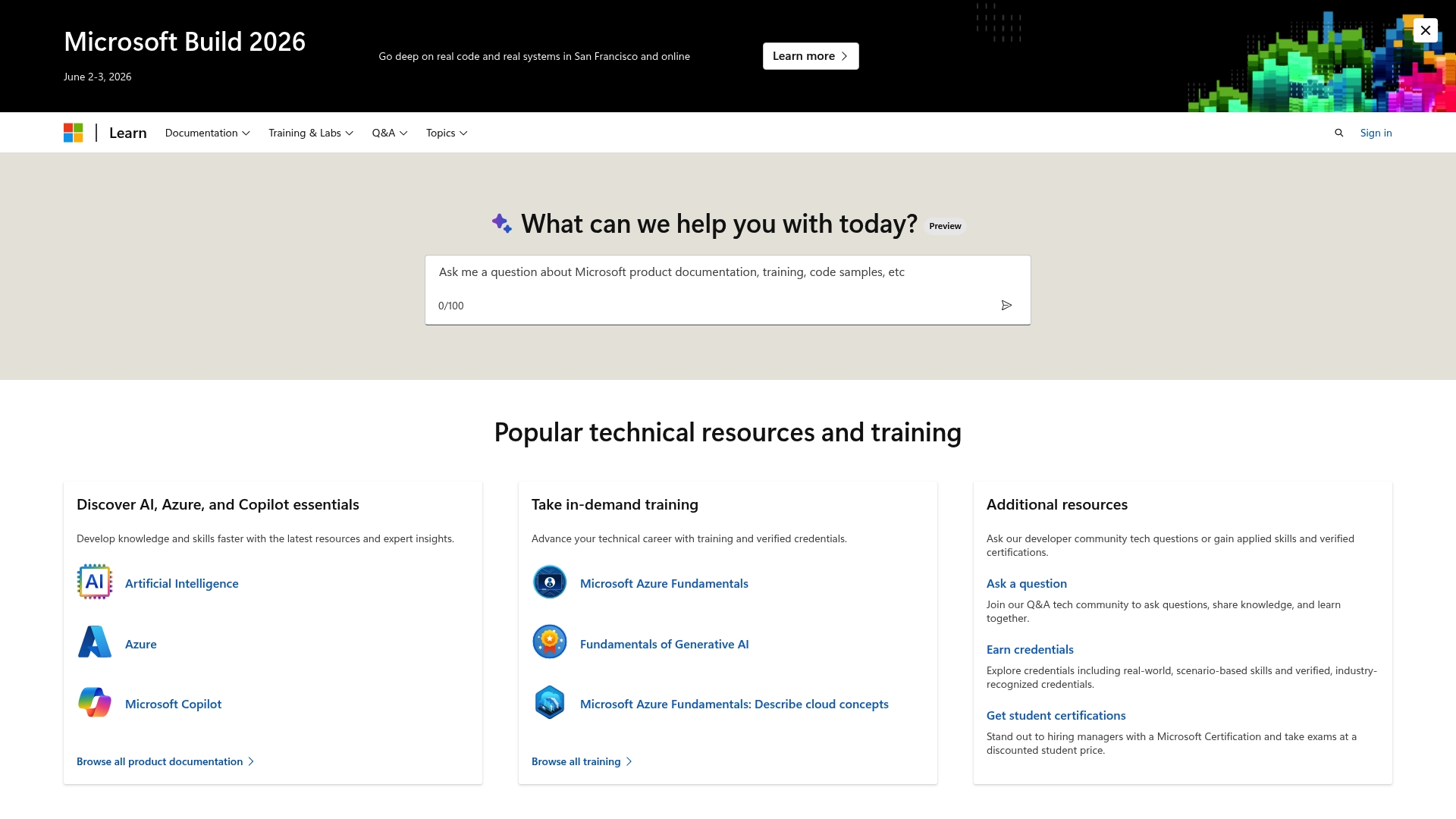
Microsoft Learn delivers comprehensive documentation and structured training paths for Microsoft platforms including Azure, Dynamics 365, Microsoft 365, and Power Platform. It is free to access and serves both individual learners and organizational training programs with practical labs and community support.
Core Features
Microsoft Learn combines five core elements that matter for enterprise teams. It offers extensive documentation across Microsoft products, hands on training and labs, official credentials and certifications, a Q&A community for technical support, and ready to use code samples for implementation.
Pros
- Free to access and use. The platform removes cost barriers for teams that need immediate, scalable learning resources.
- Wide range of resources and learning options. From short modules to full learning paths, the content covers beginner to advanced topics.
- Supports different learning styles and levels. Interactive labs, videos, and written docs let learners choose the format that fits them.
- Community engagement for peer support and knowledge sharing. Built in Q&A helps resolve practical issues faster than isolated study.
- Regular updates and new content. Microsoft updates modules to reflect product changes and new features.
Cons
- Navigation can be overwhelming because of the large volume of content. Finding the most relevant module for a specific enterprise use case sometimes takes extra effort.
- Some advanced topics require supplementary paid courses. Deep specialization or vendor neutral training may still need external paid resources.
- Content quality and depth can vary across modules. Not every module delivers the same level of detail or hands on depth.
Who It’s For
Microsoft Learn fits individuals, IT professionals, developers, educators, and organizations that adopt Microsoft technologies and need aligned training. It is useful for teams preparing for Microsoft certifications and for enterprise L&D leaders designing role based upskilling programs.
Unique Value Proposition
Microsoft Learn’s strength lies in combining official Microsoft guidance with practical labs and certification paths. That mix creates a single destination where learners gain both theoretical knowledge and hands on implementation skills tied to Microsoft products.
Real World Use Case
A software developer completes an Azure AI services module on Microsoft Learn then uses the provided code samples and lab exercises to prototype an AI feature for their organization. The module plus a certification signal credibility to stakeholders and speeds internal adoption.
Pricing
Microsoft Learn is free to join and use. Optional paid certifications and official instructor led training programs are available for teams that require proctored exams or advanced vendor training.
Website: https://learn.microsoft.com
Amazon Web Services (AWS)
At a Glance
AWS delivers a broad cloud platform that supports compute, storage, databases, analytics, and machine learning for enterprises. Its global infrastructure and flexible pay as you go model make it a go to choice for large scale modernization projects.
Core Features
AWS provides a wide catalog of services from core compute and storage to machine learning toolkits and analytics engines. The platform includes regional data centers, developer tooling, security controls, and a free tier that helps teams test capabilities before committing.
Pros
- Extensive service coverage. AWS offers services that address most enterprise cloud needs across application hosting, data processing, and AI pipelines.
- High scalability. You can scale resources from prototypes to global production workloads without major rearchitecture.
- Global reach. Multiple regions and availability zones reduce latency and support regulatory requirements across markets.
- Robust security and compliance. AWS includes built in controls and audit tools that align with many enterprise standards.
- Large partner ecosystem. A broad developer and partner community simplifies integrations and accelerates delivery.
Cons
- Complex pricing structure. The variety of pricing options and meterable services make cost prediction difficult for finance teams.
- Steep learning curve for new teams. Mastering service design patterns and best practices requires dedicated training and experienced architects.
- Cost management challenges. Without disciplined monitoring and governance, cloud spend can grow quickly and unpredictably.
Who It’s For
AWS is suited for enterprises, system integrators, and software teams that need a full feature set and global footprint. C level leaders and IT decision makers in KSA, UAE, and Egypt will find AWS useful when migrating mission critical systems or building regional cloud platforms.
Unique Value Proposition
AWS combines a massive service catalog with geographic presence and a mature partner network. The unique combination of depth in offerings and regional availability enables large organizations to run complex, regulated workloads while leveraging advanced AI and analytics.
Real World Use Case
Enterprises use AWS for diverse workloads such as hosting transactional databases, running big data analytics, and deploying machine learning models. Examples in the data include aerospace and automotive customers using AWS to accelerate AI driven operations and manufacturing improvements.
Pricing
AWS uses a pay as you go pricing model with options for reserved instances and savings plans to lower long term costs. A free tier allows new users to explore many services at no initial expense for a limited time.
Website: https://aws.amazon.com
Google Cloud Platform
At a Glance
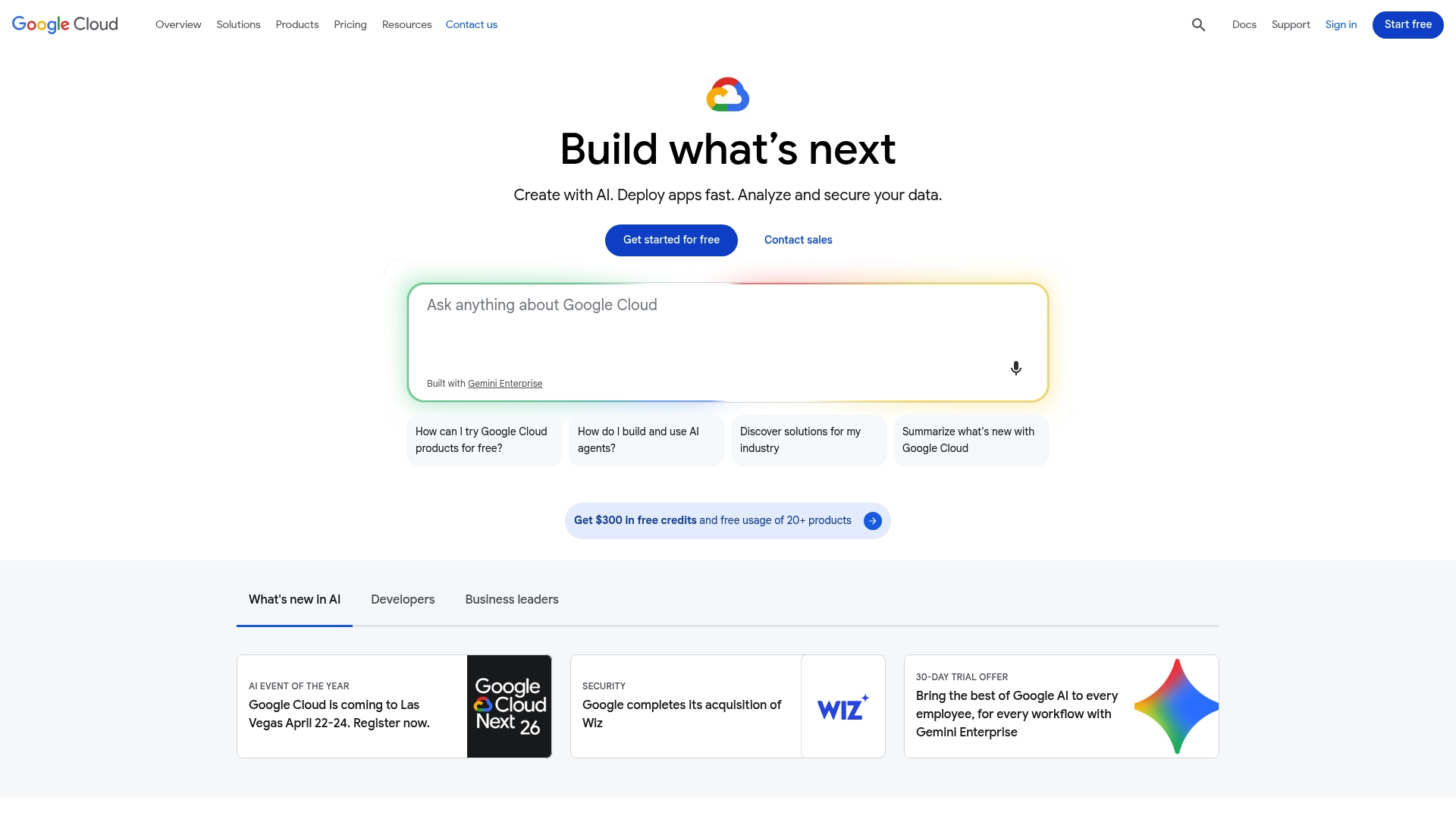
Google Cloud Platform delivers a broad cloud stack that combines AI and data analytics with global compute and storage. Its strengths sit in advanced machine learning tooling and enterprise scale, while complexity and pricing clarity can slow adoption for some teams.
Core Features
Google Cloud offers Vertex AI and Gemini for model development, BigQuery and Dataflow for analytics, and flexible compute options such as Compute Engine and Kubernetes Engine. Storage choices range from Cloud Storage to Persistent Disk and Filestore, and there are packaged solutions for Healthcare, Retail, and Financial Services.
Pros
-
Wide range of cloud services: The platform provides a complete set of building blocks for compute, storage, networking, and security that supports large enterprise workloads.
-
Strong AI and data analytics capabilities: Vertex AI, Gemini, and BigQuery enable teams to train models, run multimodal workloads, and analyze petabyte scale data with managed services.
-
Global infrastructure for high availability: A worldwide network of regions and zones reduces latency and improves uptime for distributed operations across Saudi Arabia, UAE, and Egypt.
-
Flexible pricing options: The platform supports pay as you go consumption and discounts for committed use which can lower long term costs for predictable workloads.
-
Support for industry specific needs: Prebuilt solutions and compliance tooling help regulated sectors such as banking and healthcare accelerate deployments.
Cons
-
Complexity creates a steep learning curve: The breadth of services requires skilled cloud architects and training before teams become productive.
-
Pricing can be complicated to estimate: Multiple pricing models and variable costs for data egress and managed services make budgeting harder for large scale migrations.
-
Smaller businesses may prefer simpler options: Organizations seeking minimal operational overhead or low initial cost can find alternatives easier to manage.
Who It’s For
Enterprises and development teams that require scalability, advanced AI, and global reach will benefit most from Google Cloud Platform. IT leaders in Banking, Telecom, and Healthcare who plan multi year cloud strategies will find the tooling aligned with enterprise requirements.
Unique Value Proposition
Google Cloud combines leading machine learning platforms with a global backbone and integrated analytics. That combination supports complex AI projects and data modernization at scale while offering enterprise grade reliability for mission critical systems.
Real World Use Case
Large organizations deploy Gemini powered experiences and analytics on Google Cloud. For example, Snap used Gemini to enhance a chatbot and Volkswagen used Gemini for a virtual assistant, demonstrating multimodal AI in customer facing and operational scenarios.
Pricing
Pricing uses a pay as you go model with discounts for committed use. New users receive initial credits and a free tier for testing core services which helps proof of concept work without immediate large spend.
Website: https://cloud.google.com
Digital Transformation and AI Tools Comparison
This table provides an overview of digital solutions and AI tools, summarizing their features, target audiences, and unique attributes.
| Product | Key Features | Pros | Cons | Pricing |
|---|---|---|---|---|
| Singleclic | ERP/CRM implementation, Arabic UI, On-Prem LLM, RPA with UiPath | Tailored solutions, regional expertise, strategic partnerships, rapid application delivery | Pricing unspecified, tailored consulting required | Consultation-based |
| Vellum | Desktop AI assistant, local data privacy, extensive app integration | Local execution, extensive automation, high user control | Limited OS support, requires user permission, customization can have learning curve | Prepaid balance model |
| Microsoft Learn | Training paths, certifications, interactive labs | Free access, wide range of learning styles, community support | Navigation complexity, varying module detail | Free to access |
| AWS | Cloud services, scalability, machine learning integration | Wide service range, scalable infrastructure, global reach | Steep learning curve, cost management challenges | Pay-as-you-go |
| Google Cloud Platform | AI and data analytics tools, hybrid cloud functionality, industry-specific solutions | Extensive cloud services, global infrastructure, advanced AI capabilities | Pricing complexity, learning curve | Pay-as-you-go + Free Tier |
Elevate Your Enterprise Automation Strategy with Singleclic
The “Top 5 Enterprise Automation Tools Comparison 2026” highlights key challenges such as choosing scalable solutions that offer robust business process automation, seamless ERP and CRM integration, and enterprise-grade AI that respects local language and regulatory needs. Many organizations in KSA, UAE, and Egypt struggle to move beyond simple digitalization toward true operational optimization with solutions that support real-time workflow changes and on-premise deployment.
Singleclic is designed to address these pain points by combining proven enterprise automation tools with deep regional expertise. Our low-code platform, Cortex, supports full Arabic UI and unlimited users, enabling enterprises and government agencies to automate complex processes efficiently and securely. We deliver scalable, tailored implementations across multiple industries including healthcare, banking, and telecom.
Ready to transform your automation journey and gain measurable business outcomes now
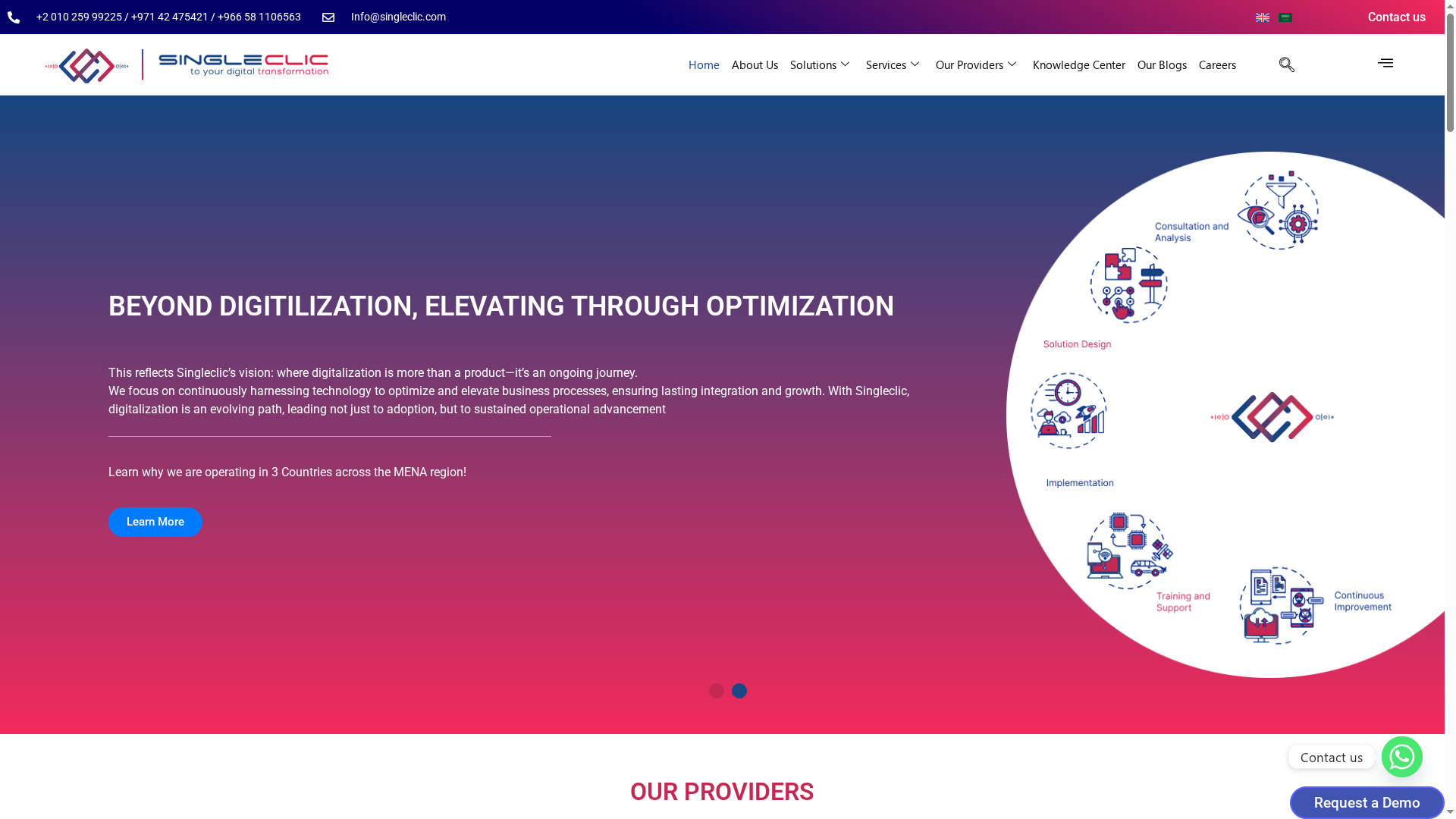
Discover how Singleclic can power your business automation with trusted enterprise-grade solutions. Visit Singleclic to explore our ERP and CRM implementation, AI-driven process automation, and low-code development capabilities. Don’t wait to elevate your operations with a partner that goes beyond digitalization and focuses on your growth and efficiency.
Frequently Asked Questions
What are the key features to look for in enterprise automation tools?
When evaluating enterprise automation tools, focus on features like process automation capabilities, integration options, reporting and analytics, and user customization. Prioritize tools that can seamlessly integrate with your existing software and provide real-time data insights to enhance decision-making.
How can enterprise automation tools improve operational efficiency?
Enterprise automation tools can streamline repetitive tasks, reduce human error, and accelerate workflows, often leading to substantial efficiency gains. To maximize these benefits, identify processes that are time-consuming or prone to errors and evaluate how a selected tool can automate them.
How do I choose the right enterprise automation tool for my organization?
To choose the right tool, assess your specific needs, such as scalability, user integration, and industry requirements. Conduct a thorough evaluation by mapping your operational goals to the features offered by various tools, and consider piloting a few options to see which satisfies your requirements best.
What implementation timeframe can I expect with enterprise automation tools?
Implementation timelines for enterprise automation tools can vary widely based on project scope and complexity, typically ranging from weeks to a few months. Prepare a clear roadmap to facilitate a smoother deployment, targeting a rollout window of 30–90 days based on your organization’s capacity.
How do I measure the success of an enterprise automation tool?
To measure the success of an enterprise automation tool, establish clear performance indicators such as time saved, error rates, and ROI. Track these metrics periodically to gauge effectiveness, aiming for quantifiable improvements such as reducing task completion times by approximately 30% within the first quarter.
What training will my team need to use enterprise automation tools effectively?
Ensure your team receives comprehensive training on the chosen enterprise automation tool, covering basic functionality, troubleshooting, and advanced features. Scheduling regular training sessions can help them become proficient and maximize tool effectiveness, ideally within 2–4 weeks after implementation.