Runtime workflow changes are edits to a business process while it is live, with cases still moving through it. Done well, new cases follow the new rules while cases already in progress finish on the rules they started with. Done badly, they stall, repeat steps or fail. The difference comes down to four habits: versioning every definition, separating safe edits from risky ones, testing with a canary before full rollout, and keeping an approval and audit record for every change.
This guide is written for CIOs, CTOs and operations leaders in Saudi Arabia and the UAE who run approvals, procurement, onboarding or case handling on a workflow engine and cannot afford downtime to change it.
TL;DR
- A runtime change normally affects only new executions. Instances already running keep the definition snapshot they started with, according to the Conductor versioning guide.
- Adding a new path, a new step after a checkpoint, or an optional input field is usually safe. Reordering steps or changing parameters of existing steps can break in-flight cases.
- Release in stages: register a new version, test it, run a pinned canary, compare results, then widen traffic.
- Treat every change as a controlled change: named requester, approver, tested version, timestamp and a rollback plan.
- Choose a platform that lets you change flows without downtime. That is what we built into our Cortex platform.
Table of Contents
- What a runtime workflow change actually is
- Why live changes are harder than they look
- What happens to cases already in progress
- Safe changes and risky changes
- Versioning: the safety net for runtime change
- A safe rollout process, step by step
- Rolling back and recovering when a change goes wrong
- Governance: approvals, audit records and monitoring
- Our perspective on changing workflows without downtime
- Where Cortex fits
- Use cases for runtime workflow changes
- How Singleclic helps
- FAQ
- Talk to our team
- Sources
- Publishing details
What a runtime workflow change actually is
A workflow definition describes the steps, decisions, data and owners of a process. A runtime change modifies that definition, or the control and data flow of running instances, to meet a new requirement or handle an exception. Academic work on adaptive workflow systems describes it as modifying in-progress workflow instances, such as adding an operation to an active case, while keeping the system consistent.
That last condition is the whole problem. The same research on ADEPTflex argues that flexibility for ad-hoc change has to be balanced with formal correctness, or running workflows end up structurally inconsistent.
In practice, you meet two kinds of change:
- Definition changes (schema evolution): a new approval threshold, an extra compliance check, a different routing rule. They apply to the process as a whole.
- Instance changes (ad-hoc deviation): one purchase order needs an extra legal review, or one customer case needs a manual step the standard flow does not have.
Most enterprises need both. Policy changes drive the first. Exceptions drive the second. A platform that handles only the first forces teams to work around the system by email.
Why live changes are harder than they look
A process is rarely alone. An approval flow feeds ERP postings, CRM updates, notifications and reports. Changing one step can alter data that three other systems expect. A workflow edit that looks like a five-minute fix can leave a month of cases in limbo.
Time is the second factor. A leave request finishes in a day. A tender, a loan file or a construction variation order can stay open for weeks. Whatever you change today, cases started last month are still inside the old logic. Your platform must decide what happens to them, and you must know the answer before you publish.
For wider context on how workflow types differ in duration and risk, see our manager’s guide to business workflow types.
What happens to cases already in progress
The common behavior across modern engines is snapshotting. Per the Conductor documentation, a workflow already running continues on the definition as it existed when the instance began, and changes affect only executions created afterward.
This gives you three practical options for in-flight cases:
| Option | What happens | Best when |
|---|---|---|
| Let them drain | Old cases finish on the old version, new cases use the new one | The change is not urgent and cases are short-lived |
| Terminate and restart | The instance is stopped and restarted on the latest definition | A regulatory fix must apply to everything, and steps are safe to repeat |
| Migrate or adapt the instance | A defined change operation is applied to the running case | Cases are long-running and restarting would lose work |
Restarting has a cost. The Conductor guide warns that upgrading a running workflow by termination and restart may repeat side effects unless the workflow is idempotent. In business terms: a restarted case could send a second payment request or a second notification to a customer. Design steps so that doing them twice is harmless, or check state before acting.
Safe changes and risky changes
Not every edit carries the same risk. Engines that replay execution history to recover state are the strictest, and their documentation is a useful checklist even if your platform is more forgiving.
Usually safe
According to the Diagrid workflow versioning docs, these changes are generally safe for running instances:
- Adding a new code path that existing instances will never enter.
- Adding new activities after a checkpoint the instance has already passed.
- Adding optional input fields in a backward-compatible way.
The Temporal documentation makes the same point about inputs: an optional field does not change the definition’s signature, so running executions keep working, while adding, removing or retyping a separate parameter does change it.
Usually risky
The same Diagrid guidance says that reordering activity calls or changing the parameters passed to an existing call can make in-flight workflows fail during replay. In a business process, the equivalent edits are:
- Moving an approval step ahead of another one that running cases have already completed.
- Renaming or removing a field that a later step reads.
- Changing the meaning of a status code that reports and integrations depend on.
- Replacing a role with a different one in a step where cases are already waiting.
A useful rule: add, do not rearrange. If you must rearrange, publish it as a new version and let old cases drain.
Versioning: the safety net for runtime change
Versioning means every published definition has an identifier, and several versions can exist at once. The Conductor guide describes running multiple workflow versions side by side, with new traffic directed to the newer one while existing executions finish on their original version. That makes incremental rollout possible.
What to insist on from any platform:
- Immutable published versions. Once a version is live, edits create a new version rather than overwriting it.
- Pinning. You can force a specific case, or a test group, onto a specific version.
- Visibility. You can see how many cases sit on each version, and what stage they are in.
- Retirement. An old version is removed only when no cases remain on it.
Some engines tie code versions to executions to avoid running mismatched code during recovery. DBOS takes that stance and recommends blue-green upgrades: new processes run the latest code while older ones drain their workflows, after which the old version is retired.
For teams still modernizing, you do not need to replace every system to get this discipline. Our article on modernizing legacy workflows without replacing every system shows how to put an orchestration layer above existing applications.
A safe rollout process, step by step
The Conductor guidance outlines a path that works for most enterprise teams: register a new version, validate and mock-test it, run a real canary execution with the version pinned, and compare completion, failure, latency and outputs between versions. Here is how we translate that into a business routine.
- Describe the change in business terms. What rule changes, who is affected, which cases are in flight, which systems read the outputs.
- Classify it. Safe addition or structural change? That decides whether in-flight cases can drain or need migration.
- Build it as a new version. Never edit the live one.
- Test with realistic data. Include the awkward cases: rejected approvals, missing documents, timeouts, an approver on leave.
- Run a canary. Send a small, low-risk group of real cases to the new version and watch.
- Compare versions. Completion rate, failure rate, time per step and output accuracy against the old version.
- Widen traffic in stages. Move from the canary to a larger share, then to all new cases.
- Retire the old version when its last case closes.
A small example. A UAE healthcare group wants invoices above a new threshold to require a second finance approval. The change adds a branch that existing invoices never enter, so it is a safe addition. The team publishes version 2, pins ten invoices from one department to it, confirms the second approval fires and ERP posting is unchanged, then switches all new invoices. Invoices already waiting finish on version 1. No one stops work.
Rolling back and recovering when a change goes wrong
Plan the exit before you enter. A rollback is simple when versions are immutable: route new cases back to the previous version. The harder question is the cases that already started on the faulty one.
Two mechanisms help. First, durable state. Conductor documents that persistence in a store such as Redis or PostgreSQL means workflow state survives server restarts and resumes from the last persisted state. Second, idempotent steps. The same documentation notes that delivery is at-least-once, so a task may run more than once, which is why workers should be idempotent.
A rollback checklist worth keeping next to the release plan:
- Which version do new cases return to, and who can trigger it?
- How do you list every case that ran on the faulty version?
- Which steps have external side effects (payments, emails, ERP postings) and need compensation?
- Who communicates to the business owners affected?
Governance: approvals, audit records and monitoring
A workflow is a control. If anyone with an admin login can change it silently, the control is weak. Treat workflow changes the way you treat changes to production systems.
Approvals
- Separate the person who builds a change from the person who approves it.
- Tier approvals by risk: a label change needs a process owner, a change to an approval chain needs the owner plus finance, compliance or internal audit.
- Record the business reason, not just the technical diff.
Audit records
For every published version, keep a linked record of the request, the approver, the test evidence, the publish time and the person who published. Auditors typically sample changes from a period and ask for that chain for each one, so records scattered across email and chat become a finding. If you operate in a regulated sector such as banking or government, confirm the exact record-keeping requirements with your compliance team and the relevant regulator, because they differ by authority and by sector.
Monitoring
- Cases per version and their age.
- Failure and retry rates immediately after a release.
- Step duration compared with the previous version.
- Stuck cases, with an owner alerted.
If you are building a wider operating model, our guide to future-proofing workflows for the C-suite covers ownership and measurement in more depth.
Our perspective on changing workflows without downtime
We see the same pattern in enterprise projects across Saudi Arabia, the UAE and Egypt. The first release of a workflow is rarely the problem. The fifth change, made under pressure by a different person, is where things break. Regulations shift, a bank adds a control, a ministry changes a form, and the process has to follow within days.

So we design for change from the start. Every approval flow gets an owner, a version history and a defined way to handle cases already in progress. We push clients to keep business rules out of hard-coded integrations, because a rule buried in custom code cannot be changed by the people who understand it. And we treat the audit record as part of the workflow, not an afterthought.
This is also why runtime flexibility is a core requirement of our Cortex platform: process owners should be able to evolve workflows without taking the system offline.
— Tamer Badr
Where Cortex fits
Cortex is our Arabic-enabled, on-premise low-code platform for MENA enterprises. It lets teams design, build and automate complex processes without writing code, and it supports runtime workflow changes without downtime, full Arabic UI, unlimited users, and deep integration with ERP, CRM, data and legacy systems. On-premise deployment suits banks and government bodies that need data to stay inside their own environment.
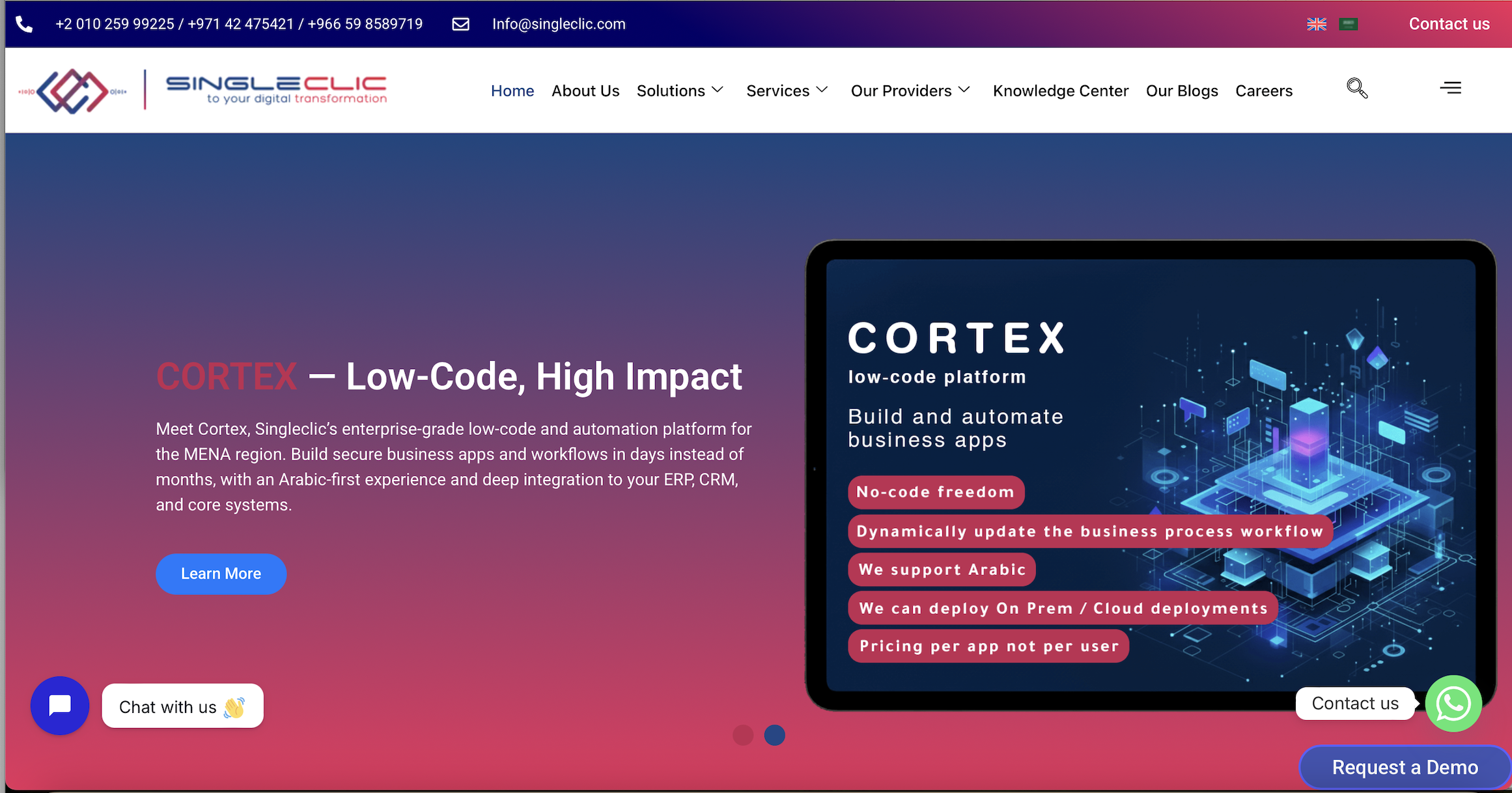
If your approvals live across Microsoft Dynamics 365, Odoo, IBM BAW or older systems, we can connect them in one governed flow. See Cortex and our platform offering, or our business process automation services for the broader scope.
Use cases for runtime workflow changes
- Banking: a new credit-approval limit applies to new applications, while files in review finish under the old limit, with version records for auditors.
- Healthcare: an added consent or documentation check in patient registration, introduced through a canary in one clinic first. Our piece on AI and analytics in healthcare and government operations shows related operational patterns.
- Construction and real estate: a new variation-order approval chain, applied to new projects while active ones keep their current route.
- Government: a revised citizen-service form, rolled out in stages. See how CRM supports citizen services in KSA and the UAE.
- Supply chain: a changed supplier-onboarding checklist, added as optional fields first and enforced later.
- HR: an extra step in onboarding for a new labor requirement, without restarting hires already in progress.
How Singleclic helps
We implement and govern workflows across ERP, CRM, AI and process platforms:
- Process design and versioning model: we define owners, change tiers and the treatment of in-flight cases before go-live.
- Cortex low-code platform: Arabic-enabled, on-premise, with runtime changes and deep system integration.
- ERP and CRM integration: workflows that read and write Microsoft Dynamics 365 without breaking when a step changes.
- IBM BAW and open BPM: for organizations standardized on IBM process tooling.
- Support after launch: monitoring, change reviews and improvement cycles.
To see how workflow improvement ties to returns, read our guide to the enterprise workflow optimization process.
FAQ
Can you change a workflow while cases are running?
Yes, if the platform supports versioning. New cases use the updated definition, and running cases typically finish on the version they started with. For structural changes, plan whether those cases drain, restart or migrate.
Will a change break workflows already in progress?
It can, depending on the edit. Adding a new path or an optional field is generally safe. Reordering steps or changing parameters of an existing step can cause in-flight failures, so publish those as a new version.
How do you test a runtime change before full release?
Register it as a new version, mock-test it, then pin a small group of real cases to it as a canary. Compare completion, failure, latency and outputs against the old version before widening traffic.
How do you roll back a bad workflow change?
Route new cases back to the previous version, then list the cases that ran on the faulty one. Steps with external effects need review, and idempotent design makes recovery much safer.
What should be recorded for every workflow change?
Keep the request, business reason, approver, test evidence, publish time, publisher and rollback plan. Confirm sector-specific record rules with your compliance team and regulator.
Talk to our team
If you need to change approvals, ERP flows or case handling without stopping operations, speak with Singleclic about a workflow assessment and a Cortex walkthrough.
Sources
- Enterprise-Wide and Cross-Enterprise Workflow Management (Bauer, 1999)
- ADEPTflex: Supporting Dynamic Changes of Workflows Without Losing Control
- Managing Workflow Versions, Conductor documentation
- Durable Execution, Conductor documentation
- Workflow Versioning, Diagrid Docs
- Workflow Definition, Temporal documentation
- Upgrading Workflow Code, DBOS Docs
Publishing details
- SEO title: Runtime workflow changes: how to update live processes safely
- Slug: runtime-workflow-changes
- Keyword: runtime workflow changes
- Secondary keywords: workflow versioning, workflow automation, Open BPM, Cortex low-code, in-flight workflow instances, business process management
- Pillar cluster: Business process automation and workflow management