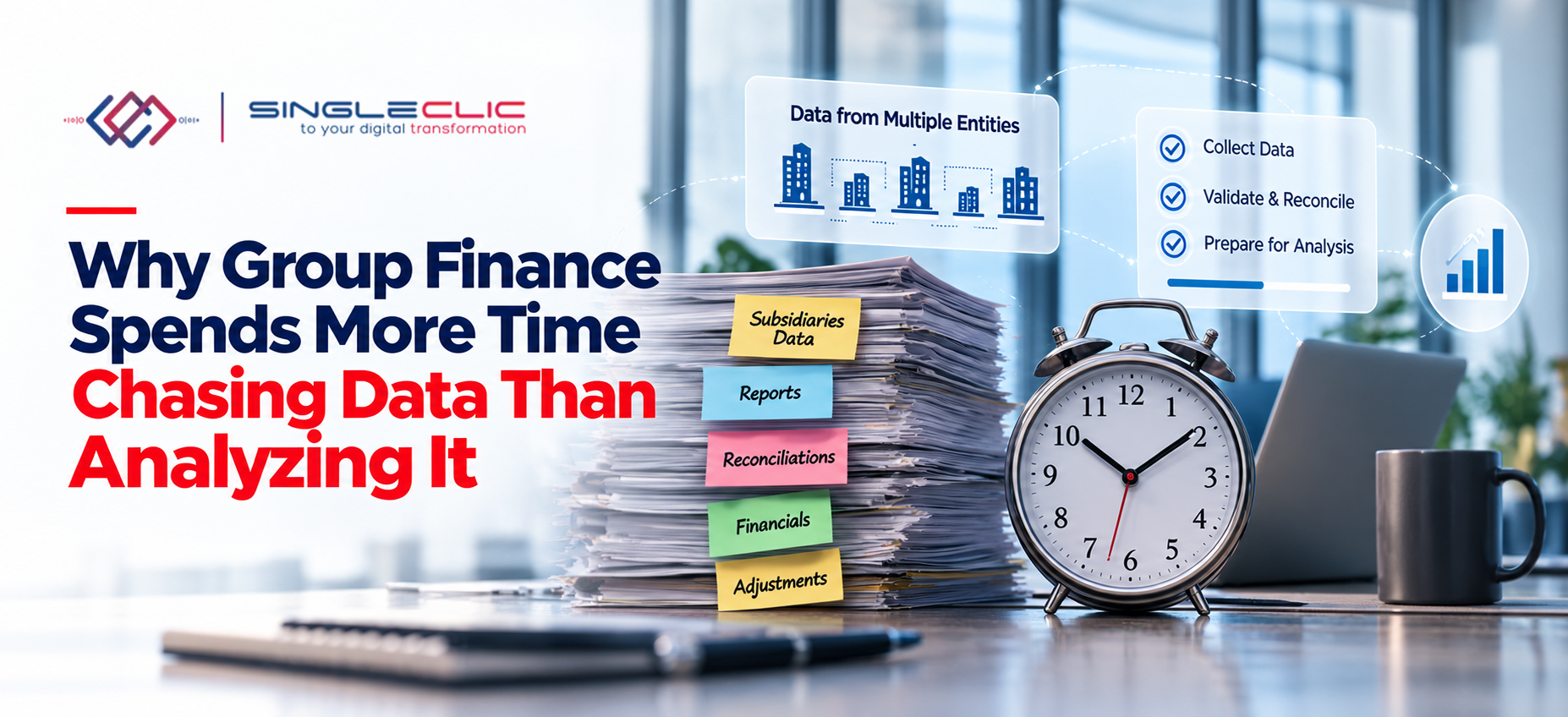
Finance teams are expected to provide insight, not just collect numbers. Leadership wants to know why margins moved, where cash is heading, and which business units need attention. Yet in many groups, the people best qualified to answer those questions spend most of their week gathering, cleaning, and validating data instead.
The cause is rarely a lack of skill or effort. It is usually the result of fragmented systems and manual processes that force finance professionals to act as data collectors before they can act as analysts. Understanding how this happens is the first step toward fixing it.
What Does “Chasing Data” Actually Mean?
Chasing data describes the repetitive work that sits between a business event and a usable report. In practice, it often looks like this:
- Requesting information from different departments and entities
- Collecting spreadsheets sent in different formats
- Reconciling different versions of the same data
- Validating numbers before they can be trusted
- Following up on missing or late information
- Manually preparing reports from all of the above
The problem is volume and repetition. Every reporting cycle restarts the same chain of requests, reminders, and corrections, which consumes time that was meant for analysis.
The Real Cost of Fragmented Financial Data
The challenge is not a lack of financial data, but the difficulty of bringing it together in one reliable, consistent view.
Sales transactions, payroll records, and accounting entries often sit in separate systems, making financial data management more complex, especially for businesses operating across multiple locations or regions.
Without effective finance data integration, teams may struggle to access accurate, up-to-date information when preparing reports or making decisions.
As a result, finance professionals spend valuable time collecting data from different sources, updating spreadsheets, performing manual currency conversions, and reconciling inconsistent figures.
Different departments may also use different definitions for the same financial metrics, creating discrepancies and reducing confidence in reports. These challenges slow down the financial reporting process and leave less time for financial data analytics, forecasting, and strategic planning.
What Finance Teams Should Spend Their Time Doing
Financial process automation uses technology to handle repetitive finance tasks, reducing manual work and improving accuracy. It can automate activities such as data entry, account reconciliation, financial data consolidation, and intercompany eliminations.
By automating routine workflows, businesses can improve financial data management, streamline the financial reporting process, and reduce errors caused by manual data handling.
Instead of relying on spreadsheets and disconnected systems, finance teams can use integrated ERP and finance solutions to centralize financial data, improve data visibility, and access more reliable reporting.
This allows finance professionals to spend less time collecting and processing data and more time on financial data analytics, forecasting, and strategic decision-making.
How Does Financial Process Automation Work?
Financial process automation uses software to handle repetitive finance tasks, reducing manual data entry, improving accuracy, and speeding up reporting. It connects financial information from systems such as ERP, accounting software, and spreadsheets, helping finance teams access consistent data and prepare reports more efficiently.
The process typically involves collecting financial data from different sources, validating and consolidating the information, and generating reports through automated workflows. With integrated systems, businesses can improve data visibility, reduce reporting delays, and give finance professionals more time to focus on financial data analytics, budgeting, forecasting, and strategic decisions.
For example, ERP automation can centralize financial information and support real-time reporting, while data analytics tools can turn information from finance and other departments into clear dashboards and actionable insights.
Businesses can connect these capabilities through ERP implementation and automation, supporting more efficient financial data management and informed decision-making.
Which Processes Should Be Automated?
Businesses can improve finance team productivity by prioritizing repetitive tasks that consume time, rely on multiple data sources, or require frequent manual updates. Key processes to consider include:
- Financial data collection and consolidation: Automatically gather information from different systems and bring it together in a consistent format, reducing manual data collection and duplicate entries.
- Financial reporting: Generate recurring financial reports and dashboards using integrated data, helping teams access timely information and reduce manual preparation.
- Account reconciliation: Compare transactions and financial records across systems to identify discrepancies and reduce repetitive checking.
- Invoice and payment processing: Automate invoice handling, approval workflows, payment tracking, and related notifications to reduce processing delays.
- Budgeting and forecasting: Use centralized financial data and analytics to support budget preparation, performance monitoring, and financial planning.
- Data integration and validation: Connect ERP, CRM, and other business applications to maintain consistent financial information and reduce errors caused by disconnected systems.
With ERP solutions and Data Analytics Services, businesses can connect financial and operational data, improve reporting visibility, and support more productive finance teams.
Examples of Finance Solutions Automation
Finance automation helps businesses reduce manual data collection, improve financial data management, and increase finance team productivity. Common workflows that can be automated include:
- Month-end close: Automate financial data collection, validation, and reporting to shorten closing cycles and improve accuracy.
- Accounts payable (AP) and accounts receivable (AR): Streamline invoice processing, transaction matching, payment handling, and collections.
- Expense management: Automatically categorize employee expenses, match transactions, and simplify expense reconciliation.
- Financial data consolidation: Combine financial data from multiple entities, standardize account structures, and convert currencies to support consistent financial reporting.
- Billing and accruals: Automate recurring invoices, revenue recognition, and period-end accrual calculations to maintain accurate financial records.
- Intercompany eliminations: Automatically match transactions between related entities and eliminate internal balances when preparing consolidated financial statements.
The Benefits of Automating Finance Workflows
Effective finance automation helps businesses improve financial data management, streamline reporting, and reduce time spent on repetitive tasks. By connecting financial data and automating routine processes, finance teams can work more efficiently and focus on activities that support better business decisions.
Key benefits of automating financial workflows include:
- Faster financial reporting: Automating data collection, validation, and consolidation helps shorten financial close cycles and deliver reports on time.
- Improved data accuracy: Reducing manual data entry and reconciliation minimizes errors and inconsistencies across financial records.
- Better audit readiness: Standardized workflows and clear audit trails make financial transactions easier to review and verify.
- Higher finance team productivity: Automating repetitive tasks gives finance professionals more time for financial data analytics, forecasting, and strategic planning.
Copilot: The Right Technology for Finance Automation
Managing financial data across multiple spreadsheets and business systems can consume valuable time, delay financial reporting, and limit a finance team’s ability to focus on strategic decisions.
Microsoft Copilot helps address these challenges by supporting repetitive finance tasks, simplifying data analysis, and improving workflows within familiar applications such as Excel and Outlook. Its finance capabilities can also support reconciliation, variance analysis, and reporting by working with connected financial data sources.
When integrated into the right financial data management strategy, Copilot can help businesses reduce manual work, improve data visibility, and make better use of financial information.
Key Benefits of Using Copilot for Finance Automation
- Reduce Manual Data Collection: Spend less time gathering, organizing, and reviewing financial information from different sources.
- Improve Financial Reporting Automation: Speed up reporting activities, summarize financial results, and identify variances between actual performance and forecasts.
- Support Finance Data Integration: Work with information from supported financial systems and connected data sources to improve access to relevant financial records.
- Improve Financial Data Analytics: Use AI-assisted analysis to identify discrepancies, understand financial trends, and support data-driven decisions.
- Increase Finance Team Productivity: Reduce repetitive administrative work so finance professionals can dedicate more time to budgeting, forecasting, and financial planning and analysis (FP&A).
- Strengthen Data Visibility: Make financial information easier to review and interpret, helping teams understand business performance and identify areas that require attention.
- Support More Efficient Finance Processes: Simplify recurring tasks such as account reconciliation and financial data review, subject to the available Copilot capabilities and system integrations.
For businesses looking to improve financial data management beyond individual productivity tools, Singleclic provides ERP automation, business process automation, system integration, and data analytics solutions.
These services can help organizations connect business applications, reduce manual processes, and build more efficient financial reporting workflows.
FAQs
What is finance automation and how does IT work?
Finance automation is the use of software, digital tools, and artificial intelligence to replace manual, paper-based, and repetitive tasks in money management and accounting.
What does finance automation mean?
Finance automation is the use of software and technology to perform financial and accounting tasks with little or no manual intervention. It replaces paper records, manual data entry, and static spreadsheets with rule-based digital workflows, cloud platforms, and artificial intelligence.
What are some examples of finance automation?
Finance automation uses software, AI, and integrated workflows to handle money management tasks with little or no manual work.
What are some examples of finance automation?
Finance automation uses software, AI, and integrated workflows to handle money management tasks with little or no manual work.