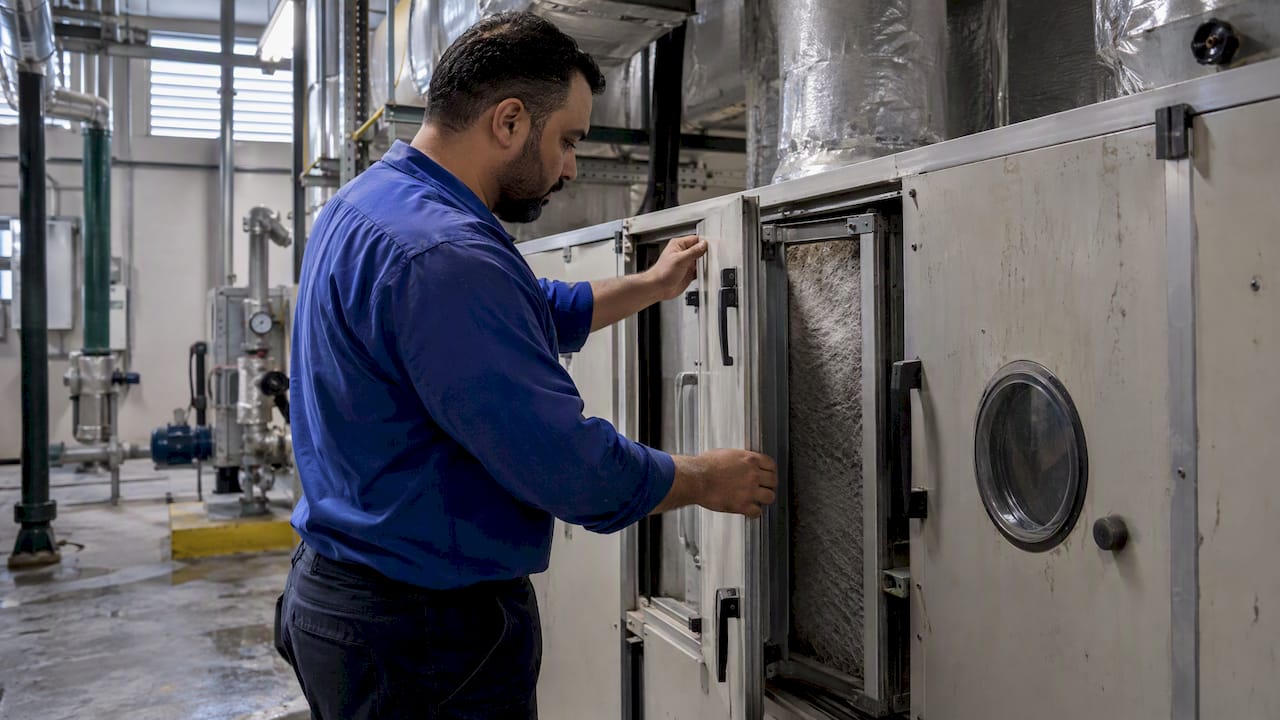
Yes. Odoo can coordinate maintenance, assets, service requests, work orders and on-site teams by configuring Maintenance, Field Service, Helpdesk and Inventory together. Done right, that setup gives you centralized work orders, preventive schedules, dispatched technicians and parts traceability in one system. The sections below cover the module map, the implementation path and what to budget.
TL;DR:
- Define the asset taxonomy before configuration, and set preventive maintenance to calendar dates, meter readings, or condition alerts; retrofitting records after launch requires retagging work orders.
- Connect Helpdesk tickets, Field Service tasks, and Inventory usage during configuration; otherwise, tickets and parts can remain disconnected from completed jobs and reporting.
- Pilot one site through a full maintenance cycle before expanding; legacy system integration is usually the largest timeline variable for multisite deployments.
- Budget for hosting, implementation, custom integrations, training, and support, because these costs typically outweigh licensing; managed hosting charges rise with workers, storage, and staging environments.
Table of Contents
- What Odoo actually covers for facilities teams
- Mapping your workflows: intake to completion
- Which Odoo apps to enable and how they connect
- Getting from discovery to a working rollout
- What facilities Odoo projects actually cost
- Choosing the right implementation partner
- Our view on Odoo for facilities management
- How we help you run Odoo for facilities management
- FAQ
- Sources
What Odoo actually covers for facilities teams
Facility operations run on four pillars: knowing what you own, knowing what needs fixing, getting the right technician to the right site, and keeping the parts in stock. Odoo maps to each one without forcing you into a single rigid workflow.
- Asset register and history: every piece of equipment gets a record with maintenance history, warranty data and preventive schedules attached.
- Ticket intake and SLA routing: a requester portal captures issues and routes them to the right team based on priority and service level.
- Scheduling and mobile execution: a technician app handles dispatch, time logging and photo evidence on-site.
- Parts and purchasing links: inventory levels connect to job costing so spare-part use shows up against the right work order.
If your current process is scattered between spreadsheets, e-mail threads and a ticketing tool that doesn’t talk to your inventory, this is the gap Odoo is built to close.
Mapping your workflows: intake to completion
Before touching configuration, write down how a request actually moves through your organization today. Odoo rewards that discipline because its objects (tickets, maintenance requests, work orders) only work well when your fields match your real process.
A typical facilities workflow in Odoo breaks into four stages:
- Intake: capture site, building, asset, priority, SLA target and required skillset at the point of request.
- Triage: route by priority and skillset, auto-escalating anything that breaches its SLA clock.
- Dispatch and execution: reserve parts, assign a technician, capture time and photo evidence on mobile.
- Completion and approval: a supervisor signs off, and the record feeds your KPI reporting.
Preventive maintenance needs its own logic: some assets trigger on a calendar (quarterly HVAC checks), others on a meter reading (compressor hours), and some on a condition trigger (a sensor alert), which is detailed in this guide to building envelope maintenance. Odoo Maintenance supports all three, but only if you define them upfront rather than defaulting everything to a fixed calendar.
Pro Tip: Build your asset taxonomy (site, building, floor, asset type) before you touch the maintenance module. Retrofitting a taxonomy after go-live means re-tagging every historical work order.
For multisite operators, keep contract and warranty data tied to each asset record so cross-site reporting doesn’t require a separate spreadsheet.
Which Odoo apps to enable and how they connect
Facilities management in Odoo isn’t one app, it’s a combination configured to share data cleanly. Here’s the core stack:
- Odoo Maintenance holds your asset register, preventive maintenance schedules and corrective request history.
- Odoo Field Service handles scheduling, technician dispatch, mobile work orders and on-site evidence capture.
- Odoo Helpdesk manages request intake, ticket categorization and SLA policies for tenants or internal requesters.
- Odoo Inventory and Purchase track spare parts, trigger reorder points and tie consumption to specific jobs.
- Project and Accounting connect for job costing, so labor and parts roll up into a true cost per work order and feed invoicing where facilities services are billable.
The failure mode we see most often is treating these as separate silos, where Helpdesk tickets never become Field Service tasks and Inventory never reconciles against actual job usage. Linking them at the configuration stage, not after go-live, is what makes the reporting trustworthy later.
Getting from discovery to a working rollout
Implementation success depends more on discovery quality than on module selection. Before any configuration starts, map out:
- Legacy systems you need to keep: finance platforms, access control, BMS sensors.
- Asset taxonomy and naming conventions across every site.
- SLA rules by priority tier and requester type.
- Mobile connectivity at each site, since field technicians need reliable offline-capable access.
Integration approach depends on what you’re connecting to. A modern system with a REST API can often connect directly or through webhooks. A brittle legacy system, common in older building management platforms, usually needs a middleware layer or a low-code orchestration pattern like our Cortex platform to avoid custom point-to-point code that breaks on every upgrade. Our guide on Odoo API integration architectures covers the JSON-RPC and webhook patterns in more depth.
Rollout should start with one pilot site, not a big-bang multisite launch. Run the pilot for a full maintenance cycle, fix what breaks, then phase the rollout site by site.
Pro Tip: Treat your pilot site as the one where surprises are cheapest, not the one with the most political visibility.
Hosting affects your operational flexibility: Odoo Online suits smaller, low-customization deployments; Odoo adds staging environments and managed deployment for teams running custom code; on-premise fits organizations with strict data residency or compliance rules, common for government and banking clients across the region.
What facilities Odoo projects actually cost
Licence fees are the smallest line in most Odoo facilities budgets. The real cost drivers are hosting, implementation days and the custom work needed to connect legacy systems.
Plan for these line items:
- Subscription fees for the Odoo apps you enable.
- Hosting, whether that’s Odoo.sh managed hosting or your own infrastructure.
- Partner implementation days for discovery, configuration and testing.
- Custom development for any integration beyond native connectors.
- Data migration from your current asset register or spreadsheet.
- Training for dispatchers, technicians and supervisors.
- A support retainer for post-launch fixes and upgrade maintenance.
Independent analysis of Odoo deployments shows that hosting, implementation and ongoing support typically dominate total cost of ownership, with licence fees representing only the headline figure, according to this Odoo pricing and TCO breakdown. Odoo.sh hosting itself is billed separately from licensing and scales with workers, storage and the number of staging environments you keep active, so a multisite FM deployment with several staging branches costs more than a single-site pilot.
Our breakdowns on ERP implementation cost and CRM implementation cost walk through comparable line items in more detail if you’re building a board-ready budget.
Choosing the right implementation partner
A facilities deployment lives or dies on the partner’s domain experience, not just their Odoo certification. Use this checklist when evaluating proposals:
- Confirm Odoo partner credentials and ask for FM-specific project references, not general ERP ones.
- Ask for a sample scope document showing how they’d model your intake-to-completion workflow.
- Request a pilot-first proposal rather than a single big-bang go-live.
- Clarify whether pricing is fixed-price milestones or time-and-materials, and what happens when scope changes.
- Ask about their upgrade approach and whether custom code is maintained as part of the support retainer.
- Confirm regional and Arabic-language support if your technicians or requesters need it.
Day rates vary by region and specialization, so compare proposals on scope clarity and evidence of past FM outcomes, not just the headline number.
Our view on Odoo for facilities management
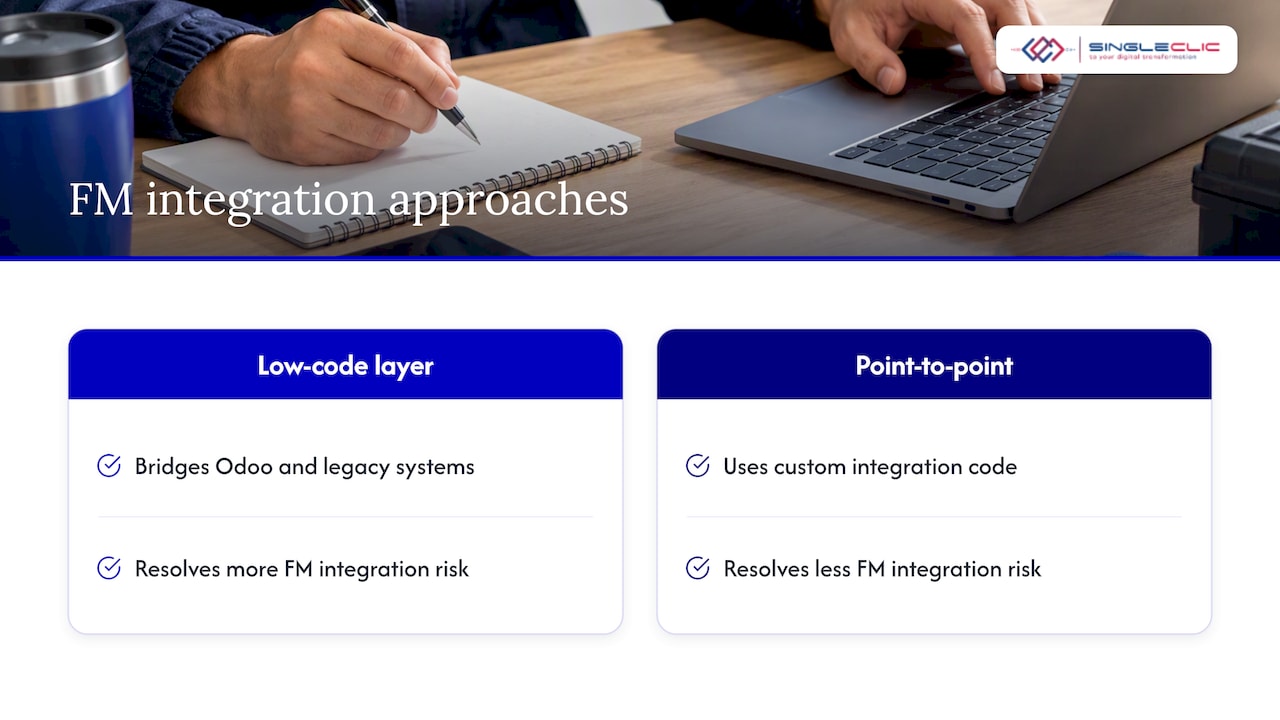
The conventional pitch for facilities software oversells the “out of the box” story. Odoo’s native Maintenance and Field Service apps genuinely cover the core workflow well, but most facilities operations have at least one legacy system, whether a building management sensor feed or an older CMMS, that doesn’t connect cleanly on day one. Treating that integration gap as an afterthought is where most FM software projects lose months.
We find the deployments that go smoothly are the ones that budget integration and discovery time honestly, rather than assuming a module list equals a finished system. As an Odoo Silver Partner with delivery experience across construction, real estate and government sectors in the region, our take is that a low-code orchestration layer, used to bridge the native Odoo workflow with legacy systems, resolves more FM integration risk than custom point-to-point code ever does.
— Tamer Badr
How we help you run Odoo for facilities management
We implement Odoo for facilities and property teams across construction, real estate and government sectors, pairing it with Cortex, our Arabic-enabled low-code platform, to connect Maintenance, Field Service and Helpdesk with the legacy systems most FM teams already run.

A typical engagement starts with a discovery session to map your asset taxonomy, SLA rules and integration points, followed by a scoped pilot at one site before phased rollout. Our services page outlines the full range of ERP, CRM and automation work we deliver, and our Odoo implementations for real estate and construction page shows how this plays out in property-heavy portfolios. If you’re scoping a facilities deployment, reach out through our services page to start a consultation.
FAQ
Can Odoo handle preventive and corrective maintenance together?
Yes. Odoo Maintenance supports both: corrective requests come in through tickets or direct reports, while preventive schedules trigger on calendar dates, meter readings or condition-based alerts. Both types feed the same asset history, so you get a full maintenance record per asset.
Does Odoo include a mobile app for field technicians?
Yes, Odoo Field Service includes a mobile app for technicians to view assigned work orders, log time, record parts used and capture photo evidence on-site. It works with intermittent connectivity, which matters for sites with weak network coverage.
How long does an Odoo facilities implementation typically take?
Timelines depend on scope, but a single-site pilot covering Maintenance, Field Service and Helpdesk commonly runs a few months from discovery through go-live, with multisite rollout phased afterward. Integration complexity with legacy systems is usually the biggest variable.
What drives the real cost of an Odoo facilities project beyond licensing?
Hosting, partner implementation days, custom integration work and ongoing support typically cost more than the subscription itself, according to this Odoo TCO analysis. Budgeting for these upfront avoids surprises mid-project.
Should we start with a pilot site or roll out to all locations at once?
A pilot site is the recommended approach because it lets you test workflows, SLA rules and integrations before scaling. Running a full maintenance cycle at the pilot site first surfaces configuration issues while they’re still cheap to fix.