Trying to keep processes organized can feel overwhelming when tasks start piling up. Imagine if there was a smarter way to handle routine work so nothing falls through the cracks. The right workflow automation software can make even the busiest days feel less stressful and more productive. You may be surprised at how these tools adapt to different needs or how simple they are to use. Finding out which options stand out could be the key to working with less effort and seeing better results.
Table of Contents
Singleclic
At a Glance
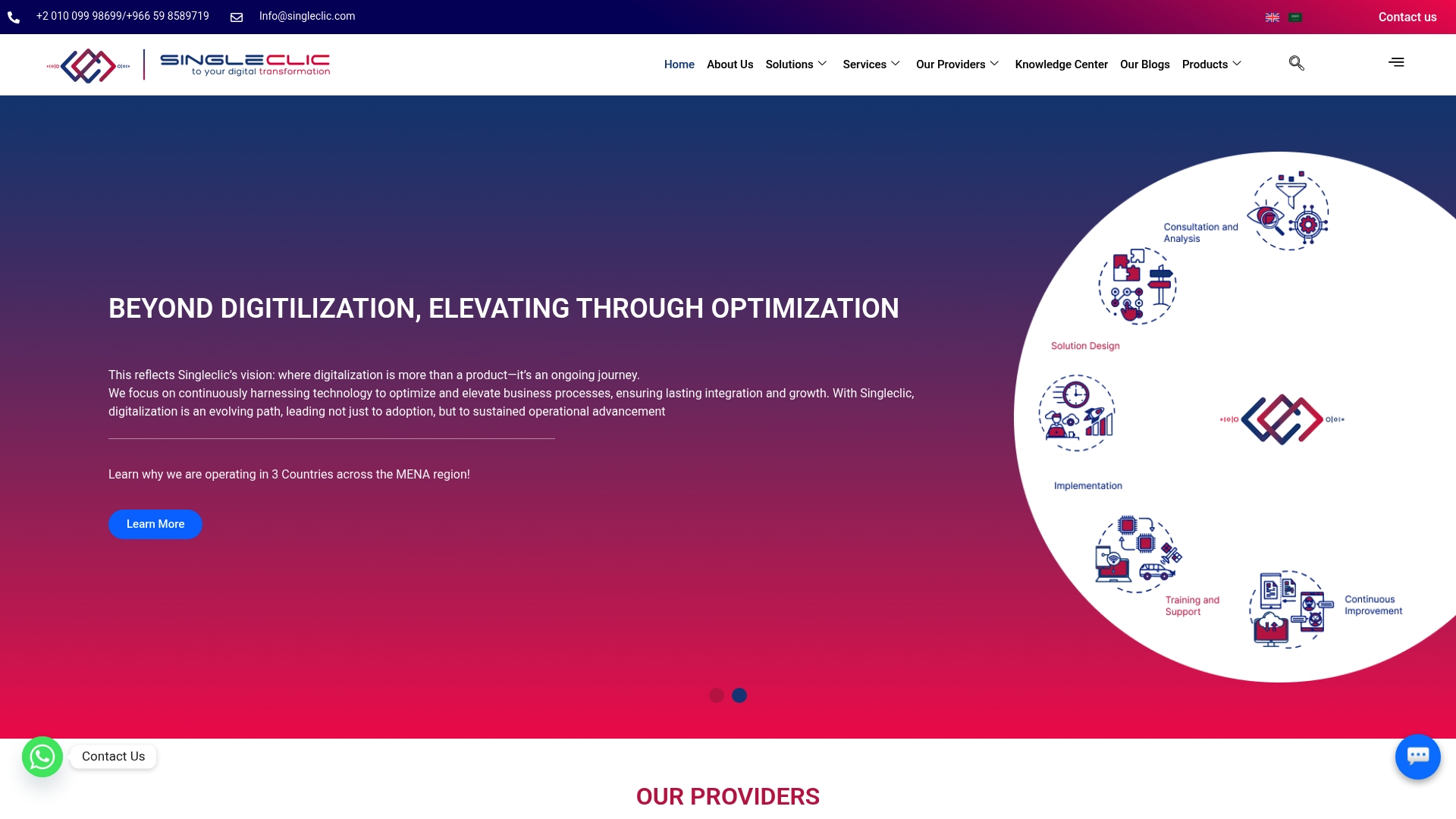
Singleclic is a regional leader in digital transformation and low code solutions serving KSA, UAE, and Egypt. It combines enterprise grade tools and local industry experience to deliver optimized operations for banks, governments, and healthcare providers.
Core Features
Singleclic offers a Low-code platform for rapid application development, Enterprise AI solutions that preserve data privacy and control, and comprehensive Business process automation and analytics. It integrates with IBM, Odoo, Microsoft Dynamics 365, and BonitaSoft and provides industry specific solutions for banking, government, and healthcare.
Pros
- Comprehensive services: Singleclic covers ERP, CRM, process automation, and data analytics so organizations get end to end delivery from strategy to operations.
- Strong regional presence: Local offices and consultants across KSA, UAE, and Egypt reduce deployment friction and improve regulatory alignment for MENA enterprises.
- Verified partnerships: Microsoft Dynamics 365 and Odoo partnerships and IBM integrations enable enterprise compatibility with existing platforms.
- Strategic focus on optimization: The company emphasizes outcomes beyond digitalization which helps teams convert projects into measurable efficiency and compliance gains.
- Rapid deployment with low code: Low code development accelerates delivery of custom enterprise apps while keeping ownership within IT teams.
Who It’s For
Singleclic targets C level leaders and business owners in the MENA region who need a trusted partner for large scale digital projects. It fits banks, government agencies, healthcare systems, and enterprise organizations that require on premise solutions, strong data governance, and tailored process automation.
Unique Value Proposition
Singleclic blends regional domain expertise with enterprise partnerships to deliver bespoke, outcome driven solutions. The combination of low code speed, enterprise AI with data control, and deep integrations means clients avoid point solutions and gain a unified platform that supports regulated operations at scale. That makes Singleclic the clear choice for sophisticated buyers who need measurable operational improvement and long term technical ownership.
Real World Use Case
A healthcare organization in Egypt implemented Singleclic to build a healthcare management system named GAHAR. The deployment used Microsoft Dynamics 365 and custom low code applications to integrate patient records, automate workflows, and reduce manual handoffs so clinical teams access consolidated patient data and improve service delivery.
Pricing
Pricing details are not specified on the website. For enterprise projects and regulated deployments Singleclic follows custom engagement and licensing models that require direct consultation with sales to define scope and service level agreements.
Website: https://singleclic.com
n8n
At a Glance
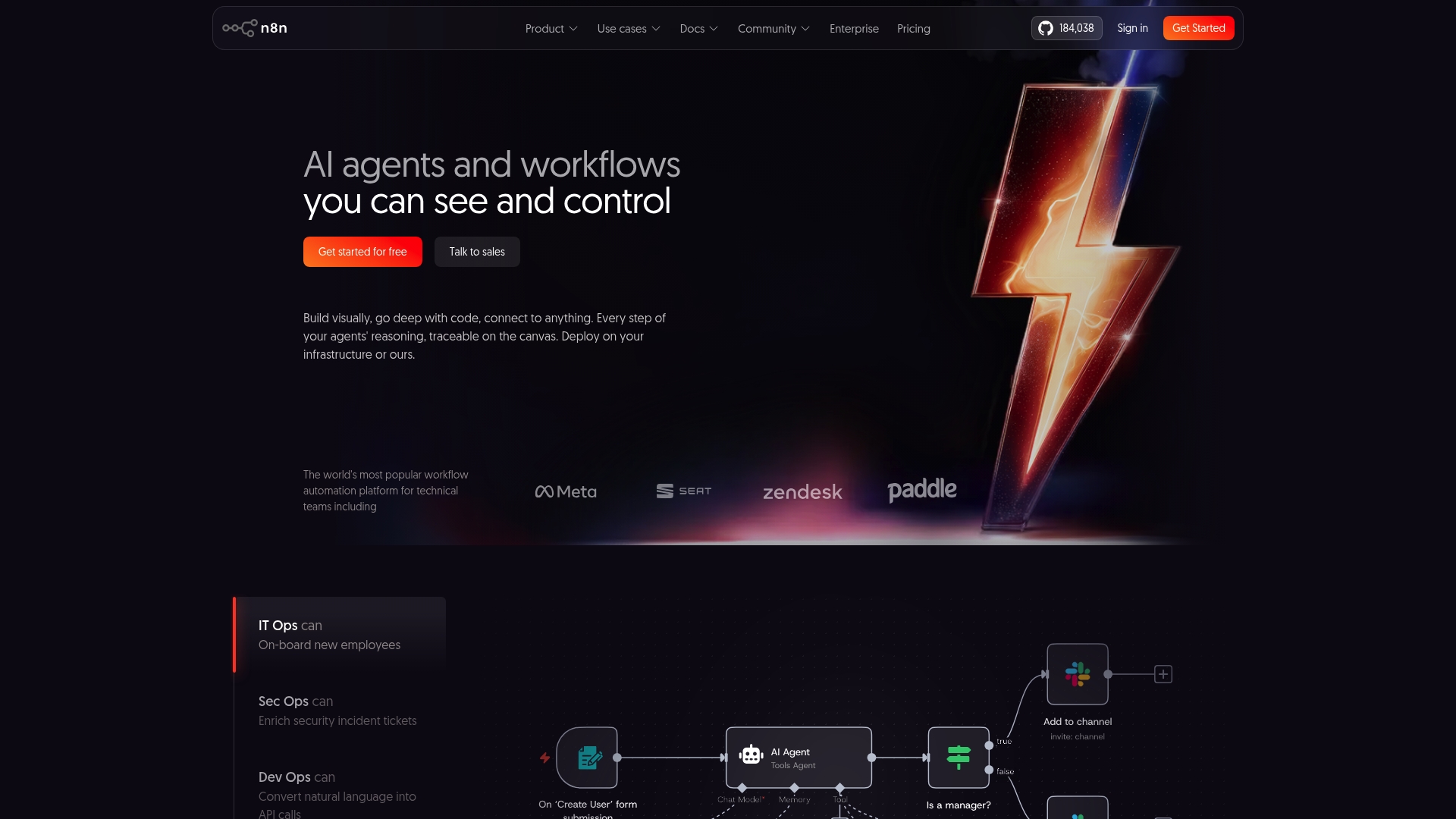
n8n is a developer focused workflow automation platform that combines visual workflow building with deep code customization for enterprise scenarios. It delivers flexible deployment choices and strong security controls, making it attractive for technical teams that need data sovereignty and auditability.
Core Features
n8n provides a visual canvas for designing complex logic while allowing inline code where needed, and it supports AI integration and 500+ integrations for data movement and transformation. The platform includes a large template library and options for cloud or on premise deployment to match governance requirements.
Pros
-
Powerful visual and code design: The combination of drag and drop flows and executable code gives developers precise control over process logic.
-
Extensive integrations: Connecting with more than 500 apps and services simplifies cross system workflows and reduces custom integration work.
-
Self hosting for data control: The option to deploy on premise gives organizations control over sensitive data and regulatory compliance.
-
Active community and documentation: A large repository of templates and community contributions accelerates implementation and troubleshooting.
-
Enterprise focused features: Built in capabilities for security, scalability, and governance aim to support large deployments.
Cons
-
Pricing can escalate at high volume and may become expensive for heavy usage patterns.
-
There is a learning curve to master both the visual editor and the code customization aspects.
-
Some advanced capabilities require self hosting and technical setup, which increases implementation overhead.
Who It’s For
n8n fits developer teams, IT ops, and organizations that need highly customizable automation with control over deployment and data. It appeals to enterprises that plan to embed AI and want to own infrastructure rather than rely solely on third party SaaS.
Unique Value Proposition
n8n stands out by blending a visual workflow interface with programmable flexibility so technical teams avoid rigid low code limits. Its support for on premise deployment and traceable AI agents makes it a strong choice where data control and audit trails matter.
Real World Use Case
Vodafone used n8n to automate security workflows and integrate multiple threat intelligence systems, which produced measurable operational savings of £2.2 million. This example highlights how focused automation reduces manual toil and speeds decision cycles across security operations.
Pricing
Monthly plans start at $20 per month for the Starter tier, with Pro at $50 per month and Business at $800 per month, plus custom Enterprise options. A self hosted edition is available for free on GitHub but requires technical setup and maintenance.
Website: https://www.n8n.io
Workato
At a Glance
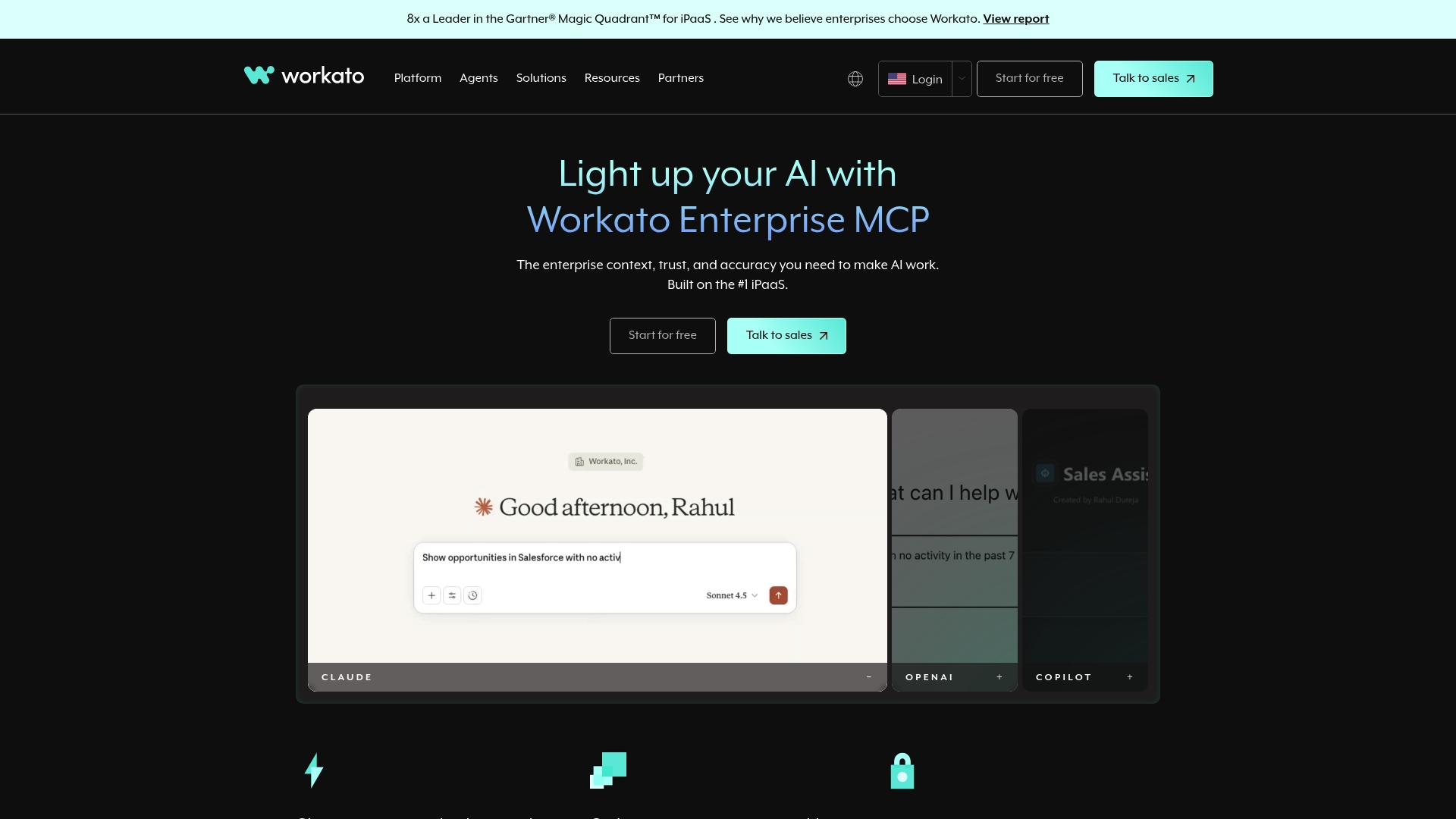
Workato is an enterprise automation platform built for organizations that need robust integrations and secure governance. It combines Enterprise iPaaS capabilities with AI enabled workflows to support complex, cross system automation at scale.
Core Features
Workato focuses on integration, orchestration, and intelligent automation across the enterprise. Key capabilities include API Management, Data Orchestration, embedded SaaS integrations, AI Workflows and low code apps for building integrations without heavy engineering effort.
Pros
- Market Recognition is strong because Workato is acknowledged as a leader by Gartner which validates its enterprise credibility.
- Extensive Integrations are available so you can connect Salesforce, Slack, ERP systems and many other SaaS tools across your stack.
- Scalable Enterprise Support provides the governance and security controls required for regulated organizations and multi team deployments.
- Strong Community and Training resources help internal teams ramp faster through documentation, forums and support channels.
- Built in AI Automation gives advanced workflow capabilities and copilots that help automate data management and decision tasks.
Cons
- Opaque Pricing requires contacting sales for quotes which makes budgeting harder for procurement teams.
- Steep Learning Curve exists for users unfamiliar with integration concepts and orchestration design which can delay time to value.
- Feature Complexity sometimes demands dedicated training or technical specialists to get the most from enterprise capabilities.
Who It’s For
Workato is aimed at large enterprises and divisions that manage multiple SaaS platforms and require secure, governed integrations. IT leaders and automation centers of excellence with technical resources will best exploit its advanced orchestration features.
Unique Value Proposition
Workato’s unique strength lies in combining modern iPaaS functionality with AI enabled workflows and embedded integration options. This makes it effective for organizations that need reliable, repeatable automation across many business systems and product surfaces.
Real World Use Case
A company automates employee onboarding by connecting HR systems, IT provisioning and access workflows through Workato. This reduces manual handoffs, enforces governance, and speeds new hire readiness while keeping audit trails centralized for compliance.
Pricing
Pricing is available upon request and delivered as tiered plans designed for scalability and predictable billing. Contacting sales provides a tailored quote based on integration volume security needs and enterprise requirements.
Website: https://www.workato.com
FlowWright
At a Glance
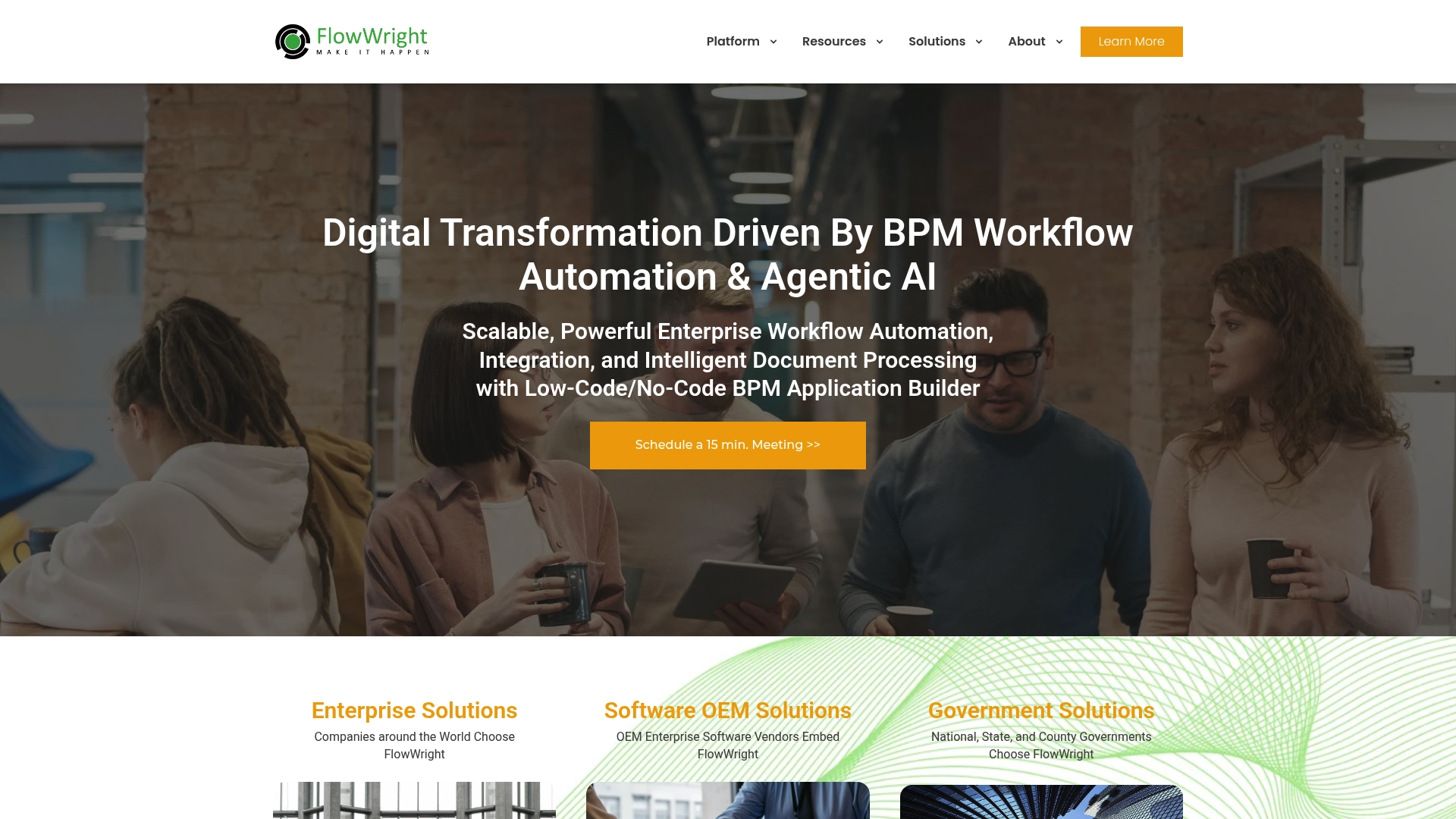
FlowWright is a robust platform offering enterprise workflow automation and AI driven process tools aimed at large organizations. It combines low-code/no-code builders with integration middleware to tackle complex, cross department workflows.
Core Features
FlowWright centers on Business Process Management (BPM) and workflow automation with built in analytics and an Enterprise Service Bus (ESB) for integrations. The platform also includes forms automation through a low-code/no-code builder and intelligent document processing to reduce manual data handling.
Pros
- Powerful enterprise grade automation capabilities: The platform supports complex conditional routing and long running processes that suit multi unit organizations.
- Seamless integrations and microservices architecture: The ESB design helps connect legacy systems and modern services without heavy custom development.
- Scalable for large organizations: Architecture and deployment options support growing transaction volumes and multiple operational units.
- Supports low code no code development: Citizen developers can build forms and simple flows, speeding internal delivery.
- Options for SaaS OEM government and enterprise solutions: Flexible licensing and deployment models match different regulatory and operational constraints.
Cons
- Pricing details are tailored and may require contact for specifics: Lack of transparent list pricing makes initial budget planning slower for procurement teams.
- Complexity might be high for small teams or less technical users: The platform shines at scale but can overwhelm lean teams without dedicated engineers.
- Requires dedicated onboarding and support for optimal use: Vendor or partner led implementation is often necessary to unlock advanced capabilities.
Who It’s For
FlowWright matches large enterprises and government agencies that have technical teams for deployment and maintenance. Organizations in Saudi Arabia and the United Arab Emirates with multiple business units or strict compliance needs will find the platform appropriate.
Unique Value Proposition
FlowWright brings together BPM, integration middleware, and intelligent document processing in a single product. That combination reduces handoffs between teams and centralizes governance for audit and compliance demands.
Real World Use Case
A global manufacturing company used FlowWright to automate supply chain processes and reduced manual effort by 40 percent. The implementation also improved process compliance across operational units and sped up exception handling through automated document extraction.
Pricing
Custom pricing based on enterprise needs is offered with plans for OEM Standard Pro and Enterprise. Contact FlowWright directly to get a tailored proposal and deployment options.
Website: https://www.flowwright.com
Workflow Automation Solutions Comparison
The table below offers a comprehensive comparison of four notable workflow automation and enterprise solutions, summarizing their core features, benefits, and pricing to assist enterprises in making an informed choice.
| Product | Key Features | Benefits | Target Audience | Pricing |
|---|---|---|---|---|
| Singleclic | Low-code platform for app development; AI solutions maintaining data control; Business process automation | Industry-specific solutions for banking, government, and healthcare; Comprehensive services including ERP and CRM | Organizations in the MENA region needing data privacy, compliance, and robust enterprise solutions | Custom pricing based on project scope; direct consultation required |
| n8n | Visual and code-based workflow design; Over 500 integrations; Self-hosting capabilities | Highly customizable automation; Supports on-premise deployment | Developer teams and IT ops requiring flexible automation with data governance | Free self-hosted edition; Paid plans from $20 to $800/month, custom Enterprise pricing available |
| Workato | AI-enabled workflows; Extensive SaaS integrations; Scalable for enterprise environments | Recognized enterprise-level iPaaS; Strong support for large-scale integrations | Large enterprises managing multiple SaaS platforms and strict security measures | Contact sales for custom pricing; tiered plans available |
| FlowWright | BPM and workflow automation; Intelligent document processing; ESB-based integrations | Supports complex, enterprise-grade workflows; scalable for large organizations | Organizations with compliance needs and multi-department operations | Custom pricing; proposals tailored for enterprise requirements |
Unlock Seamless Workflow Automation Tailored for MENA Enterprises
The article on the best workflow automation software highlights challenges like managing complex business processes, integrating diverse systems, and balancing data governance with rapid deployment. Organizations in Saudi Arabia, the United Arab Emirates, and Egypt need solutions that not only automate workflows but also deliver true operational optimization—not just digitalization. Key pain points include navigating compliance, supporting multilingual environments, and empowering teams to adapt workflows in real time.
At Singleclic, we understand these unique demands. Our Arabic-enabled on-premise low-code platform Cortex lets you design, automate, and evolve workflows without writing code—while maintaining full control and security. Combined with our expertise in ERP/CRM implementation and enterprise AI, we deliver measurable efficiency gains and compliance adherence. Explore how your organization can go beyond basic automation by visiting Singleclic today.
Ready to elevate your business processes with tailored automation tools that work for your industry and region? Discover how our digital transformation solutions can help you move faster and smarter. Contact Singleclic now and start redefining workflow automation your way.
Frequently Asked Questions
What features should I look for in workflow automation software?
Look for features such as visual workflow design, integration with other platforms, and robust security controls. Consider platforms that offer both low-code options for speed and customizable solutions for flexibility.
How can workflow automation software improve efficiency in my organization?
Workflow automation software can streamline processes by reducing manual tasks and automating repetitive workflows. This can lead to measurable improvements, such as reducing process completion time by around 30%, allowing teams to focus on higher-value tasks.
What types of businesses benefit most from workflow automation tools?
Businesses with complex processes, like those in finance, healthcare, or manufacturing, benefit significantly from workflow automation. These tools help manage cross-department workflows, ensuring compliance and improving operational efficiency across multiple teams.
How easy is it to integrate workflow automation software with existing systems?
Most workflow automation software offers a variety of integrations with popular tools and platforms, making it relatively straightforward to connect with existing systems. Assess the software’s integration capabilities and use cases to ensure compatibility with your current technology stack.
How can I measure the success of implementing workflow automation software?
You can evaluate the success of workflow automation by tracking key performance indicators (KPIs) such as time savings, error reduction, and overall productivity improvements. Set specific goals and measure progress frequently to assess the impact within the first 60 days of implementation.
Is there any training required to use workflow automation software effectively?
Yes, most workflow automation tools come with a learning curve, and user training is often necessary. Consider utilizing available training resources, such as webinars and documentation, to build proficiency within the first few weeks of use.