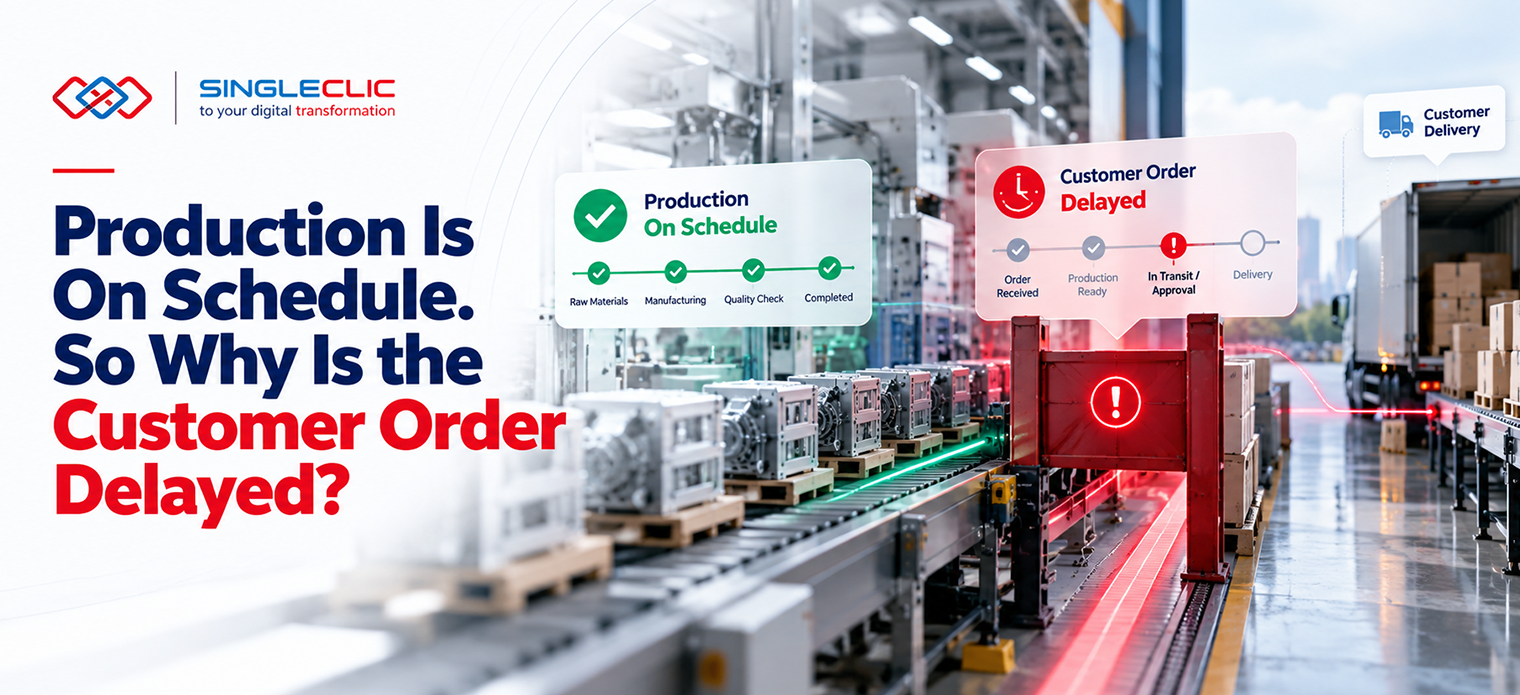
Most organizations struggle to connect data from operations, finance, and service teams in a way that drives clear decisions. Power BI dashboards break down these silos, delivering real-time reporting and operational analytics that highlight what actually matters. Discover how Singleclic’s deep expertise with Dynamics 365, Odoo, and the Power Platform creates unified insights that empower your teams to track KPIs, run what-if analysis, and improve performance across the board.
Unifying Data Across Teams
Bringing data into a single view can transform how your teams work. Power BI helps you connect the dots, revealing insights that lead to smarter choices.
Operational Analytics for Smart Decisions
Operational analytics is crucial when you want to drive efficiencies. With Power BI, you can monitor every process in real-time. It allows your team to see what happens and react swiftly. You no longer have to rely on outdated reports.
Imagine receiving an alert when a project runs over budget. You can dive into the data and identify the cause immediately. This proactive approach ensures problems are tackled before they grow.
Power BI dashboards give you a clear view of operations. They bring transparency, which helps in planning and resource allocation. As a result, your team can focus on achieving set goals. For detailed benefits of Power BI, visit this article.
Finance Analytics with Real-Time Insights
Financial data is at the heart of any business decision. With Power BI, you gain real-time access to your financial metrics, enabling swift and informed decisions. You no longer have to sift through spreadsheets for insights.
Power BI integrates with existing finance systems, providing a unified view of financial health. You can monitor cash flow, expenses, and revenue in a single pane of glass. This integration helps finance teams make quick decisions, ultimately leading to better financial performance. To explore how finance leaders benefit from Power BI, check out this resource.
Service Performance Dashboards for Excellence
Service teams thrive when they have access to the right data## Unifying Data Across Teams
Gathering data from diverse sources into a single view empowers your team to make informed decisions. Power BI dashboards provide the platform to effortlessly unify your data.
Operational Analytics for Smart Decisions
Your operations team needs immediate access to critical data to make quick decisions. Power BI dashboards bring this to life. By visually representing data, you can identify trends and predict future outcomes. Imagine spotting a production bottleneck before it becomes a problem. That’s the power of operational analytics. With real-time data at your fingertips, operations can move from reactive to proactive. This shift allows your team to anticipate challenges and optimize processes. The result? A smoother operation that saves time and resources.
Finance Analytics with Real-Time Insights
In finance, timing is everything. Power BI ensures your financial team has up-to-the-minute data to make crucial decisions. Real-time insights can transform your financial strategy. By tracking expenses and revenues as they occur, finance professionals can adjust budgets and forecasts promptly. This agility in financial management can lead to better cash flow and profitability. Integrating Power BI into your financial processes means less time spent on manual reports and more time on strategic planning.
Service Performance Dashboards for Excellence
Your service team deserves a clear view of performance metrics. Power BI dashboards deliver just that. With service performance dashboards, you can track customer satisfaction and response times instantly. This transparency highlights areas for improvement, allowing teams to address issues before they escalate. By continuously monitoring service metrics, you ensure high standards and customer satisfaction. This proactive approach not only retains customers but also enhances your service reputation.
Power BI Integration with Dynamics 365 and Odoo
Integrating Power BI with platforms like Dynamics 365 and Odoo brings all your data into one place. This integration simplifies data management and enhances visibility across your organization.
Dynamics 365 Reporting for Enhanced Visibility
When you integrate Dynamics 365 with Power BI, you unlock a new level of visibility. Reporting becomes seamless, providing insights that drive decisions. The combination allows for detailed reports that cover all aspects of your business. From sales to customer engagement, you get a comprehensive view. This visibility ensures that your team can act on accurate data, driving efficiency and performance.
Odoo Analytics for Comprehensive Insights
Odoo and Power BI together offer a robust analytics solution. This integration means your data is no longer siloed. Instead, it provides comprehensive insights across all departments. You can dive into sales patterns, inventory levels, or customer interactions with ease. This level of insight helps you make informed decisions that support business growth. By leveraging Odoo analytics, you can plan strategically and allocate resources where they’re needed most.
Microsoft Fabric and Azure Data Lake Benefits
Using Microsoft Fabric and Azure Data Lake with Power BI elevates your data capabilities. These tools store vast amounts of data, ready for analysis. This setup ensures that your data is both accessible and secure. Azure Data Lake acts as a repository, while Microsoft Fabric enables rapid data processing. Together, they provide a foundation for advanced analytics. This combination means better data governance and more accurate decision-making.
Driving Digital Excellence with Singleclic
Singleclic’s expertise in digital solutions positions your business for success. By focusing on data governance and automation, Singleclic helps you achieve digital excellence.
Data Governance and Security: Row-Level Security
Securing your data is essential. With row-level security, you control who sees what data. This feature ensures that sensitive information is protected, while still accessible to those who need it. Implementing security measures like these builds trust with your stakeholders and customers. By prioritizing data governance, you maintain the integrity and confidentiality of your data.
Self-Service BI and Executive Scorecards
Give your team the tools they need to succeed with self-service BI. Power BI enables users to create their own reports and dashboards. This empowerment leads to faster insights and a more agile organization. Executive scorecards provide a snapshot of organizational performance, aiding leaders in strategic planning. By equipping your team with these tools, you encourage a culture of informed decision-making.
Process Automation and Agentic AI On-Premise
Automation frees your team from repetitive tasks, allowing them to focus on high-value activities. Power BI supports process automation, driving efficiency. Agentic AI on-premise further enhances your capabilities by providing intelligent insights and automation solutions. This combination means your team is not only more productive but also more innovative. Embrace automation to drive your organization forward.
Frequently Asked Questions
What is Power BI used for?
Power BI is a tool for creating interactive data visualizations and dashboards. It helps businesses make informed decisions by providing insights into various operational, financial, and service metrics.
How does Power BI integrate with Dynamics 365?
Power BI integrates with Dynamics 365 by pulling data from Dynamics applications, allowing users to create detailed reports and dashboards for enhanced business insights and decision-making.
What benefits do Azure Data Lake and Microsoft Fabric provide?
Azure Data Lake and Microsoft Fabric offer scalable storage solutions for large datasets, enabling efficient data processing and analytics. This setup supports better data management and decision-making capabilities.
How does self-service BI benefit organizations?
Self-service BI empowers employees to create their own reports and dashboards, fostering a culture of data-driven decision-making. It reduces dependency on IT for report generation, speeding up access to insights.
Why is data governance important in using Power BI?
Data governance ensures that data is managed, secured, and used effectively within Power BI. It maintains data integrity, protecting sensitive information and ensuring compliance with regulations.