IBM BAW on-premise is the traditional, WebSphere-based deployment of IBM Business Automation Workflow that you install and run in your own data center. It comes in two environment types: Standard, and Advanced, which adds runtime capabilities for BPEL, SCA and MFC. Keep it on-premise when legacy runtime modules or strict data control drive the decision, and move to containers when cloud-native scaling matters more.
TL;DR:
- Choose Advanced at installation if BPEL, SCA, or MFC assets are on the roadmap; BPMConfig supports upgrading Standard, but no downgrade path exists.
- For production, use a custom installation and prepare compatible external Db2 databases with 32K page sizes for Process, Performance Data Warehouse, Common, and Content.
- Use a dedicated installation account without administrative privileges, set directory ownership and permissions beforehand, and test JDBC paths and database connections from the host.
- Choose containers for workloads that need elastic scaling, automated release pipelines, or workflows that use AI, while retaining traditional environments for BPEL or SCA modules.
Table of Contents
- What separates Standard from Advanced on-premise environments?
- How do you choose an installation type and prepare prerequisites?
- How does the upgrade from Standard to Advanced work?
- When should you keep traditional on-premise and when should you plan containers?
- How do operations differ between WebSphere and Kubernetes?
- What belongs on a production readiness checklist?
- Our view: readiness gaps matter more than platform choice
- How we help with IBM BAW on-premise projects
- FAQ
- Sources
What separates Standard from Advanced on-premise environments?
The environment type you pick at install time shapes everything that follows, so settle it early. According to IBM’s overview, Advanced environments support BPEL, SCA and MFC, while Standard does not.
- Standard: process-centric workloads such as human tasks, approvals, case handling and REST-based integration.
- Advanced: everything in Standard, plus BPEL, SCA and MFC for legacy mediation flows and service-component integration.
- Upgrade path: IBM supports upgrading Standard to Advanced with the BPMConfig command, but downgrading is not supported.
That irreversibility is the practical point. If your roadmap includes service-component modules, mediation flows or existing SCA assets, start with Advanced. If you are unsure, Standard is a safe starting point because you can move up later. You cannot move back down. Architects in banks and government entities, where legacy integration estates are common, often find Advanced is the realistic baseline.
How do you choose an installation type and prepare prerequisites?
The installer gives you two paths. IBM describes typical installation as the simplest route for development and staging, since it builds a single-cluster environment. Custom installation is recommended for production, AIX, existing WebSphere setups, multiple clusters, silent installs and complex topologies.
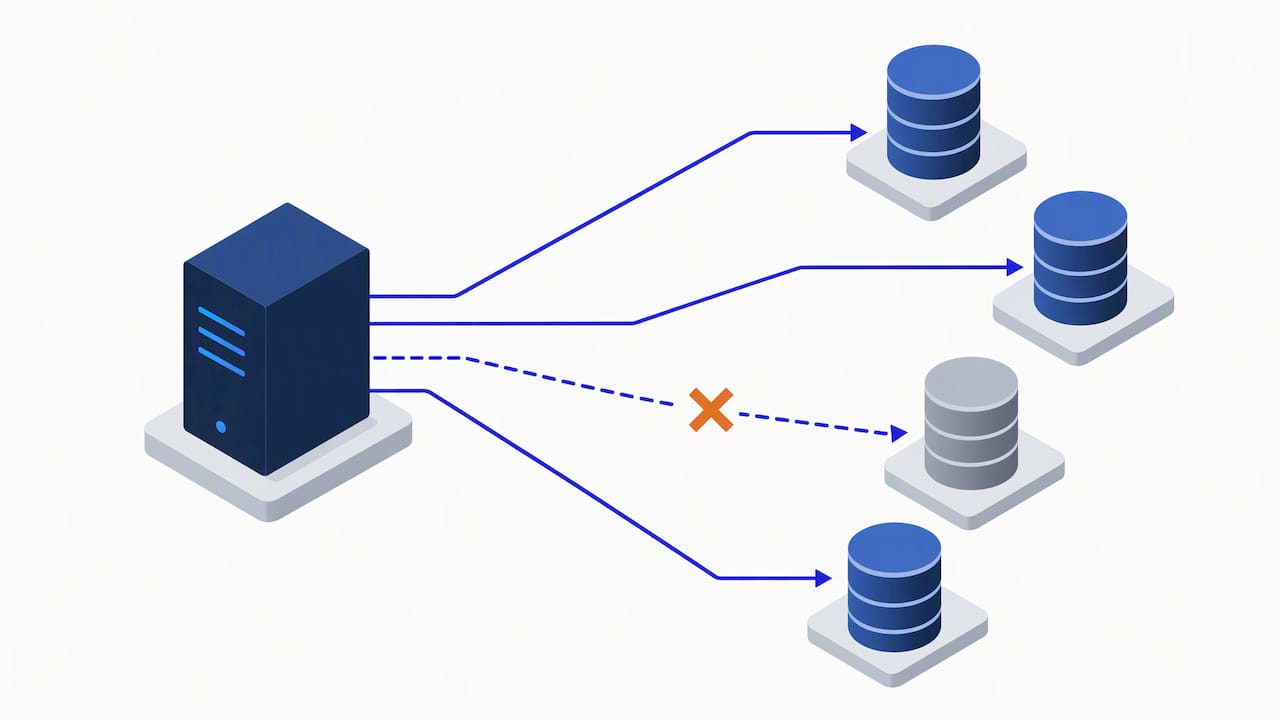
Database preparation is where most delays start. In production, plan on pre-configured external Db2 databases. IBM’s Db2 installation guidance requires a 32K page size for the Process, Performance Data Warehouse, Common and Content databases, and the installer can create databases only when a local Db2 server is present. Check IBM’s installation guidance to determine whether embedded Db2 fits your environment.
- Choose custom installation for any production or multi-cluster topology.
- Create the Db2 databases ahead of time with a 32K page size.
- Confirm the database version is compatible with your BAW release.
- Set kernel parameters and OS prerequisites before the Db2 install.
- Verify JDBC driver paths and test every database connection.
- Create a non-admin install account with the right file ownership.
The preparation checklist in IBM documentation also notes that installing embedded Db2 requires administrative privileges, so keep that step separate from the BAW install account.
Pro Tip: Run a connection test against every database from the actual install host before launching the installer. A failed JDBC path found early is easier to address than one discovered mid-configuration.
How does the upgrade from Standard to Advanced work?
The upgrade runs through BPMConfig with the pattern install_root/bin/BPMConfig -upgrade -de properties_file, as shown in IBM’s upgrade procedure. The properties file describes the deployment environment you are converting, so keep it under version control alongside your other environment definitions.
- Command pattern: the
-upgrade -deflags drive the conversion of the existing deployment environment. - What carries over: review IBM’s upgrade procedure to understand which environment settings apply during conversion.
- No way back: the change cannot be reversed, so take database and profile backups first.
- Database planning: decide up front how schemas for the added Advanced components will be created, and review the generated schema scripts with your DBAs before running them.
Rehearse the upgrade on a clone of the target environment. The change cannot be reversed, so use the rehearsal to identify permission gaps or schema-script issues before proceeding.
When should you keep traditional on-premise and when should you plan containers?
IBM’s guidance on choosing containers is plain: containers suit cloud-native, scalable solutions, while traditional deployments remain necessary when you must support legacy runtime modules such as BPEL or SCA. The decision is less about fashion than about what your existing assets require.
Containers also open a roadmap. IBM positions Business Automation Workflow inside the Cloud Pak for Business Automation ecosystem, including integration with Watsonx Orchestrate. The Cloud Pak workflow documentation adds federation of instances, hybrid migration paths and workload scaling.
- Stay traditional if you run BPEL or SCA modules, have deep WebSphere skills, and your load is predictable.
- Plan containers if you need elastic scaling, CI/CD-driven releases, or AI-assisted workflows on your roadmap.
- Go hybrid if you want to keep legacy runtime modules in place while new process work lands on Cloud Pak.
Pro Tip: Score each workload separately. A single legacy BPEL module should not force every new process onto the traditional runtime, and a cloud ambition should not force you to rewrite stable integrations.
Our article on enterprise workflow optimization and ROI can help you frame the cost side of that decision for stakeholders.
How do operations differ between WebSphere and Kubernetes?
Your team’s daily work changes with the runtime. IBM’s documentation notes that traditional environments rely on WebSphere Application Server administration, using wsadmin commands and REST APIs, while BAW on containers is managed through Kubernetes custom resources.
- Traditional runtime: WebSphere administration, JVM tuning, cluster topology management and wsadmin scripting.
- Container runtime: custom resources, declarative configuration, CI/CD pipelines and horizontal scaling handled by the platform.
- Monitoring and logging: JVM and server logs on traditional hosts versus pod-level logs and metrics in containers, which usually means different tooling.
- Staffing: WebSphere and Db2 administrators for the first model, platform and Kubernetes engineers for the second.
For monitoring patterns that carry across both models, see our piece on workflow automation and enterprise efficiency. If your team lacks capacity for either skill set, outside operational support can fill the gap, and consultancies such as Digital Fractal cover workflow automation readiness for teams scoping that kind of help.
What belongs on a production readiness checklist?
Installation shortcuts can create production risks. IBM advises choosing custom installation for production and avoiding installation as root or Administrator, and its security guidance says to preconfigure directory ownership and group permissions so a non-admin account can run the install.
- IBM recommends custom installation for production.
- Install with a dedicated non-root account and preset file permissions.
- Pre-create databases with a 32K page size and validate version compatibility against IBM’s detailed system compatibility reports.
- Define the cluster topology before install, not after.
- Plan SSL certificates and their renewal dates in advance.
- Test every database and directory connection, then take a verified backup.
Pro Tip: Keep the checklist in your runbook and require a named sign-off per line. Production installs fail on small omissions, and a signature makes someone look.
Our view: readiness gaps matter more than platform choice
Teams can spend too much time debating traditional versus container deployments and too little time on database preparation. In regulated and high-security projects, teams may need to address schema preparation, WebSphere tuning and planning a path from on-premise to hybrid. A well-prepared environment, whether traditional or containerized, is preferable to a rushed deployment.
— Tamer Badr
How we help with IBM BAW on-premise projects
If you want an on-premise BAW environment built right the first time, we handle the work end to end: assessment, custom installation, Db2 preparation, WebSphere operations and hybrid migration planning toward Cloud Pak. As IBM BAW specialists serving banks, healthcare and government organizations across Saudi Arabia, the UAE and Egypt, we also connect BAW to approvals, ERP, CRM and legacy systems through Cortex, our low-code and BPM platform.

See our IBM implementation services or talk to our team about scoping your deployment.
FAQ
What is the difference between Standard and Advanced on-premise BAW?
Advanced includes everything in Standard and adds BPEL, SCA and MFC runtime capabilities. Standard covers process-centric workloads without those modules, as described in IBM’s overview.
Can you upgrade Standard to Advanced later?
Yes, using the BPMConfig upgrade command. The change is irreversible, because downgrading to Standard is not supported.
Does production BAW need an external database?
Production environments should use pre-configured external Db2 databases. IBM requires a 32K page size for the Process, Performance Data Warehouse, Common and Content databases.
Should you install BAW as root?
No. Use a dedicated non-admin account with preconfigured directory ownership and permissions, and choose custom installation for production.
When are containers a better choice than traditional on-premise?
Containers fit cloud-native, scalable solutions, while traditional deployments remain necessary for legacy modules such as BPEL or SCA. IBM’s container guidance frames the choice around operational strategy.
Recommended
- Secure On-Premise AI for Regulated Organizations: Key Considerations for Leaders
- Secure On-Premise AI: A Compliance-First Blueprint for Regulated Industries
- Secure On-Premise AI in Regulated Industries: The Compliance-Grade Blueprint
- What Secure On-Premise AI Enables for Regulated Industries: From Compliance to Competitive Advantage