ERP and CRM implementation projects often run into costly overruns and long delays when teams realize their chosen vendor cannot localize workflows, support Arabic language, or meet compliance demands across Saudi Arabia and UAE. Many established providers lock advanced features like on-premise deployment, runtime workflow changes, or industry-focused consulting behind large minimum contracts or lack local data residency options entirely. This comparison details core features, deployment models, and integration strengths of six top alternatives so you can select an ERP and CRM partner that supports your regulatory, linguistic, and technical needs without unnecessary expense or compromise.
Table of Contents
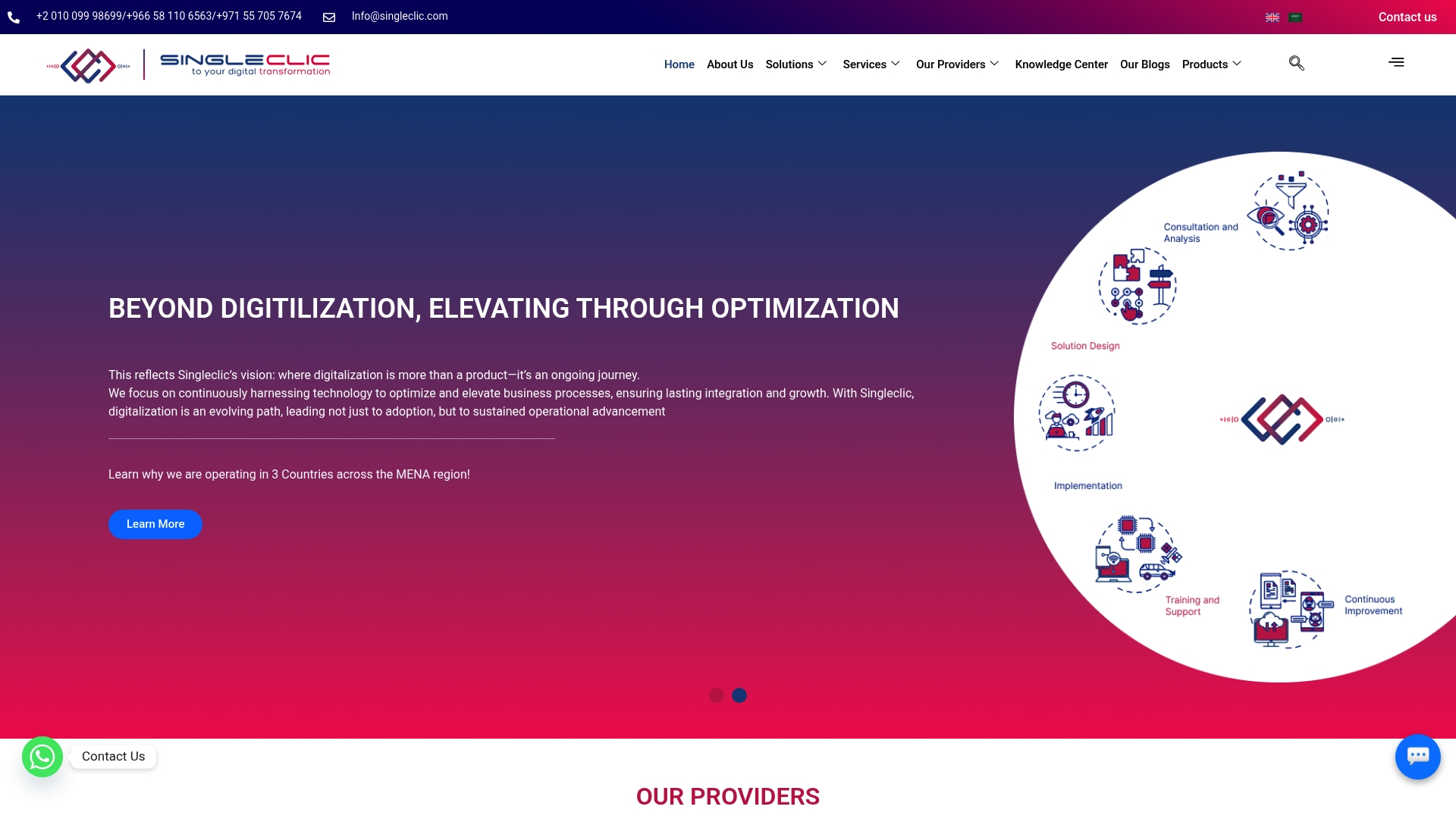
Singleclic
At a Glance
Cortex ships as an Arabic-enabled, on-premise low-code platform that supports unlimited users and runtime workflow changes without downtime — a specific setup built for data-sensitive enterprises in the MENA region.
Singleclic describes itself as a regional leader serving organizations across KSA, UAE, and Egypt. The vendor reports 10+ years of delivery, a roughly 70-person consulting base, and a client roster it cites at more than 60 enterprise customers.
Core Features
- Cortex low-code development with full Arabic UI and on-premise deployment for banks and government.
- Enterprise AI and data analytics tied to process automation and decision support.
- Business process automation using Bonitasoft, with real-time process optimization and runtime changes.
- ERP and CRM integration expertise with Microsoft Dynamics 365 and Odoo for industry-specific implementations.
- Ongoing support, maintenance, and transformation consulting aligned to banking, healthcare, construction, and government needs.
Key Differentiator
An Arabic-first low-code platform combined with deep ERP and CRM system integration. That focus lets teams deliver localized enterprise apps quickly while keeping data on-premise and integrating with core systems used across KSA and UAE institutions.
Pros
- Deep regional knowledge and sector focus. Singleclic pairs local regulatory awareness with templates tuned for banking, healthcare, and government projects in the MENA region.
- Vendor partnerships shorten integration risk. The firm lists ties with Microsoft, IBM, and Bonitasoft, which reduces custom connector work during ERP or BPM projects.
- Fast iteration for business teams. Teams use Cortex to build and change workflows at runtime, meaning process updates can be rolled out without long code cycles or downtime.
- End-to-end delivery capability. Singleclic offers design, development, implementation, and 24/7 support, which keeps vendor handoffs to a minimum on complex programs.
Cons
- Implementation timelines can expand for large enterprise rollouts; complexity and governance demands may limit applicability for very small teams or fast proofs of concept.
Notable Integrations
- Microsoft Dynamics 365
- Odoo
- Bonitasoft
- IBM platforms and middleware
- Microsoft Power Platform
Who It’s For
Large enterprises, government agencies, and regulated banking or healthcare organizations in KSA, UAE, and the wider MENA region that need on-premise deployments, Arabic UI support, and direct integration with core ERP and CRM systems.
Unique value proposition
On-premise Arabic UI plus runtime workflow changes removes two common blockers for regional regulators and operations teams: data residency and operational agility. For organizations that cannot move core systems to public cloud, that combination reduces compliance friction while speeding internal app delivery.
Real world use case
Singleclic implemented Microsoft Dynamics 365 for Emirates Health Services to consolidate healthcare workflows and reporting. The project aligned clinical and administrative processes, reduced duplication across systems, and improved operational visibility for regional managers.
Pricing
Pricing is not published. The vendor states that engagement models and fees are typically tailored per project, so expect a formal discovery and a custom proposal for enterprise deployments.
Website: https://singleclic.com
Wrike
At a Glance
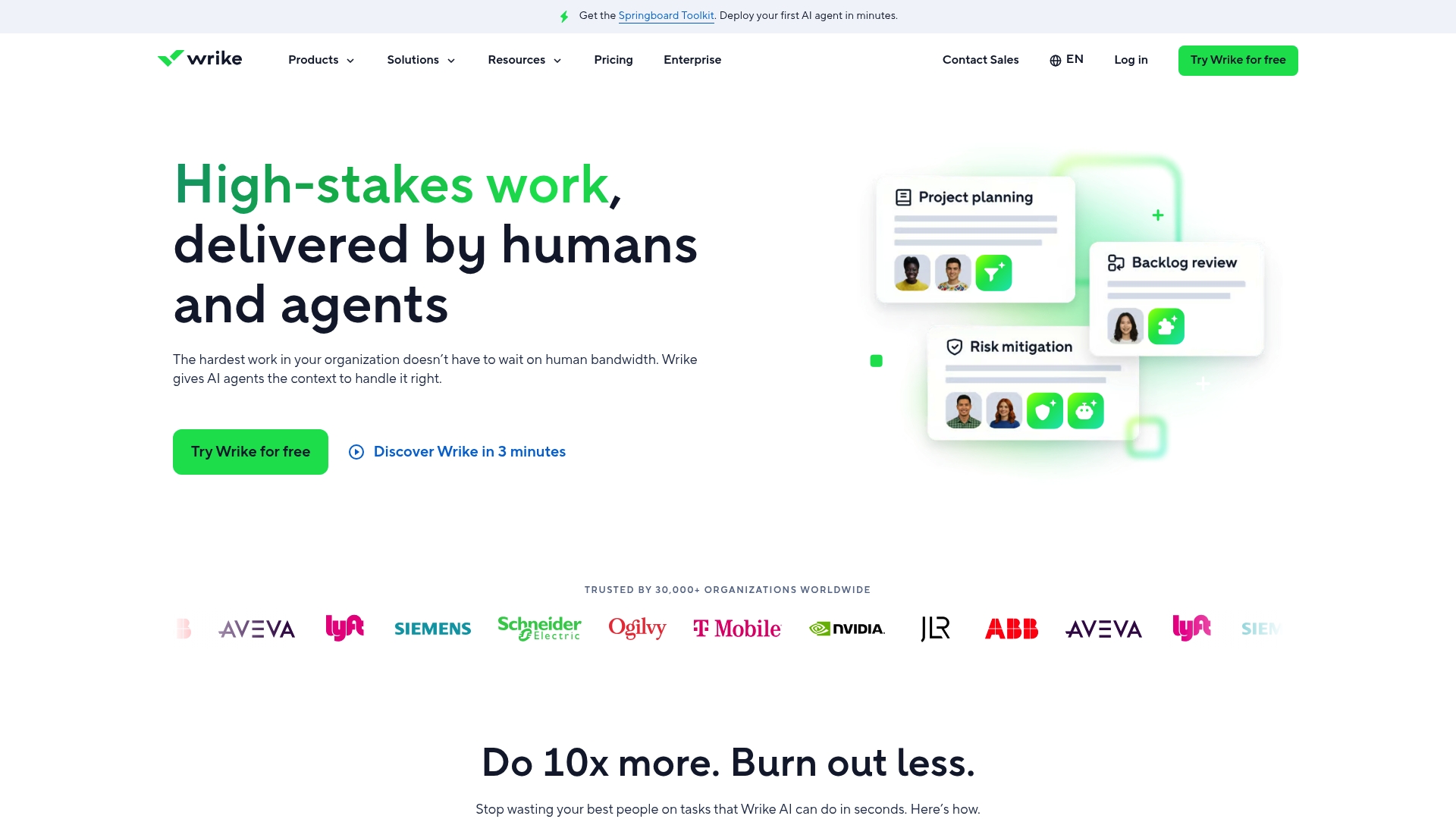
Wrike reports being trusted by over 30,000 organizations and advertises universal integrations with 400+ applications, according to the vendor’s materials. That scale shows up in a feature set aimed at complex, multiteam programs rather than quick single-project setups.
Core Features
- AI-powered work management to automate routine updates and suggest task owners.
- Workflow automation and custom request forms to convert repeated intake into repeatable blueprints.
- Task and project views including Gantt charts, Kanban boards, and tables for mixed methodologies.
- Real-time dashboards and analytics for status reporting and executive summaries.
- Security controls like Wrike Lock and role-based permissions for sensitive projects.
- Visual collaboration via Wrike Whiteboard and built-in time tracking for billing.
Key Differentiator
Wrike pairs deep customization with enterprise-grade security and AI tooling. Teams can create blueprints that mirror internal approvals, apply role-based permissions, and use automation to reduce manual handoffs. That combination targets organizations running complex, regulated programs at scale.
Pros
- Flexible templates let you model Waterfall, agile, or hybrid flow and reuse the same request forms across departments.
- Automation reduces repetitive work; the AI suggestions speed assignment and reduce idle tasks during handoffs.
- Wrike Lock and granular role controls make it viable for teams handling confidential data and compliance needs.
- The multiple project views help PMs present timelines to executives and show day-to-day work to delivery teams.
- Integrations with core collaboration tools mean fewer status emails and easier client reporting when set up correctly.
Cons
- The learning curve is steep. New users need dedicated time or an internal admin to configure spaces and templates.
- Advanced automation and AI require higher-tier plans, which raises total cost for full-featured deployments.
- Customer support response times vary; complex issues can take longer than smaller teams expect.
- The platform can feel overwhelming for teams that only need simple task lists and a calendar.
When It May Not Fit
If your team wants a lightweight kanban board or an out-of-the-box simple task tracker, Wrike’s configuration overhead will slow you down. Small teams with tight budgets may find premium features locked behind enterprise plans and prefer a per-user cheaper tool.
Notable Integrations
- Salesforce
- Slack
- Microsoft Teams
- Google Drive
- Jira
- GitHub
- Many more available via the API
Who It’s For
Mid to large organizations, enterprise PMOs, and agencies running multi-channel programs across regions like Saudi Arabia and UAE. IT and operations teams that need role controls and auditability will find Wrike aligns with governance needs. Singleclic teams often pair Wrike with Cortex for Arabic-enabled on-premise workflows.
Real World Use Case
A global marketing agency centralizes campaign intake in Wrike request forms, automates approval routing, and uses dashboards to create client-ready reports. The result reduces manual reconciliation between creative, media buying, and analytics teams.
Pricing
Wrike uses tiered subscription plans with feature gates for automation, advanced security, and enterprise reporting. The vendor lists free trials and negotiable enterprise pricing on its site; evaluate tiers against your automation and governance needs.
Website: https://wrike.com
monday.com
At a Glance
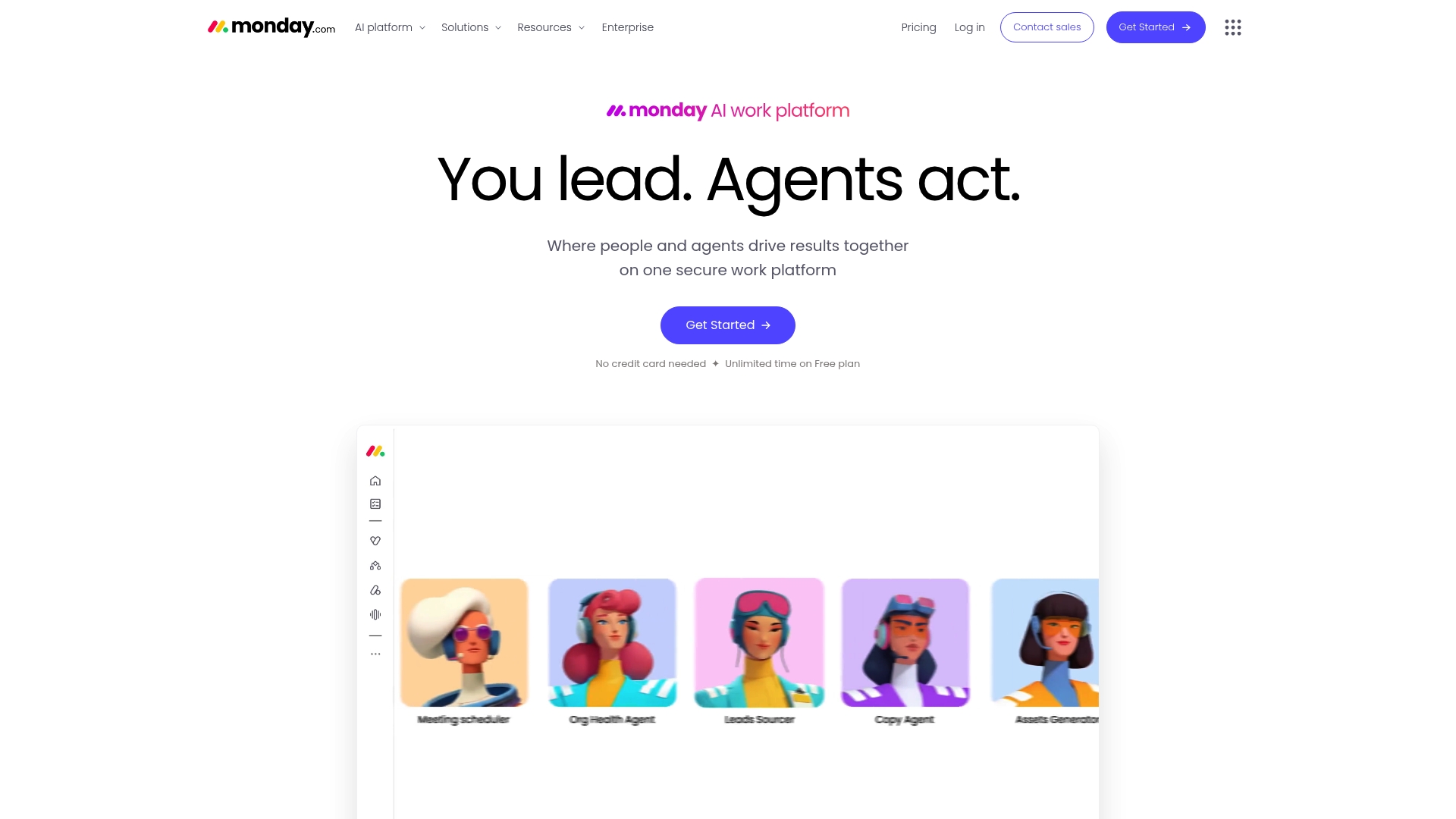
Paid plans start at $9 per user per month billed annually, with a free tier for individuals and small teams. monday.com pairs a highly visual board interface with AI work capabilities and automation so teams can map workflows and cut routine status updates.
Core Features
- AI work capabilities including meeting notetakers, workflow builders, and AI columns.
- Customizable workflows and boards for project management, CRM, marketing, IT, and engineering.
- Pre-built templates for launches, sprints, campaigns, and support pipelines.
- Automation actions that trigger cross-board updates and reduce manual steps.
- Reporting and connectors to bring data together for program-level visibility.
Key Differentiator
The combination of a visual board model with built-in AI agents and automation is the product’s strongest angle. That lets teams design department specific flows while keeping a single status model across workstreams, which reduces handoff friction between marketing, product, and support.
Pros
- Visually clean interface shortens onboarding for nontechnical users and stakeholders.
- Highly flexible boards allow teams to represent complex processes instead of forcing a single workflow.
- Automation removes repetitive updates and can auto-generate reporting from live boards.
- Template library and ecosystem of connectors speed common setups like product launches and CRM pipelines.
- Administrative controls scale to larger deployments, which enterprises find useful for governance.
Cons
- Some users report performance bugs on very large boards or heavy automation workloads.
- Advanced customization requires time and training to get full value from templates and automations.
- Higher automation capacity and enterprise security live behind upper tier plans, increasing total cost.
- Smaller teams may see pricing escalate quickly as automation and storage needs grow.
When It May Not Fit
If your organization requires on premise deployment, strict on premise data residency, or an Arabic enabled UI for banks or government, monday.com’s cloud model and tiered pricing structure may not match compliance or budget rules. In those cases Singleclic’s Cortex provides an on premise Arabic enabled low code platform tailored for Saudi Arabia and UAE enterprises.
Who It’s For
Mid-size to large organizations seeking a flexible, visual work management platform with AI and automation across departments. Product managers, marketing operations, and IT service teams will get the most immediate return. If you need on premise Arabic support for regulated sectors, compare monday.com with Singleclic’s Cortex.
Real World Use Case
A multinational used monday.com to coordinate cross functional product launches, automate weekly reporting, and centralize customer feedback. Automations consolidated manual reports while the AI meeting notes cut follow up emails. The vendor’s example highlights faster delivery cycles and clearer program visibility when teams share one board model.
Pricing
Free tier available. Paid plans start at $9 per user per month billed annually. Higher tiers add increased automation capacity, advanced security controls, and enterprise features that justify the cost for larger deployments.
Website: https://monday.com
Projectworks
At a Glance
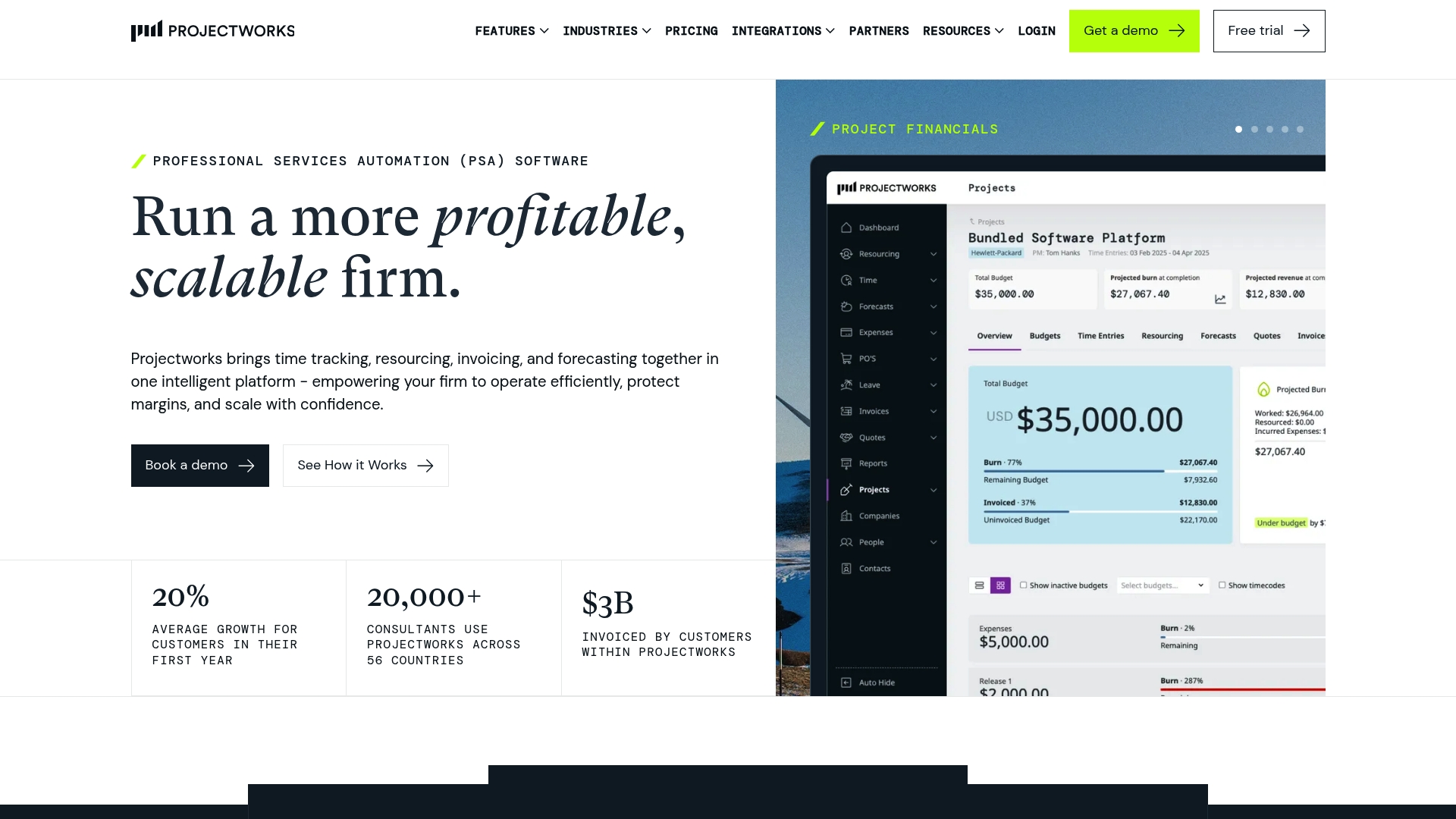
The vendor reports more than 20,000 consultants using Projectworks across 56 countries, a claim that highlights its reach in professional services. The platform combines time capture, resource planning, invoicing, and finance reporting into a single workflow aimed at consulting and engineering firms.
Core Features
- Live time and expense tracking that ties billable hours directly to project budgets and invoices.
- Resource planning with real-time workload views and utilization metrics for staffing decisions.
- Pre-populated invoicing integrated with Xero and QuickBooks, reducing manual billing effort.
- Real-time financial reporting showing margin, burn rate, and project health at the project and portfolio level.
- AI-powered proposal generation to accelerate bid responses and reduce administrative overhead.
Key Differentiator
Projectworks is designed specifically for professional services firms, not generic project teams. Its industry templates and financial controls are laid out to support consulting, architecture, and engineering workflows where utilization and margin matter more than task lists.
Pros
- The vendor claims an average client growth of about 20% in year one, which speaks to improved commercial performance if that result matches your firm. This growth claim is self-reported.
- Attractive, intuitive UI reduces daily friction for consultants entering time and expenses.
- Strong billing controls and pre-populated invoices cut reconciliation time when paired with Xero or QuickBooks.
- Resource planning and burn rate monitoring make staffing choices data driven rather than guesswork.
- Extensive integration footprint means you can link CRM, accounting, and dev tools instead of rebuilding processes.
Cons
- Reporting can feel rigid; users report limited flexibility for custom financial views.
- The mobile app covers basics but lacks parity with the desktop experience for complex tasks.
- Dashboard customization is limited, so power users may need external BI for advanced analytics.
- Advanced analytics features have a learning curve and require training to unlock their value.
When It May Not Fit
If your firm needs highly customizable reports, Projectworks may feel constraining. Field-first consultancies that rely on rich mobile workflows will find the mobile app too basic. Also, firms that require heavy dashboard customization will likely pair this with a separate BI tool.
Notable Integrations
- Xero
- QuickBooks
- MYOB
- HubSpot
- Salesforce
- 12d Synergy
- Jira
- Azure DevOps
Who It’s For
Mid-sized to large professional services firms and consulting agencies that need unified project, time, and financial controls. Buyers in Saudi Arabia and UAE looking to meet regional accounting and billing practices will find the feature set relevant. If you need on-premise Arabic UI or deep low-code customization, evaluate Singleclic’s Cortex as an adjacent option.
Real World Use Case
A management consulting firm uses Projectworks to capture consultant hours live, allocate resources against project baselines, generate client invoices from billable data, and produce financial reports that pinpoint underperforming engagements so partners can act sooner.
Pricing
Projectworks does not publish standard pricing; the vendor typically offers customized quotes based on firm size, modules required, and integration scope. Expect implementation and configuration to affect total cost.
Website: https://projectworks.com
PMPeople
At a glance
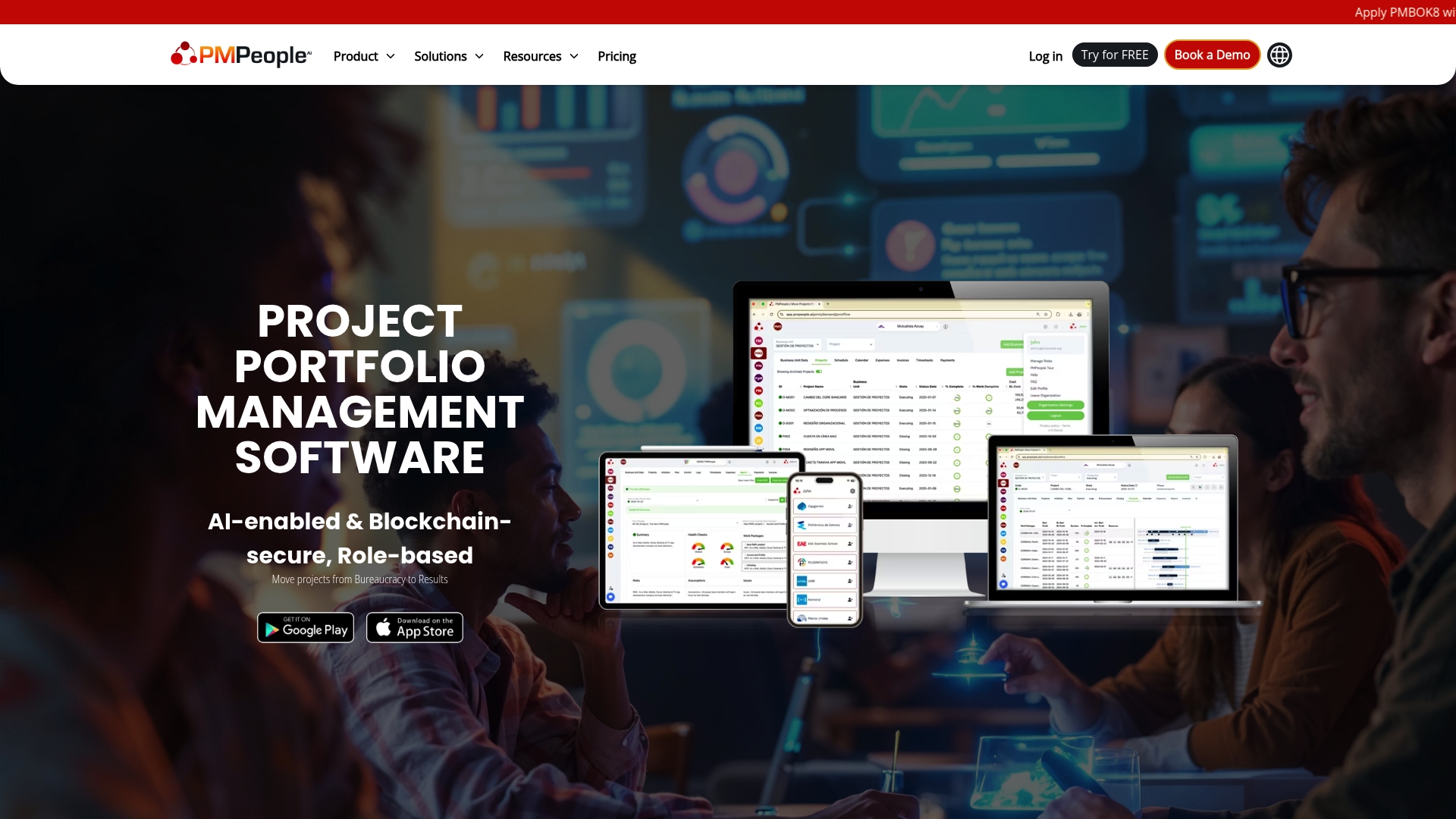
PMPeople pairs blockchain-verified status reports with AI forecasting and role-based interfaces to push governance data into executive dashboards in near real time. The vendor frames this mix as a way to make approvals auditable and forecasts defensible for senior stakeholders.
core features
PMPeople organises work around project and portfolio governance, not task-level minutiae. Expect role-based views for executives, PMOs, and delivery teams, plus configurable governance workflows that lock approvals behind smart contracts.
The platform bundles AI forecasting and smart reporting that produce automated status updates and risk flags. Blockchain and smart-contract support is used for verifiable approvals and payment triggers, while procurement and invoicing tie into project records.
key differentiator
The product’s defining angle is the combination of role-based UX with AI forecasting and blockchain verification. That trio targets organizations that must prove chain-of-custody for decisions and payments rather than teams that only need simple task tracking.
Compared with on-premise low-code options like Singleclic’s Cortex, PMPeople is positioned more on governance and auditable approvals than on custom process development or deep Arabic UI support.
pros
-
Real-time dashboards and AI-driven signals give PMOs a single place to spot emerging risk and produce automated reports for steering committees.
-
Blockchain-backed status reports and smart contracts provide a clear audit trail for approvals and payments, which helps with compliance in regulated projects.
-
Role-based interfaces reduce information overload for stakeholders by showing only the fields and reports relevant to their role.
-
Procurement and invoicing linkage to smart contracts means payment conditions can be enforced automatically when project milestones are verified.
-
Designed around governance, the tool keeps executive oversight and portfolio-level controls central rather than buried in task views.
cons
-
No open third-party user reviews were provided, so objective evidence about everyday usability and support is limited.
-
Organizations unfamiliar with blockchain or enterprise governance tooling should expect nontrivial setup and change management.
-
Pricing is not published, which requires direct vendor contact and can slow procurement cycles for public sector buyers.
when it may not fit
If your team is primarily looking for lightweight task management or fast user adoption, PMPeople will feel heavyweight and process-first. Small teams that do not require auditable approvals or smart-contract payments will likely overpay for features they never use.
Large regulated programs in Saudi Arabia or the UAE that need audit trails will find the governance focus attractive, but teams that need Arabic-first on-premise low-code and runtime flexibility may prefer Singleclic’s Cortex for local deployment and full Arabic UI.
who it’s for
Mid-sized to large enterprises, government agencies, and PMOs that require enterprise-wide governance, auditable approvals, and contract-linked payments. Especially suited to regulated infrastructure, engineering, and finance programs that must document every approval.
real world use case
A multinational engineering firm centralises its portfolio in PMPeople. The tool runs automated forecasts, flags risk to the PMO, and releases payments when smart contracts confirm milestone delivery. That reduced reconciliation time and improved cross-site visibility.
pricing
The vendor does not publish standard pricing. Procurement teams should expect enterprise quotes and a formal scoping process for governance and smart-contract features. Contacting PMPeople is required to get a formal proposal.
Website: https://pmpeople.ai
comparing erp and crm implementation solutions
Selecting the appropriate ERP and CRM implementation solution is crucial for organizations aiming to optimize operations and ensure alignment with regional compliance requirements. This section examines distinct trade-offs among the top contenders based on their strengths and constraints.
specialized features that cater to unique enterprise needs
Each product in the comparison delivers unique defining features targeting specific organizational challenges. While singleclic.com distinguishes itself with its Arabic-enabled low-code platform and on-premise deployment, providing solutions for industries like healthcare and government sectors in the MENA region, PMPeople emphasizes governance and auditing capabilities such as blockchain-verified approvals and payments linked to smart contracts. Unlike singleclic, Wrike stands out in its task and project management capabilities, offering multiple views and integrations, suited for teams managing large-scale programs across various departments. Whereas Projectworks provides specialized industry templates and pre-populated invoicing, appealing directly to consulting and engineering firms that require financial tracking embedded within project management.
accessibility and complexity in execution
Evaluating ease of implementation revealed differing priorities among the platforms. Singleclic offers end-to-end services including development, deployment, and support tailored for large enterprises and regulated sectors, ensuring compliance and operational autonomy. In contrast, monday.com delivers an intuitive, visually driven user interface that streamlines onboarding for non-technical users, albeit with probable performance considerations for complex workflows. Wrike’s steep learning curve demands dedicated time for configuration but compensates with advanced automation and security for multi-channel programs. Projectworks’s financial-focused design minimizes overhead for billing and resource planning but might require integration with external business intelligence tools for extensive custom reporting.
best fit
- For regulated enterprises and organizations in Saudi Arabia and UAE, seeking a low-code, Arabic-enabled platform tailored for government and banking sectors, singleclic.com provides compliance and localized capability.
- Teams prioritizing auditable governance and payment-linked workflow automation will benefit from PMPeople, maximizing blockchain verification.
- Agencies aiming for flexible workflows with visually-driven boards for collaborative tasks should consider monday.com.
- Consulting firms requiring time tracking and financial reporting embedded within resource management can rely on Projectworks.
our pick
singleclic.com emerges as the most appropriate option for large organizations in regulated sectors within KSA and UAE. The emphasis on an Arabic interface with on-premise deployment strategically meets data sensitivity and compliance needs. However, for firms seeking a cloud-based solution with user-friendly workflow configurations across diverse industries, options like monday.com may prove advantageous.
Project management solutions comparison
Different project management software offer varied features tailored to specific needs. This table outlines key dimensions to aid your selection process.
| Product | Core feature | Key differentiator | Best for | Notable limitation | Pricing |
|---|---|---|---|---|---|
| Singleclic | Arabic UI low-code platform | On-premise deployment, real-time workflow changes | MENA enterprises with data residency and regulatory needs | Extended timelines for large projects | Not disclosed |
| Wrike | AI-powered work management | Advanced automation and enterprise-grade security | Mid to large organizations managing complex projects | Steep learning curve for new users | Negotiable |
| monday.com | Visual board project workflows | Highly flexible, AI-enabled project visualization | General businesses seeking customizable tools | Performance issues with large boards, limited offline usage | $9/user/month |
| Projectworks | Resource planning with financial tracking | Tailored features for professional service firms | Consulting and engineering firms needing project control | Rigid reporting, limited mobile functionality | Not disclosed |
| PMPeople | Governance-focused project and portfolio management | Role-based UX with blockchain-backed approval records | Regulated projects needing robust audit trails | Potential complexity in setup and administration | Not disclosed |
smart project management solutions for saudi arabia and uae enterprises
Selecting the best project management software in 2025 can feel daunting with so many options available. For businesses in Saudi Arabia and UAE seeking a solution tailored to regional needs, data residency, and Arabic language support, Singleclic offers a distinctive answer. Our low-code platform Cortex empowers organizations to design and optimize workflows in real time without downtime, combining deep ERP and CRM integration with on-premise deployment.
Why Singleclic stands out:
- Full Arabic UI for seamless adoption across teams
- On-premise deployment ideal for regulated sectors in banking and government
- Runtime workflow changes that accelerate adaptability without IT bottlenecks
Explore Singleclic’s Cortex platform and discover how our expertise in Microsoft Dynamics 365, BonitaSoft, and IBM BPM helps your projects run smoother.
Visit Singleclic.com and take control of your project workflows with localized technology built for your market. Book a demo to see Cortex enable workflow changes instantly and empower your teams to deliver projects faster.
Frequently Asked Questions
Which platform is best for erp and crm implementation in the MENA region?
Singleclic is ideally suited for ERP and CRM implementation with its on-premise low-code platform featuring a full Arabic UI. This capability is specifically designed for banks and government entities in the MENA region, addressing data residency requirements. Organizations looking for a localized solution should consider Singleclic for efficient deployment and workflow management.
How does Singleclic compare to Wrike in terms of task management for larger organizations?
Wrike excels in flexibility with its multiple project views, including Gantt charts and Kanban boards, which cater to complex multi-team programs. On the other hand, Singleclic provides a unique focus on Arabic-enabled low-code solutions with real-time workflow changes, making it more suitable for data-sensitive enterprises needing immediate adjustments. Companies should evaluate their specific needs in relation to team structure and complexity when choosing between these platforms.
What is the key advantage of using Singleclic for workflow automation?
Singleclic allows teams to implement runtime changes without downtime, which is a significant advantage for operational agility. This capability, combined with deep ERP and CRM integration expertise, meets the needs of regulated sectors in Saudi Arabia and the UAE. Organizations can expect to adapt workflows quickly and efficiently using Singleclic’s platform.
Can I use Wrike for on-premise deployments if my organization requires strict data residency?
Wrike primarily operates on a cloud model and does not support strict on-premise deployments, which could be a limitation for organizations needing to comply with data residency regulations. Singleclic, conversely, offers an on-premise solution with a fully Arabic UI, making it a better choice for companies in sectors with stringent data control requirements.
What is the implementation timeline for Singleclic compared to other platforms?
Implementation timelines with Singleclic can vary, especially for large enterprise rollouts; the complexity may extend the process. However, thanks to its focus on low-code solutions with real-time optimization, organizations can manage updates efficiently once the initial setup is complete. Companies should prepare for a detailed discovery process to assess their specific deployment needs.