Selecting a low code platform that meets regulatory, language, and deployment needs in Saudi Arabia and UAE is more complicated than expected. Market leaders often lack on-premise deployment or Arabic user interfaces and force enterprise teams into rigid pricing or integration models. This comparison covers feature sets, deployment, and integration focus for six low code platform alternatives so you can pick a better regional or enterprise fit.
Table of Contents
- Singleclic
- Creatio Studio
- Joget DX 9
- Launchpad
- Anybuild
- OutSystems Agentic Systems Platform
- Comparison of alternatives
Singleclic
At a Glance
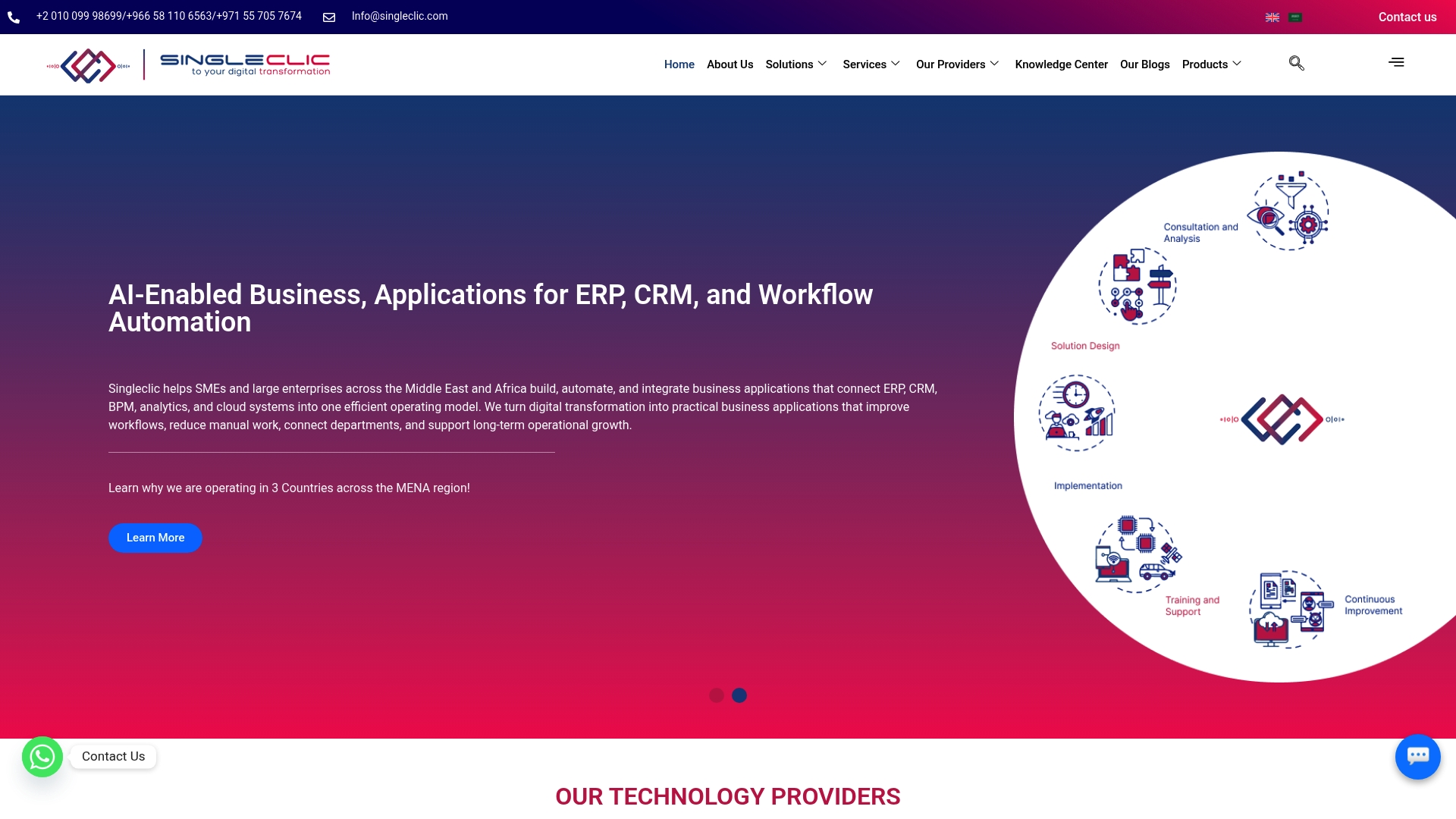
Cortex supports on premise deployment for banks and government clients while offering a full Arabic first user interface. That combination targets regulatory and language needs common in Saudi Arabia and the UAE. Singleclic pairs that platform capability with practice in ERP and CRM implementations across the region.
Core Features
Singleclic builds and deploys AI enabled business applications and automation solutions tailored for MENA enterprises.
- Cortex low code platform for rapid app development with Arabic first UI and runtime workflow changes without downtime.
- Business process automation using Bonitasoft for approvals, forms, and process orchestration.
- ERP implementations with Microsoft Dynamics 365 and Odoo, plus CRM modules with integrated analytics.
- AI enabled workflows and data analytics tied to operational systems.
Key Differentiator
The most distinctive element is the Arabic first, regionally tailored low code approach combined with enterprise grade security and deployment options. That focus reduces localization work and shortens delivery time for organizations that need Arabic UI and strict data controls. The platform also supports deep integrations with incumbent enterprise systems common in the region.
Pros
- Regional focus and language support. Singleclic targets MENA needs with an Arabic first UI and workflows matched to local business practice.
- Broad capability set. You get low code development, BPA, ERP, CRM, and analytics under one delivery team.
- Strong partner ecosystem. The company lists partnerships with Microsoft, IBM, and Odoo which helps when integrating legacy enterprise systems.
- Industry experience. Singleclic has project experience across government, healthcare, banking, and construction in KSA, UAE, and Egypt.
- Operational delivery and support. The vendor emphasizes rapid onboarding and 24 7 after sales support as part of its regional services offer.
Cons
- Limited international presence outside the MENA region may complicate deployments for globally distributed organizations.
Notable Integrations
- Microsoft Dynamics 365
- Odoo
- IBM Watson and IBM Cloud services
- Bonitasoft BPM platform
Who It’s For
This offering fits mid size to large enterprises and government agencies in Saudi Arabia, the UAE, and Egypt that need Arabic support and strict data residency. It also fits banks and public sector organizations that require on premise deployments. Choose Singleclic when you need a single partner for low code, ERP, and automation.
Unique Value Proposition
On premise deployment for banks and government organizations drives the platform’s practical value. That deployment option, combined with runtime workflow changes without downtime and an Arabic first UI, lowers legal and operational friction. For teams operating under local regulations, that configuration shortens approval cycles and reduces integration rework.
Real World Use Case
A UAE healthcare organization used Cortex to automate patient admission and referral workflows. The project connected existing ERP and clinical systems and added AI assisted routing for approvals. The result improved data accuracy and reduced manual handoffs across departments.
Pricing
Not applicable for a fixed list price. Singleclic offers bespoke engagement models and project pricing based on scope, integrations, and deployment choice. Expect pricing to reflect on premise options and enterprise grade integration work.
Website: https://singleclic.com
Creatio Studio
At a Glance
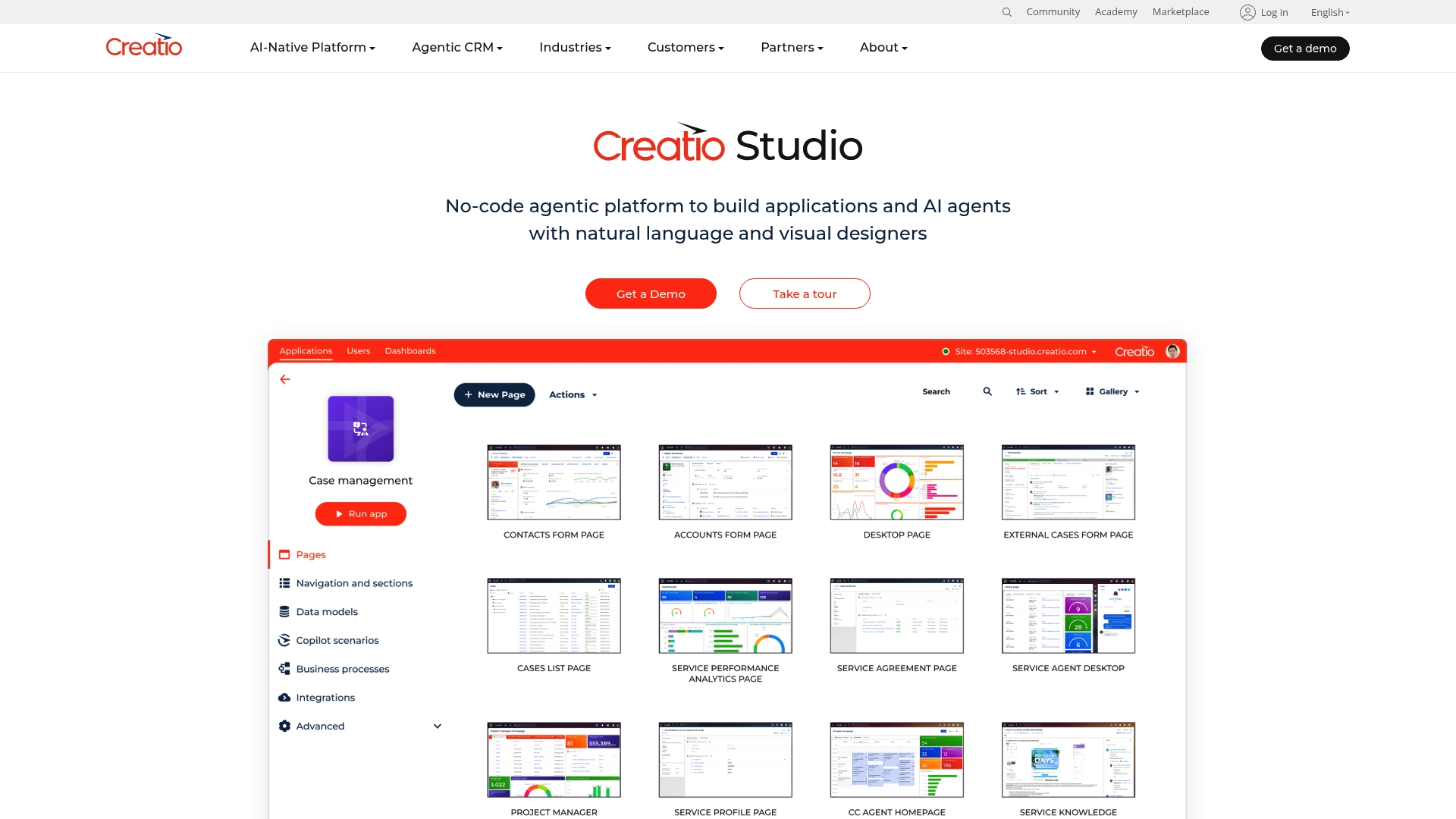
AI-assisted natural language prompts accelerate both app design and agent creation. The vendor advertises enterprise grade governance tools covering GDPR, HIPAA, and SOC 2. Creatio Studio pairs no-code visual designers with reusable components and a marketplace. That combination targets large teams that need governed, fast development.
Core Features
Creatio Studio focuses on no-code builders for interfaces, data models, workflows, and reports. It adds AI-driven development where you can use natural language prompts to generate screens and process flows. The platform includes reusable no-code components and a marketplace for extensions. It supports business process automation with human in the loop and case management, plus governance features for compliance and audits.
Key Differentiator
The platform’s primary distinction is the blend of AI driven application creation and formal governance on a single platform. This lets teams prototype with natural language prompts while preserving controls for enterprise compliance. That design makes Creatio Studio attractive where both speed and policy controls matter.
Pros
-
Rapid application delivery for citizen developers. The visual designers and AI prompts shorten build cycles.
-
AI-assisted UI and process design reduces hand coding and speeds iterations. This helps business teams deliver working apps faster.
-
Scales to enterprise needs and includes governance capabilities for compliance. The vendor advertises controls for GDPR, HIPAA, and SOC 2.
-
Reusable components and a marketplace let teams extend functionality without heavy engineering.
-
Composable architecture supports integration with CRM and other enterprise systems.
Cons
-
Pricing is not publicly disclosed and likely requires an enterprise quote. That can slow initial procurement for regional teams.
-
Third party reviews indicate a learning curve for non technical users. Some features need product expertise to configure.
-
Advanced enterprise features may require extensive setup and professional services. Implementation effort can increase total project time.
When It May Not Fit
If you need a quick low cost proof of concept for a small team, this product may not fit. Licensing and implementation assume enterprise level engagement. Teams without process experts may struggle with complex configuration.
Who It’s For
Enterprise digital transformation teams, business process managers, and citizen developers inside large organizations will get the most from Creatio Studio. Regional IT leaders in Saudi Arabia and UAE running regulated workflows will find the governance features relevant. Singleclic customers evaluating on prem or hybrid alternatives should compare governance and local deployment needs against Creatio Studio.
Real World Use Case
A global consumer goods company used Creatio Studio to automate order management and customer service workflows. That project reduced manual steps and sped response times while keeping compliance controls. The example shows how the product supports cross functional enterprise processes.
Pricing
Pricing is not publicly available and the vendor likely issues custom quotes based on enterprise needs. Expect licensing and implementation fees for larger deployments and governance features.
Website: https://creatio.com/studio
Joget DX 9
At a Glance
AI Designer, AI Agent Builder, and AI Assistant form the platform’s core AI toolkit. These tools aim to reduce manual steps when building forms, workflows, and automation. The platform combines that AI focus with an open source, low code approach for enterprise application development.
Core Features
- AI driven application creation with AI Designer, AI Agent Builder, and AI Assistant for form and workflow scaffolding.
- Customizable themes and modern UI components for tailored user interfaces and improved user adoption.
- High performance through in memory grids, Kubernetes support, and load balancing for large deployments.
- Advanced security including multi factor authentication, passkeys, and role management for enterprise control.
- Integration options via API Connectors and a plugin marketplace for external system connections.
Key Differentiator
The platform centers AI inside the development flow rather than adding it as an afterthought. That AI centric approach speeds prototype creation and automates routine decisions inside workflows. Combined with an open ecosystem and tools for extending the platform, Joget DX 9 aims at teams that want AI assisted app building plus enterprise grade scaling.
Pros
-
Comprehensive AI tooling reduces repetitive design work and jumps starts automation. Teams get drafts of forms and flows that require less manual wiring.
-
Flexible UI customization lets teams match local branding and user habits. This helps adoption across business units in Saudi Arabia and UAE.
-
Security features meet common enterprise controls for access and authentication. This fits IT teams that must manage permissions and strong login methods.
-
Open plugin architecture supports third party extensions and marketplace add ons. That makes integrations adaptable as requirements change.
-
Scales from departmental pilots to large production estates using in memory performance and container orchestration.
Cons
-
Public, third party reviews are limited, which makes independent assessment harder when you compare vendors.
-
Some features such as API Connector Builder are noted as incoming and may need extra time or development effort before they are production ready.
-
Smaller organizations may find the integration and security configuration workload heavy relative to simpler low code tools.
When It May Not Fit
Organizations without container experience will face a learning curve because optimal performance relies on a cloud native stack and Kubernetes. Teams that require an on premise Arabic first UI out of the box may prefer a regional platform with built in Arabic UI and runtime workflow editing. Smaller teams with minimal integration needs may find Joget more complex than necessary.
Who It’s For
IT teams and citizen developers inside large enterprises that need AI enabled app building and strong security. Business process managers who expect heavy integrations and scale across many units will find the platform aligned to their needs. Organizations in Saudi Arabia and UAE running cloud native infrastructures will see the most benefit.
Real World Use Case
According to the vendor, a telecommunications company deployed hundreds of cloud native applications at scale using Joget DX 9. That deployment supported nationwide rollout and improved operational workflows across multiple teams. The case shows how the platform can serve large estates when paired with container orchestration.
Website: https://joget.com/dx9
Launchpad
At a Glance
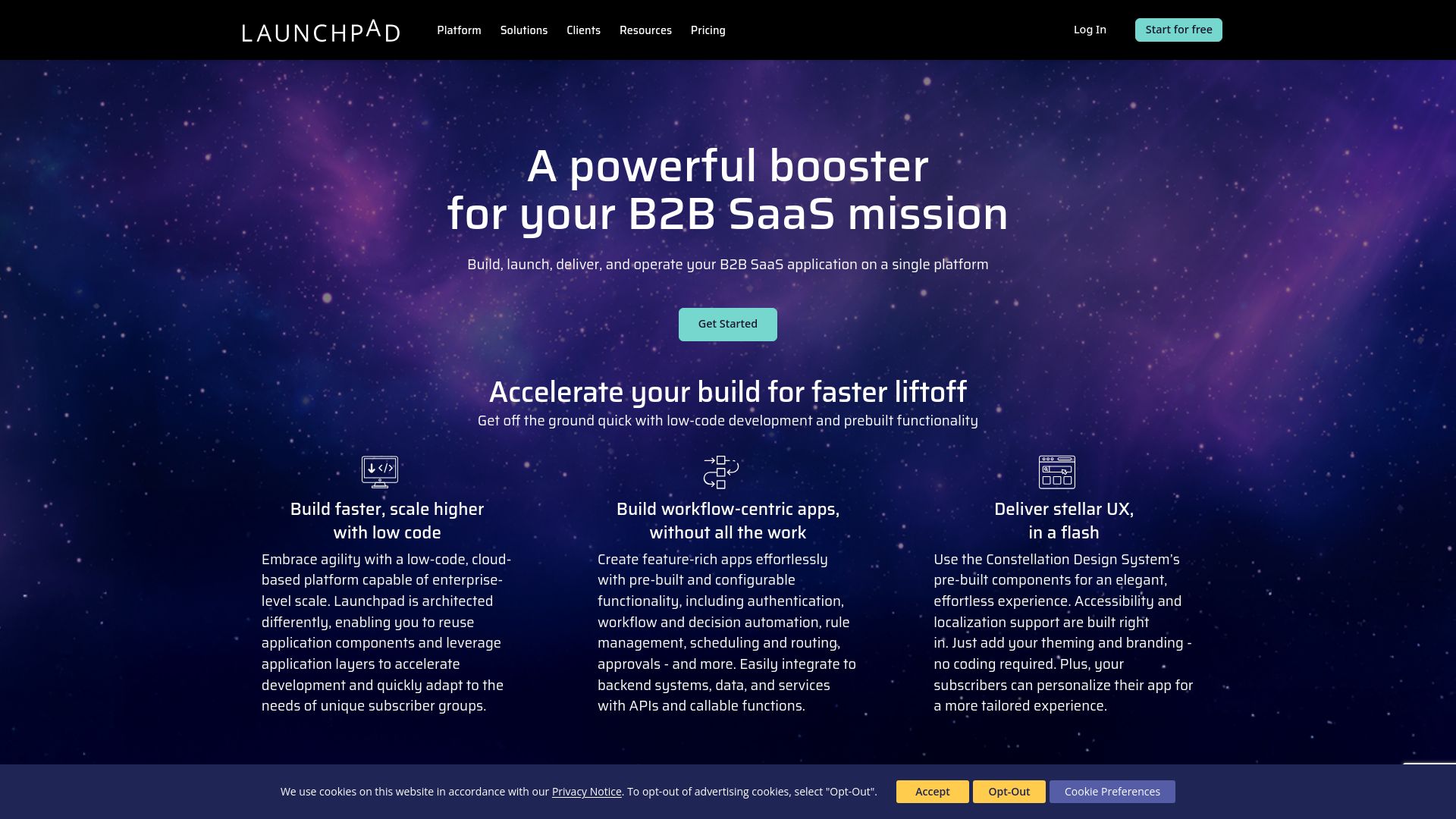
$900 per month for the Ignite plan includes 5 million Launchpad Units, unlimited apps, and support. The vendor advertises AI powered Blueprint design and GenAI support for building workflow centric SaaS apps. The platform is presented as enterprise grade with multi tenant security and a suite of deployment and subscriber management tools.
Core Features
- Low code development with prebuilt functionality that accelerates UI and workflow assembly.
- AI powered Blueprint design and GenAI support for generating screens and logic from templates. This reduces hand coding in early stages.
- API and webhook connectivity for backend systems and custom integrations. REST API support appears central to the integration model.
- Multi tenant architecture and subscriber management for segmented SaaS deployments.
- The vendor advertises built in security and compliance including SOC 2, ISO 27001, GDPR, and HIPAA.
Key Differentiator
Launchpad focuses on rapid SaaS productization with built in tenant isolation and AI assisted design. That combination targets teams who must deploy workflow centric B2B applications quickly while keeping subscriber separation and enterprise security controls in place. The platform angles toward SaaS developers rather than raw application builders.
Pros
-
Accelerates development lifecycle. Reusable components and application layers let teams iterate without rebuilding common functions.
-
Enterprise ready security and compliance. The platform claims formal controls, which simplifies audits and procurement for regulated customers.
-
Built for multi tenant SaaS. Subscriber segmentation and subscriber management cut integration work for product teams launching paid offerings.
-
AI integrations for design and automation. GenAI support helps generate templates and reduce repetitive development work.
-
Flexible integration options. REST API support and webhook connectivity handle common backend patterns.
Cons
-
Less suited for teams that require full code level control. The low code model enforces architecture choices that limit deep customization.
-
Pricing can rise with scale. The vendor uses usage based Launchpad Units and costs may grow for large deployments.
-
New platform learning curve. Teams unfamiliar with the Pegasystems ecosystem will face onboarding time.
When It May Not Fit
If your team needs complete control over runtime code or a bespoke architecture, Launchpad may feel restrictive. If you plan heavy customization at the code level, a platform that exposes full source control is a better match. Organizations that must run fully on premise or require Arabic first class UI support should evaluate on premise alternatives such as Singleclic Cortex.
Notable Integrations
- REST API support for backend connectivity.
- AWS cloud infrastructure for hosting and operational tooling.
- Custom API and webhook connectivity for event driven integrations.
Who It’s For
Development teams and SaaS providers that need to launch B2B workflow applications quickly will find Launchpad relevant. Product teams selling multi tenant SaaS and working with enterprise buyers in Saudi Arabia and UAE may value the compliance claims and tenant isolation. If you need Arabic UI and on premise deployment, compare Launchpad to Singleclic Cortex.
Real World Use Case
Fielo replatformed a loyalty solution to Launchpad to speed deployment and scale across global brands. The vendor cites this example to show how a legacy app can move to a multi tenant architecture with faster release cycles. That case highlights Launchpad’s fit for customer loyalty and subscription based workflows.
Pricing
Pricing is usage based with Launchpad Units. The Ignite plan starts at $900 per month and includes 5 million units, unlimited apps, and support. Larger plans are available for higher scale requirements.
Website: https://launchpad.io/platform
Anybuild
At a Glance
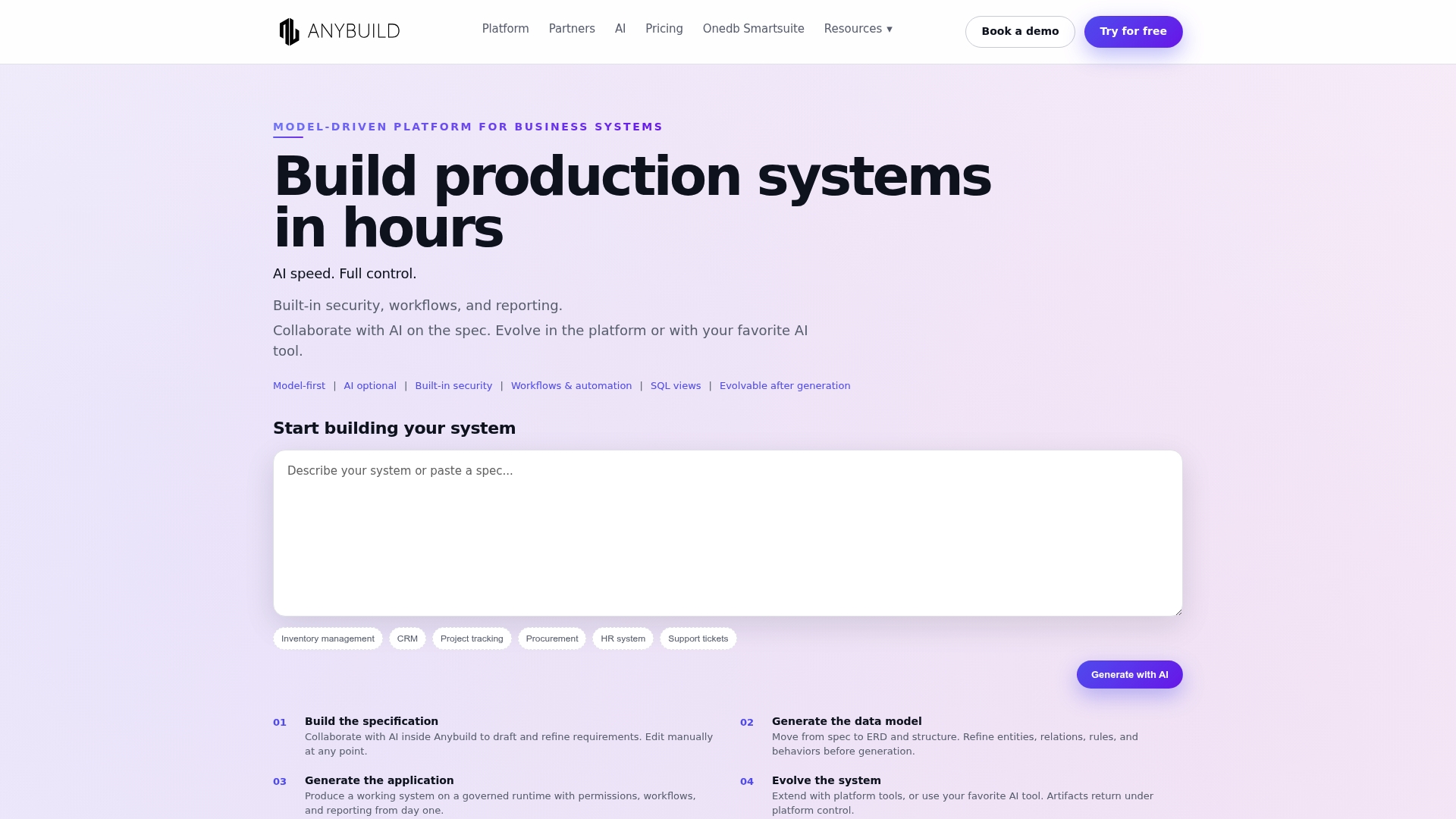
AI assists requirements, modeling, SQL, and UI generation inside a single model-driven framework. The platform frames data, UI, workflows, and security as shared models so teams can change structure without rebuilding. That approach targets long lived business systems that must evolve while staying governed.
Core Features
- Model-driven architecture with shared data, UI, workflows, and security. Designers work from the same structural model so changes propagate predictably.
- AI assistance for requirements, modeling, SQL, and UI components. AI helps translate requirements into models and generates SQL and interface snippets.
- Built-in security, permissions, and governance. Role controls and lifecycle gates are native to the model.
- Application and data lifecycle control to evolve over time. Versioning and controlled migrations keep production stable during changes.
- Reusable data views and reporting capabilities. Teams reuse views to speed reporting and reduce duplication.
Key Differentiator
Anybuild pairs AI-assisted system design with a lifecycle-centric architecture that treats models as the primary artifact. That focus lets teams evolve ERP CRM and operational apps incrementally while preserving governance. The result is a balance between fast change and controlled risk.
Pros
- Combines AI with structured design so you can generate code and UI from a single source of truth. That shortens iteration loops for product and IT teams.
- Supports continuous evolution without full rewrites. Small model changes carry through the app and data safely.
- Built-in enterprise capabilities reduce third party security work. Permissions and lifecycle controls arrive as part of the platform.
- Flexible extension options let engineering teams add custom modules when needed. You are not locked into a limited low code sandbox.
- Suitable for both rapid prototypes and production grade systems. Teams can pilot features fast and graduate them to full production.
Cons
- The model-driven approach raises complexity for teams new to model based development. That can slow initial delivery.
- The vendor did not provide full pricing detail in the source material. Cost planning will require direct vendor engagement.
- Enterprise focus may be overkill for simple one off apps. Small projects may find the platform heavyweight.
- Effective use of AI features carries a learning curve. Teams must learn how to prompt and validate generated models.
When It May Not Fit
Anybuild may not fit teams that need a minimal learning curve or a pure visual drag and drop builder. Organizations that require full on-premise Arabic UI or strict local data residency in Saudi Arabia or UAE might prefer Singleclic’s Cortex, which targets regional needs and on-premise deployments. Early stage startups with single use apps will likely find Anybuild too feature rich.
Who it’s for
Teams and organizations building custom scalable business applications that must live and change for years. Typical buyers are IT leads, solution architects, and line of business owners who need governance, version control, and AI speed for complex ERP CRM or operations projects.
Real world use case
A mid market distributor builds an operational system that links finance sales and logistics. The team models shared entities and workflows once. AI speeds initial form and query generation. As business rules change the model evolves and migrations apply without a full rewrite.
Pricing
According to the company, the vendor advertises a free trial and paid tiers starting at around €25/month for basic plans. Pricing scales with business critical needs and enterprise capabilities, so plan for higher costs for production deployments.
Website: https://anybuild.ai
OutSystems Agentic Systems Platform
At a Glance
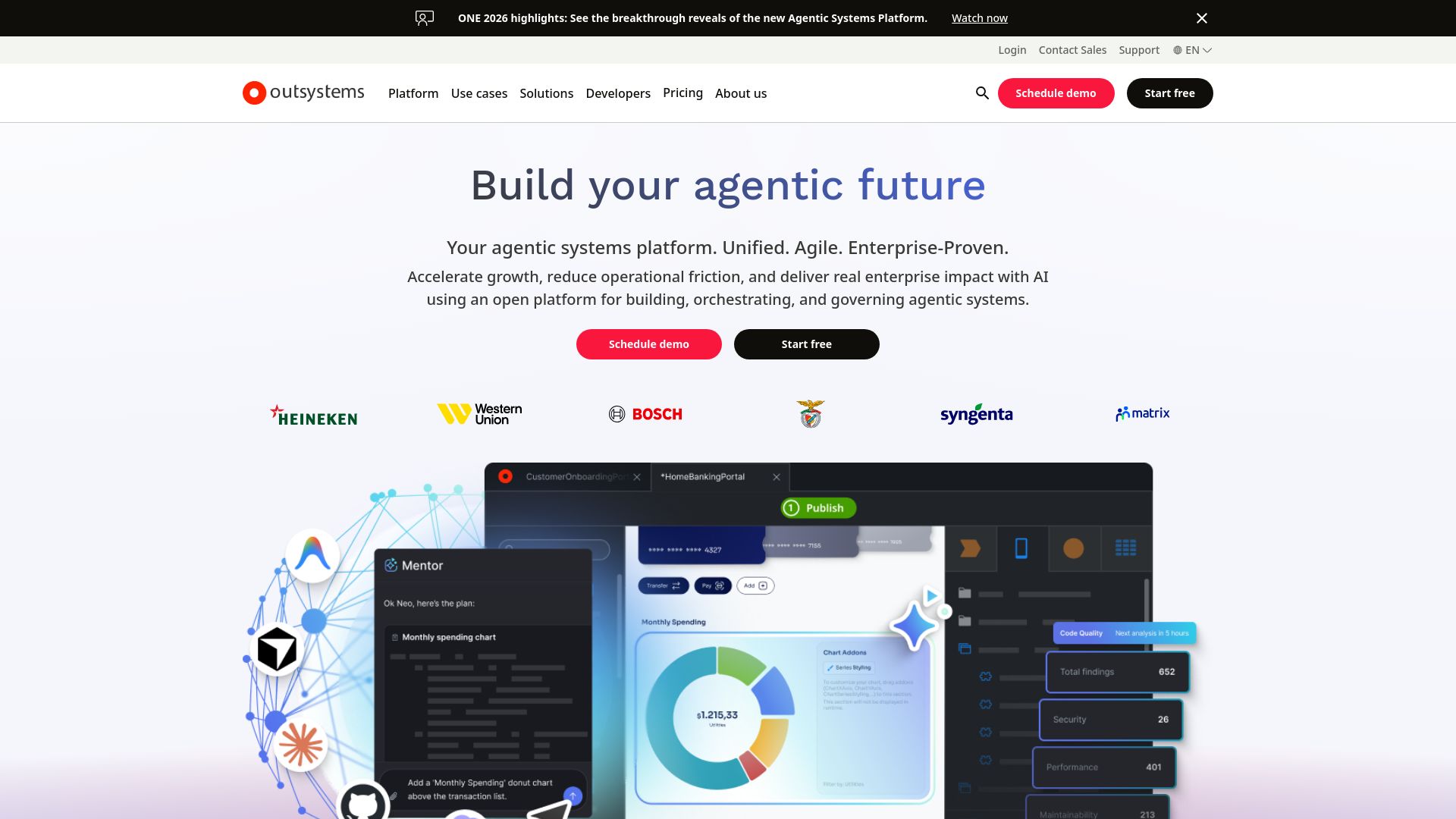
According to the vendor, HEINEKEN reports saving over a million hours after scaling app development with OutSystems. The platform pairs a visual low-code development environment with AI features for building and managing agentic systems. It targets large organizations that need governed, enterprise-grade tools for AI and application orchestration.
Core Features
- Visual low-code development environment for rapid app assembly and reusable components.
- Open, unified, governed enterprise AI platform that centralizes policy and model controls.
- AI assistance throughout the software development lifecycle to suggest code, tests, and optimizations.
- Tools for building, orchestrating, and governing agentic systems and AI agents inside enterprise workflows.
- Pre-built reusable components to accelerate integration with core systems and data sources.
Key Differentiator
OutSystems combines low-code visual design with advanced AI capabilities inside a governed environment. That mix is aimed at enterprises that must control models, audit decisions, and manage agents across many business processes. The platform emphasizes governance and lifecycle controls rather than point AI features alone.
Pros
-
Rapid scaling for AI-powered apps. The platform supports end-to-end development from design to production.
-
Enterprise-grade security and governance. It centralizes policies for models and deployments.
-
Strong integration capabilities. It can connect to core systems and data for enterprise workflows.
-
Recognized by industry analysts. The vendor highlights placements by Gartner, Forrester, and IDC.
-
Flexible customization. Teams can extend visual components and iterate on agents as requirements change.
Cons
-
Third-party reviews indicate potential complexity in enterprise deployment and management. That may lengthen rollout time.
-
Some teams face a steep learning curve when integrating advanced AI features into existing workflows.
-
Pricing and licensing details are not broadly published. Expect direct vendor engagement for a tailored quote.
When It May Not Fit
OutSystems may not fit small IT teams or startups that lack dedicated integration engineers. Projects with minimal governance needs will not benefit from the platform’s full control plane. If your primary requirement is an on-premise Arabic UI out of the box, this platform may miss that regional specialization.
Who It’s For
Large enterprises and IT teams that need to build, orchestrate, and govern AI-powered applications at scale will find this platform suitable. Organizations across Saudi Arabia and UAE with complex compliance needs will benefit. If you require an on-premise, Arabic-enabled low-code option, consider Singleclic’s Cortex instead.
Real World Use Case
According to the vendor, Bosch reduced time-to-setup from four weeks to four days by using OutSystems for Industry 5.0 applications. According to the vendor, Zurich doubled monthly policy sales after a digital transformation on the platform. The HEINEKEN figure above illustrates the scale some customers report.
Pricing
Pricing is not publicly listed and is provided upon request. The vendor typically discusses licensing and enterprise plans during a sales consultation. Budget planning requires direct engagement to reveal seat counts, model usage fees, and support tiers.
Website: https://outsystems.com
Comparison of alternatives
Selecting a low-code platform involves considering several factors such as features, deployment, regional support, and pricing; here is how these top platforms compare.
Regional suitability and compliance considerations
When assessing regional suitability, Singleclic provides an Arabic-first UI designed explicitly for the Middle East and North Africa (MENA), addressing the unique language and regulatory requirements of the region. This feature is among competitors, as none provide localization and deployment options aligned with MENA-specific business practices.
In comparison, Creatio Studio stands out in terms of compliance and governance capabilities, ensuring GDPR, HIPAA, and SOC 2 adherence, which supports enterprises requiring strict regulatory frameworks. For organizations where compliance with international standards is critical, this platform offers a compelling option tailored for global operations.
Scalability and extensibility of platforms
For deployment at a large scale, Joget DX 9 offers a solid choice due to its Kubernetes support and in-memory grid capabilities that enhance performance for extensive enterprises. On the other hand, Launchpad is optimized for building multi-tenant Software as a Service (SaaS) applications and includes tools that assist in managing subscriber separation efficiently. Teams focused on SaaS productization will benefit most from Launchpad’s specialization.
Best fit
- Organizations in MENA requiring Arabic-first UI design with regional deployment should opt for Singleclic due to its tailored focus on the region.
- Teams prioritizing governance features aligned with international standards should consider Creatio Studio, especially for GDPR or HIPAA compliance.
- Companies developing multi-tenant SaaS applications with efficient management tools may prefer Launchpad for its subscriber segmentation capabilities.
Our pick
For organizations operating within the Middle East and North Africa (MENA) region, Singleclic stands out as the premier choice due to its Arabic-language user interface, region-specific capabilities, and strong focus on local regulations. However, enterprises outside the MENA area or those prioritizing strict GDPR compliance might find Creatio Studio more suitable for their global needs. For regional businesses seeking support for language, regulatory, and deployment complexities, Singleclic provides an combination of features.
For organizations seeking a low-code platform tailored to their regional and operational needs, here is a comparative overview to aid in selecting the most suitable solution.
| Platform | Key Features | Ideal For | Pricing | Notable Limitation |
|---|---|---|---|---|
| Singleclic | Arabic-first UI, custom business automation tools, AI-enabled workflows | Enterprises in MENA requiring data residency | Not disclosed | Limited international presence |
| Creatio Studio | AI-driven design, compliance governance, reusable components | Enterprise digital transformation teams | Not disclosed | Requires technical expertise for setup |
| Joget DX 9 | AI-centric development tools, open-source approach | Large enterprises using cloud-native infrastructures | Not disclosed | Limited public reviews and features in development |
| Launchpad | SaaS deployment, AI-powered Blueprint design | Development teams creating SaaS applications | $900/month | Costs may rise with scale |
| Anybuild | Model-driven design, lifecycle-centric architecture | Scalable, governed enterprise systems | €25/month basic plan | Initial learning curve for new users |
| OutSystems | Visual low-code design, AI lifecycle management | Large IT enterprises requiring comprehensive governance | Not disclosed | Complexity in enterprise-level deployment |
why choose singleclic for your low code platform needs
If you are exploring the best low code platforms for your organization in Saudi Arabia or the UAE, Singleclic offers a tailored solution that addresses key challenges in regional business automation. Many companies struggle with localization, data residency, and the complexity of integrating ERP and CRM systems. Singleclic’s Arabic-enabled Cortex platform supports on-premise deployment for banks and government agencies while enabling real-time workflow changes without downtime.
Key advantages of Singleclic include:
- Full Arabic UI/UX built specifically for MENA enterprises
- Deep integration with Microsoft Dynamics 365, Odoo, and IBM BPM systems
- Scalable automation and AI solutions crafted for regulated industries like healthcare, telecom, and government
Explore Singleclic’s Cortex platform and see how you can design and evolve complex business processes with no code. Don’t wait. Connect with Singleclic to unlock regional expertise that accelerates your digital transformation while respecting local compliance. Book a consult to review your ERP and low code automation needs and start automating complex workflows today.
FAQ
What features make Singleclic a suitable choice for MENA enterprises?
Singleclic offers AI-enabled workflows, business process automation, and a low-code platform with an Arabic-first UI. This tailored approach fits the unique regulatory and language needs common in Saudi Arabia and the UAE, helping organizations meet local requirements efficiently.
How does Singleclic compare to Creatio Studio in terms of development speed?
Creatio Studio provides AI-assisted application design to accelerate app creation, appealing to large teams needing governed workflows. In contrast, Singleclic’s focus on a regional approach and Arabic-first UI allows it to cater specifically to MENA organizations, making it a better fit for businesses needing localized support while still achieving rapid development.
Which platform is better suited for on-premise deployment, OutSystems or Singleclic?
OutSystems is ideal for large businesses with complex needs for app orchestration across multiple systems. However, Singleclic excels with its on-premise deployment focus tailored for government organizations and banking institutions requiring strict data residency and compliance.
Does Singleclic support integrations with Microsoft Dynamics 365 and ERP systems?
Yes, Singleclic integrates seamlessly with Microsoft Dynamics 365 and Odoo for ERP implementations, ensuring organizations can align their low-code solutions with existing enterprise systems, particularly in the MENA region.
What pricing model does Singleclic use?
Singleclic does not have a fixed list price; instead, it offers bespoke engagement models that vary based on project scope and integrations. Expect pricing to reflect the on-premise options and enterprise-grade integration services.