Choosing the right business platform can shape the future of any organization. With so many options promising everything from efficiency to smarter automation, it is easy to wonder which solution truly fits unique goals. Some products highlight deep integration while others put flexible customization or powerful analytics at the forefront. Each one has a different path to transformation and the details can make all the difference. If you have ever thought about how modern tools could change your daily operations or wondered what separates one platform from another, you are about to discover how these leading choices stack up.
Table of Contents
SingleClic
At a Glance
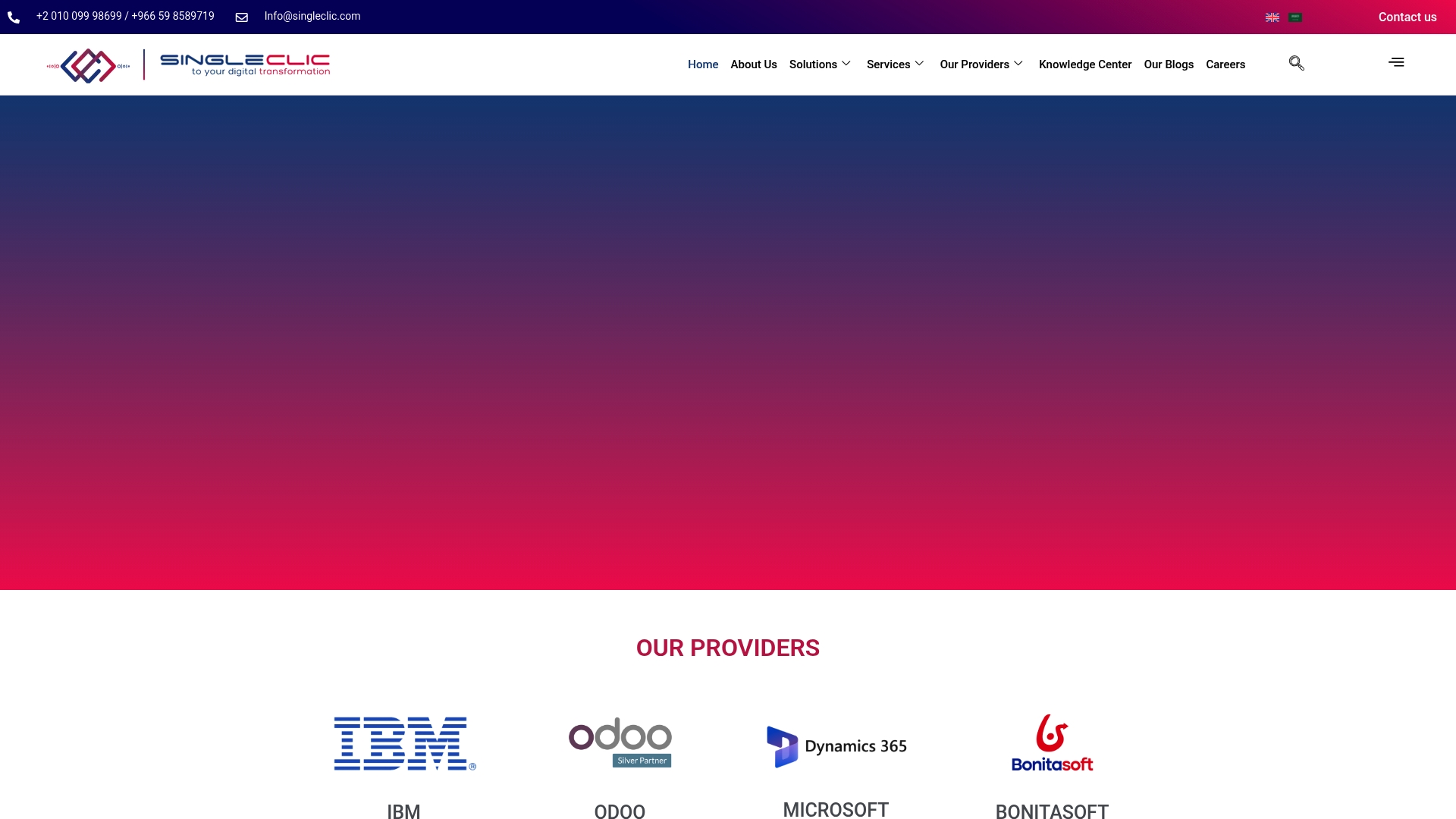
SingleClic is a pragmatic, region-focused digital transformation partner built for enterprises across the MENA region. It combines an Arabic-first low-code platform with deep ERP and CRM integrations to move organizations from simple digitalization to ongoing operational optimization. For complex sectors like healthcare, banking, and government, SingleClic balances technical depth with local compliance and cultural fit. Bottom line: it’s designed to reduce project risk while accelerating measurable outcomes.
Core Features
SingleClic’s core capability is Cortex, a low-code app development platform with an Arabic-first user experience that lets teams design and evolve workflows without heavy coding. The platform includes deep integration hooks to ERP and CRM systems, supports both web and mobile apps, and delivers business process automation (BPA) outcomes. SingleClic leverages partnerships with Microsoft Dynamics, Odoo, IBM, and BonitaSoft to build bespoke implementations and integrate enterprise-grade automation and analytics into existing estates.
Pros
- Specializes in the MENA region with tailored solutions, ensuring local language, regulatory, and cultural needs are properly addressed for smoother adoption.
- Strong partnerships with major enterprise providers enable integrated solutions that combine best-in-class platforms with local delivery expertise.
- Demonstrated vertical experience in healthcare, banking, and government allows delivery teams to anticipate sector-specific challenges and accelerate rollout.
- Focus on strategic, sustainable digital transformation means projects are designed for long-term optimization rather than quick, short-lived wins.
- End-to-end IT services from initial design through maintenance reduce vendor fragmentation and keep accountability in one place.
Who It’s For
SingleClic is ideal for medium and large organizations in the MENA region that need more than a standard ERP or CRM implementation. If you run healthcare networks, government services, banks, or large construction and real estate firms and need localized, scalable automation, SingleClic fits your profile. If you value Arabic-first UX, on-premise options, and a partner that manages both implementation and long-term optimization, this is built for you.
Unique Value Proposition
SingleClic’s unique strength is the combination of an Arabic-enabled low-code platform and deep, partner-backed integrations that produce fast, low-risk outcomes for MENA enterprises. Rather than selling shelf software, SingleClic engineers tailored solutions on Cortex and integrates them with Microsoft Dynamics, Odoo, or IBM tooling as needed, allowing organizations to preserve existing investments while modernizing workflows. This approach shortens time to value, lowers customization risk, and provides a single accountable team for both delivery and ongoing optimization — a clear operational advantage for organizations that cannot tolerate fractured vendor stacks. In short: localized product design plus enterprise integration equals faster, more sustainable transformation.
Real World Use Case
SingleClic has implemented extensive Microsoft Dynamics solutions for Emirates Health Services and developed Egypt’s Gahar healthcare management system, illustrating its ability to deliver large-scale, sector-specific digital platforms that integrate clinical, administrative, and operational workflows.
Pricing
Pricing is not specified in the provided content. SingleClic structures engagements to fit enterprise scale and complexity, so pricing is typically customized based on scope, integrations, and ongoing support needs. Contact SingleClic for a tailored proposal.
Website: https://singleclic.com
Odoo
At a Glance
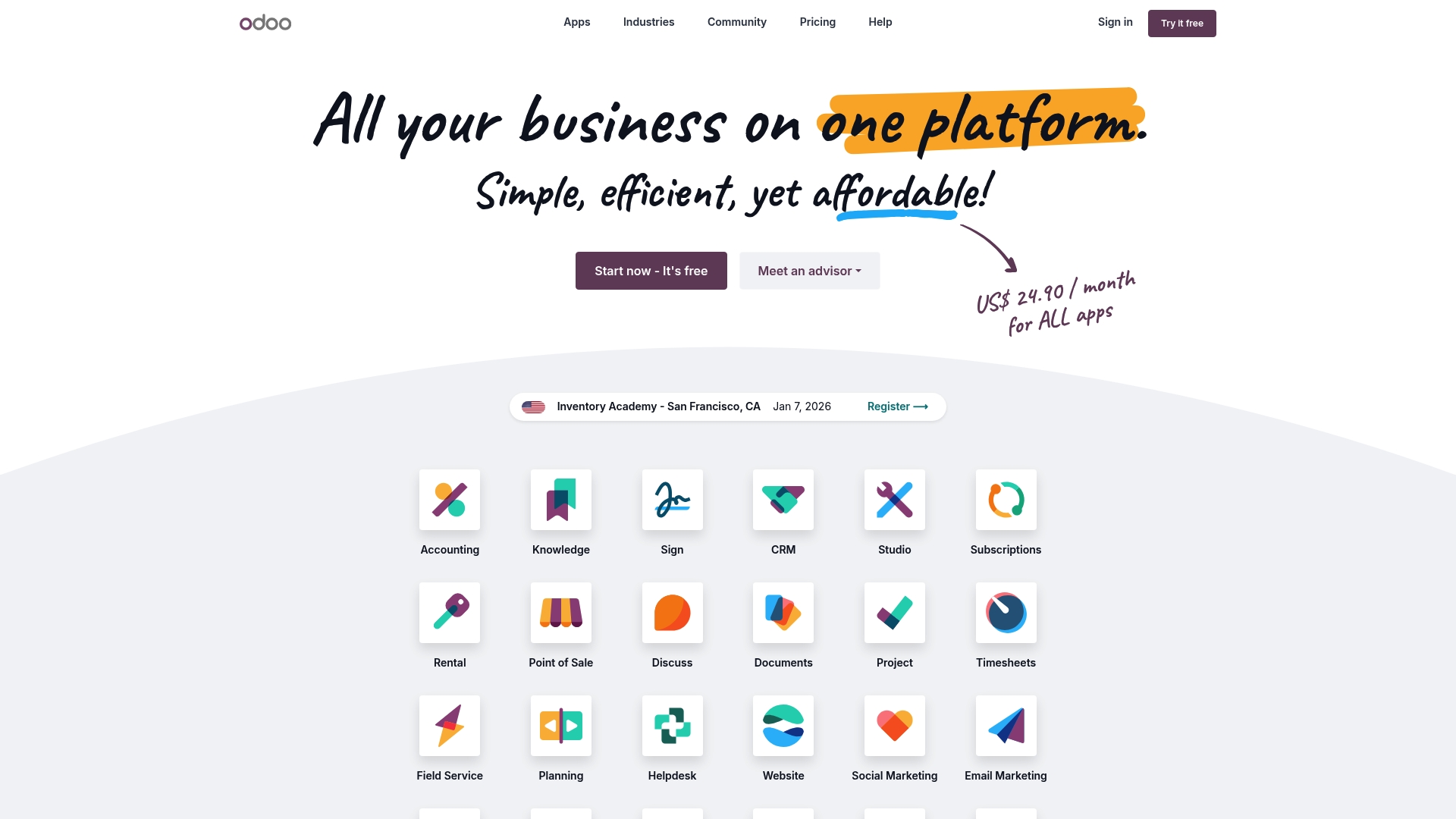
Odoo is an open source ERP and CRM platform that combines a broad app ecosystem with deep customization options, making it a strong choice for organizations that want ownership and control over their systems. The platform offers both a free Community edition and a feature-rich Enterprise edition, so you can scale from simple setups to full digital transformation projects. Expect lower licensing surprises and flexible hosting choices, but plan for technical resources during complex implementations. Bottom line: excellent flexibility and integration potential, with implementation effort as the trade-off.
Core Features
Odoo delivers a wide range of business applications — accounting, sales, inventory, manufacturing, project management, CRM, and more — all designed to operate as an integrated suite. Its open source foundation and use of PostgreSQL mean no vendor lock-in and direct access to your data. Odoo Studio enables visual app design and automation for tailored workflows, and the extensive third-party and community ecosystem (40,000+ apps) expands functionality without reinventing core processes. Hosting options include cloud, on-premise, and Odoo.sh, so deployment can match compliance and performance needs.
Pros
- Extensive app ecosystem: With over 40,000 community apps, Odoo offers a broad marketplace to extend functionality without building custom modules from scratch.
- Open source ownership and flexibility: The platform’s open source nature lets you control your codebase and data format, reducing long-term vendor dependency.
- Transparent, affordable pricing model: Odoo advertises a single all-inclusive fee per user and clear starting rates, which helps with predictable budgeting.
- Integrated business processes: Multiple functions — from inventory to accounting to CRM — work together in a unified system, simplifying data flows and reporting.
- Flexible hosting and deployment: You can choose cloud hosting, on-premise installation, or Odoo.sh, which supports varying compliance and performance requirements.
Cons
- Implementation requires technical expertise: Customization and integration often need experienced developers or partners, which can increase project timelines and cost.
- Enterprise-only features add cost: Some key capabilities are exclusive to the Enterprise edition, so total expense can rise as requirements expand.
- Complex systems demand dedicated support: Larger or highly customized deployments typically require ongoing support and training to maintain stability and user adoption.
Who It’s For
Odoo is ideal for businesses of all sizes that want a customizable, modular ERP/CRM they can own and adapt. It suits organizations that plan to evolve their systems over time, need integrated processes across sales, inventory, and finance, and have access to technical resources or implementation partners to tailor the platform.
Unique Value Proposition
Odoo’s unique strength is the combination of an open source core with a mature ecosystem and visual customization tools, delivering enterprise-class functionality without mandatory vendor lock-in. That mix enables organizations to balance cost, control, and extensibility in a single platform.
Real World Use Case
A retail company can deploy Odoo to unify sales, inventory, and customer relationship workflows: catalog management and POS feed inventory levels to automated reorder rules, while integrated sales and CRM data improve customer service and reporting in one system.
Pricing
Odoo’s standard plan starts at $24.90 per user/month with all apps included, while custom plans vary depending on specific requirements and Enterprise features.
Website: https://odoo.com
SAP Software Solutions
At a Glance
SAP Software Solutions combines AI, data, applications, and platform capabilities into a broad suite designed for enterprise-scale transformation. It targets large organizations with modular cloud ERP, finance, supply chain, HR, customer experience, and sustainability tools built to scale. The offering is powerful and deeply integrated, but complexity and implementation cost can be significant for smaller teams. Choose SAP when you need enterprise-grade reach and AI-enabled automation at scale.
Core Features
SAP’s platform centers on an integrated approach: AI, data, apps, and platform work together to support mission-critical processes. Key areas include modular cloud ERP, AI-powered financial and spend management, supply chain planning and logistics, AI-enabled human capital management and payroll, customer experience solutions that tie e-commerce to sales and service, an enterprise Business Technology Platform, built-in sustainability management, and business network tools for procurement and collaboration.
Pros
- Comprehensive suite of integrated enterprise solutions: SAP covers ERP, finance, supply chain, HR, commerce, and sustainability so you can reduce point-solution fragmentation across the organization.
- Strong focus on AI integration to enhance business processes: AI features aim to improve forecasting, automation, and decision support across finance, supply chain, and HR workflows.
- Flexible and modular cloud product offerings: The modular design allows organizations to adopt the capabilities they need and extend functionality over time.
- Extensive partner ecosystem for customization and implementation: A wide partner network supports complex rollouts and local implementation requirements.
- Recognition as a leader in digital commerce by Gartner for multiple years: The platform’s commerce and CX capabilities have received industry recognition, reinforcing its enterprise credibility.
Cons
- Complex product offerings may require significant investment to implement: The breadth of modules and integrations often demands time, consulting, and governance to deploy successfully.
- Can be resource-intensive for small and medium enterprises: Smaller organizations may find the platform’s scale and operational requirements excessive for their needs.
- Pricing details are not specified on the website: Without public pricing, budgeting requires direct vendor engagement and can slow procurement decisions.
Who It’s For
SAP is aimed at large enterprises and organizations that need integrated, scalable business management solutions and are ready to invest in transformation. If your priority is enterprise-grade capabilities across finance, supply chain, HR, and commerce with embedded AI, SAP is a fit. Not a best choice if you run a lean SME with limited implementation bandwidth.
Unique Value Proposition
SAP’s unique value lies in its end-to-end integration across critical enterprise domains combined with AI and a Business Technology Platform that supports mission-critical processes. In short: one architecture that aims to unify operations, analytics, and collaboration across global organizations.
Real World Use Case
A multinational corporation implements SAP’s cloud ERP and supply chain modules to standardize processes across countries, deploy AI-driven forecasting for inventory optimization, and centralize financial close and compliance reporting to accelerate decision-making.
Pricing
Not specified on the website.
Website: https://sap.com
NetSuite
At a Glance
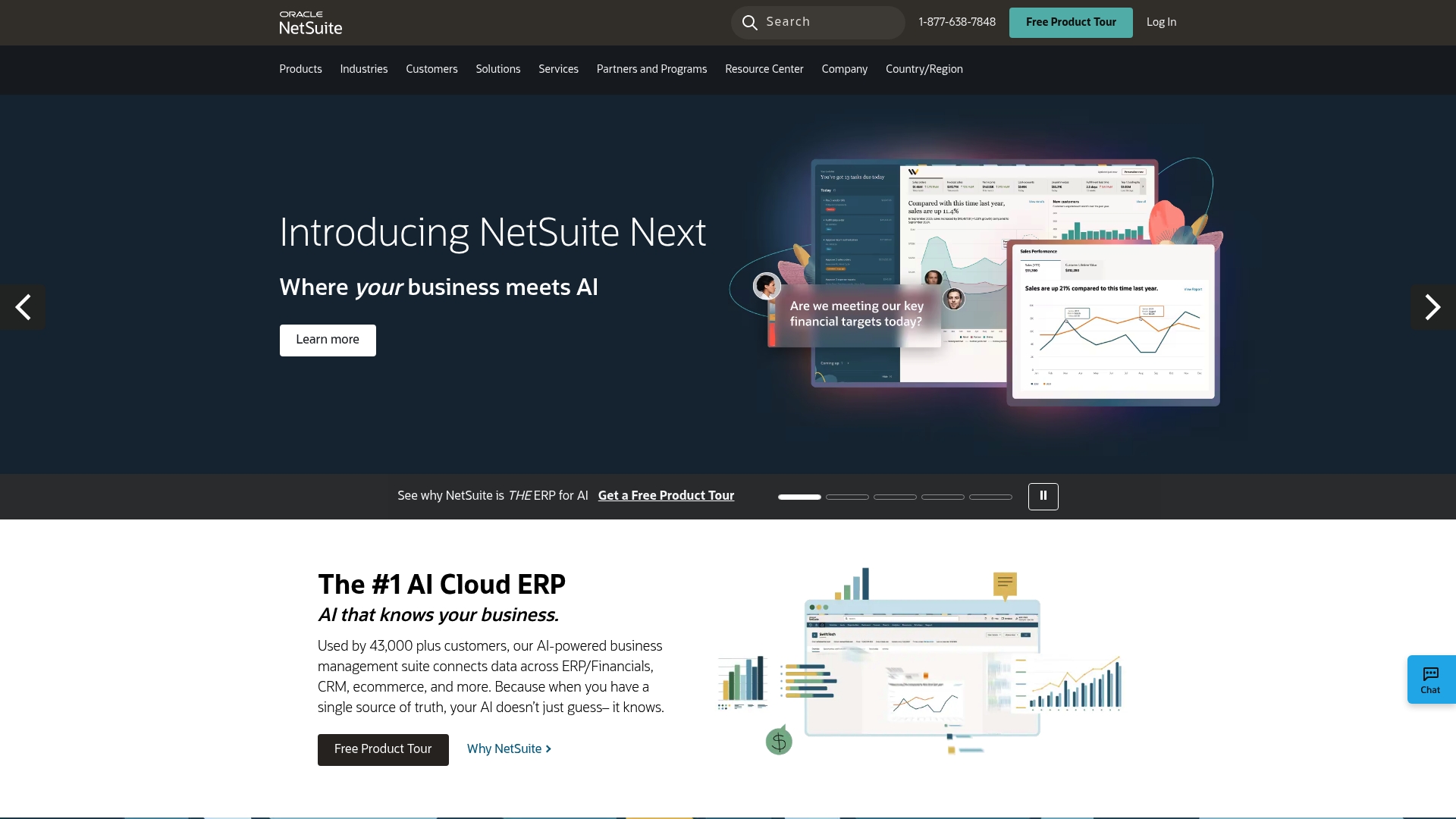
NetSuite is an all-in-one, cloud-based ERP designed to give medium and large organizations a single source of truth across finance, CRM, ecommerce, and operations. Its AI-powered capabilities aim to reduce manual work and surface actionable insights for finance leaders and top management. The platform shines where data consolidation and scalability matter most, but smaller teams should plan for implementation effort and cost.
Core Features
NetSuite combines an AI-powered business management suite with native connections across ERP/financials, CRM, and ecommerce to centralize data and reporting. Key functionality emphasized in the product data includes single source of truth data integration, tools for inventory and fulfillment management, and guided checklists for choosing and planning ERP and financial systems. In practice this means consolidated ledgers, unified customer records, and inventory workflows that feed into financial and operational dashboards.
Pros
- Unified platform reduces data silos: NetSuite centralizes transactional, customer, and inventory data into one environment so teams work from consistent information.
- AI integration enhances decision-making: Embedded AI features are designed to surface trends and recommendations that help managers act faster and with more confidence.
- Designed for scalability and growth: The suite is built to support expanding operations and multiple business units without stitching together multiple systems.
- Comprehensive suite covering various business functions: Finance, CRM, ecommerce, and fulfillment tools are bundled so organizations can standardize processes across departments.
- Offers a free product tour for potential users: Prospective customers can explore the platform through a guided tour before committing to deeper evaluation.
Cons
- Potentially high cost for small businesses: Pricing is not published and is likely customized, which often translates to a higher total cost of ownership for smaller teams.
- Complexity of implementation for smaller teams: Consolidating multiple functions into one platform requires planning and project resources that smaller organizations might lack.
- Requires training for optimal use: To realize AI-driven insights and advanced workflows, staff training and change management are necessary.
Who It’s For
NetSuite is best suited for medium to large businesses that need a comprehensive, AI-enabled cloud ERP that ties finance, sales, and operations together. If your organization runs multiple channels, manages significant inventory, or needs consolidated financial reporting across units, NetSuite fits the profile. Smaller businesses should evaluate implementation resources and budget carefully before committing.
Unique Value Proposition
NetSuite’s unique value lies in pairing broad functional coverage with AI-driven analytics on a single cloud platform, which reduces the need for point solutions and complex integrations. That unified approach simplifies executive reporting and supports faster operational decisions across finance, inventory, and customer-facing teams.
Real World Use Case
A retail company uses NetSuite to unify financials, streamline inventory and fulfillment, and apply AI to forecast stock levels. The result: fewer stockouts, lower carrying costs, and improved customer satisfaction through better fulfillment accuracy.
Pricing
Pricing is not specified on the website and is likely customizable based on business needs, which means costs will vary by modules, user counts, and implementation scope.
Website: https://netsuite.com
Infor
At a Glance
Infor is a mature, enterprise-grade cloud ERP suite built with industry depth and advanced AI capabilities. It targets large organizations that need sector-specific functionality—everything from manufacturing and distribution to healthcare and public sector. If you need a cloud ERP that blends domain expertise with embedded AI and a secure, high-performance data layer, Infor is a serious contender. Expect a strong focus on modernization, but also a multistage implementation effort for complex environments.
Core Features
Infor delivers cloud-based, industry-specific enterprise software with modules for ERP, Supply Chain Management (SCM), Human Capital Management (HCM), financial management, and sustainability/ESG. The platform embeds generative AI, machine learning, and advanced analytics into core business processes, and it supports AI agents that automate routine decisions and reduce errors. Infor’s purpose-built architecture emphasizes a high-security, high-performance data layer designed to scale for analytics and AI workloads while maintaining industry-specific functionality out of the box.
Pros
- Recognized market leadership: Infor is cited as a leader in Gartner’s Magic Quadrant for Cloud ERP and Warehouse Management Systems, reflecting its credibility in large-scale deployments.
- Industry-specific depth: The suite contains tailored features for sectors such as Aerospace, Automotive, Food & Beverage, Healthcare, and Public Sector, which reduces the need for heavy customization.
- Advanced AI and analytics: Infor integrates generative AI, machine learning, and advanced analytics to automate tasks, surface insights, and support predictive processes.
- Large global footprint: Serving over 60,000 organizations worldwide provides a broad reference base and mature product evolution.
- Focus on digital modernization: Infor positions itself to help organizations modernize legacy ERP systems, making it a pragmatic choice for multi-year transformation programs.
Cons
- Limited direct disadvantage detail in the source material: The supplied data does not include customer-facing downside specifics, which means decision makers should seek independent case studies and live references.
- Implementation complexity: Customization and deployment can be complex depending on industry requirements and scale, which typically necessitates experienced implementation partners.
- Ongoing AI management required: To sustain competitive advantage, organizations must actively manage, update, and govern embedded AI and ML capabilities, which adds operational overhead.
Who It’s For
Infor is best suited for large and enterprise organizations that need industry-tailored cloud ERP with embedded AI and analytics. If your organization operates in a regulated or vertical-specific environment—manufacturing, healthcare, distribution, or public sector—and you require deep functional fit rather than a generic ERP, Infor fits that profile.
Unique Value Proposition
Infor’s unique strength is the combination of domain-specific depth and a purpose-built, secure architecture for AI and analytics. That blend reduces the gap between functional requirements and technology, enabling faster realization of industry workflows with AI-augmented decision support.
Real World Use Case
A manufacturing company implements Infor CloudSuite Manufacturing to modernize production, using AI agents for predictive maintenance and demand forecasting to reduce downtime and optimize inventory. The solution ties production schedules to predictive insights, improving output consistency and lowering carrying costs.
Pricing
Not specified on the page; pricing typically requires vendor engagement and will vary by module, user count, and implementation scope.
Website: https://infor.com
Digital Transformation and ERP Solutions Comparison
This table provides a comprehensive overview of digital transformation and ERP platforms, highlighting key features, pros, cons, pricing, and suitable use cases to help businesses choose the right solution for their needs.
| Product | Key Features | Pros | Cons | Pricing |
|---|---|---|---|---|
| SingleClic | Arabic-first low-code platform, ERP/CRM integration | Tailored MENA solutions, local compliance, strong partnerships | Pricing not specified | Customizable based on scope |
| Odoo | Open source ERP/CRM, 40,000+ apps | Flexibility, open source, affordable pricing | Requires technical expertise for customization | $24.90 per user/month |
| SAP Software | AI, modular cloud ERP, financial management | Comprehensive suite, AI integration, partner ecosystem | Complex and resource-intensive | Not specified |
| NetSuite | Cloud-based ERP, AI-powered insights | Unified platform, AI integration, scalability | High implementation cost for small businesses | Customizable |
| Infor | Cloud ERP, industry-specific, embedded AI | Industry-specific features, AI/ML integration | Implementation complexity | Requires vendor engagement |
Website: https://infor.com
Elevate Your Enterprise with SingleClic’s Tailored ERP Solutions
Choosing the right cloud ERP system is one of the most critical decisions for enterprises aiming to transform operations while managing complexity and regional demands. The expert comparison of top ERP platforms highlights the challenge of balancing flexibility, integration, and local compliance—especially for organizations in the Middle East and North Africa. If you need more than generic digitalization and want to achieve lasting operational optimization with an Arabic-first, low-code platform, SingleClic offers exactly that.
Our Cortex platform empowers enterprises to design and automate workflows without extensive coding, supporting on-premise deployments that meet strict banking and government requirements. With deep expertise in Microsoft Dynamics 365, Odoo, and IBM automation tools, SingleClic helps organizations harmonize ERP, CRM, and AI-driven Business Process Automation for seamless end-to-end transformation.
Take control of your digital future today. Discover how our regional focus and proven delivery approach can reduce risk and accelerate growth for your enterprise by visiting SingleClic. Learn more about our ERP & CRM Implementation, and explore the power of our Low-Code Platform: Cortex to transform your business faster and smarter.
Unlock your organization’s full potential with a trusted partner who goes beyond digitalization. Contact SingleClic now to start your journey toward optimized, scalable enterprise solutions.
Frequently Asked Questions
What are the key features to look for in a cloud ERP system in 2025?
A cloud ERP system in 2025 should offer integration capabilities with various business applications, real-time data analytics, and advanced security features. To ensure you choose the right system, list your business requirements and prioritize features that support your growth and operational efficiency.
How can I determine if a cloud ERP system fits my organization’s needs?
To determine if a cloud ERP system fits your organization, assess your current workflows, budget, and scalability needs. Create a checklist of must-have features and functionalities, then evaluate potential systems against this list to find the best fit.
What are the estimated implementation timelines for cloud ERP systems?
Implementation timelines for cloud ERP systems can vary widely, typically ranging from a few weeks to several months, depending on system complexity and organizational size. Plan for an implementation duration of at least 3 to 6 months to incorporate proper training and adjustments.
How can cloud ERP systems improve operational efficiency?
Cloud ERP systems streamline operations by centralizing data and automating repetitive tasks, which can reduce processing times by up to 30%. Evaluate potential ERP solutions based on their ability to automate your key business processes and enhance team collaboration.
What are the ongoing costs associated with using a cloud ERP system?
Ongoing costs for cloud ERP systems generally include subscription fees, maintenance, and support services, often amounting to 15-20% of the initial implementation costs annually. Budget for these expenses when planning your ERP adoption to ensure long-term sustainability.
What should I consider when choosing between different cloud ERP vendors?
When choosing between different cloud ERP vendors, consider factors such as customer support, ease of use, integration capabilities, and industry-specific features. Request demos and trial periods to test functionalities before making your final decision.