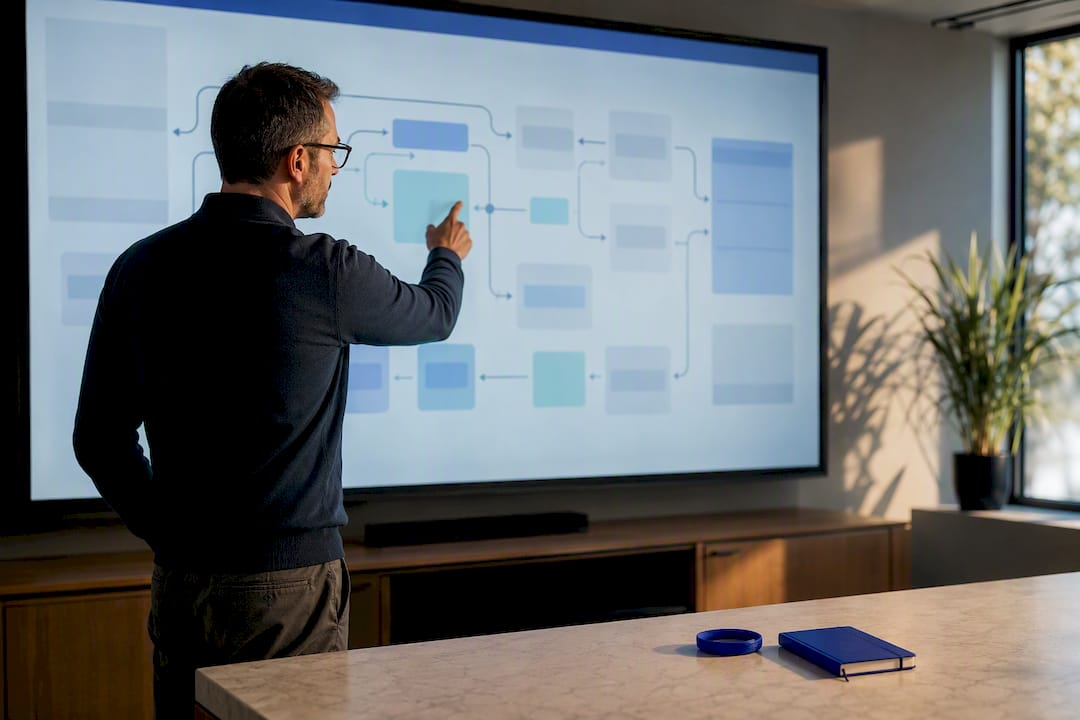
Legacy modernization often feels like a high-stakes gamble: how do you upgrade workflows without halting daily operations? You don’t have to choose between risk and progress. Singleclic’s zero downtime migration blueprint shows how to modernize ERP and CRM systems with Microsoft Dynamics 365 integration, Odoo ERP implementation, and workflow automation—keeping your business running smoothly while advancing toward operational efficiency. Read on to learn the practical steps that protect your frontline operations as you move forward. For more insights, check out this guide on modernizing legacy systems without disruption.
Zero-Downtime Legacy Modernization
Assessing Legacy Workflows
Begin by understanding your current systems. Identify outdated elements that might slow down operations. This first step helps you pinpoint areas needing immediate attention. Reviewing workflows sets the stage for a smooth transition, ensuring no disruptions occur.
Assessing your processes: Dig into each workflow. Are there bottlenecks? Redundancies? Rate these by priority to know where to start. Begin with tasks that consume excessive time or resources. This method gives you a clear picture of what needs fixing first to modernize effectively.
Using data effectively: Leverage data from your systems. Reports can reveal inefficiencies. Use tools like Power BI dashboards to gain insights. Knowing where your system falters helps in crafting a plan tailored to your needs. Explore more about data integration and its impact on modernization.
Identifying Quick Wins
Quick wins are changes that yield immediate benefits without major overhauls. They boost morale and prove the value of modernization early in the process.
Target low-hanging fruit: Look for easy-to-implement solutions. Automating repetitive tasks is a great start. Use Robotic Process Automation (RPA) to streamline these. Small changes can save time and show stakeholders progress, encouraging support.
Focus on high-impact areas: Prioritize improvements that affect many users. For instance, enhancing CRM features can directly improve customer interaction efficiency. These changes demonstrate real value quickly and lay the groundwork for larger transformations.
Designing Target Architecture
Once you understand what needs improvement, design a future-proof architecture. This blueprint guides every modernization step, ensuring consistency and alignment with business goals.
Set clear goals: Decide what you want from your new system. Do you need better data management or faster processes? Define these objectives clearly. They will steer your design choices, ensuring the new architecture meets your needs.
Consider integration: Ensure your new architecture supports seamless integration with existing systems. Use tools like Microsoft Dynamics 365 to create a unified framework. This approach minimizes disruptions and leverages existing investments. Learn more about transforming legacy systems.
Strategic Migration Techniques

Parallel Run Strategy
Running old and new systems side-by-side reduces risk. This approach allows you to test new workflows without jeopardizing daily operations.
Test thoroughly: Use the parallel run to catch issues before full implementation. This testing phase ensures any bugs or glitches are resolved. It’s a crucial step in confirming your new system’s reliability.
Gather feedback: During this time, collect input from users. Are they facing challenges? Use this feedback to refine processes. This iterative approach ensures the final system meets user needs effectively.
Blue-Green Deployment
Blue-green deployment involves having two identical environments. One handles live traffic while the other is updated. This technique minimizes downtime during system changes.
Switch seamlessly: Transition users from the blue to the green environment without affecting service. This method ensures continuity and allows for immediate rollback if needed.
Maintain flexibility: This approach gives you the freedom to test new updates without user impact. It reduces stress and ensures a smooth transition, keeping operations uninterrupted.
Incremental Data Migration
Move data in stages rather than all at once. This strategy minimizes risk and keeps processes running smoothly throughout the migration.
Plan meticulously: Break down data migration into manageable chunks. Prioritize critical data, ensuring it’s available first. This phased approach reduces errors and ensures continuity.
Monitor closely: Keep a close eye on the migration process. Use analytics to track data integrity and performance. Resolving issues quickly prevents disruptions and ensures data reliability.
Leveraging Automation and Analytics
Power Platform Low-Code Solutions
Low-code platforms like Power Platform enable rapid development with minimal coding. They empower teams to create solutions tailored to their needs.
Boost agility: Create applications quickly. This agility lets you adapt to changing requirements effortlessly. Teams can address specific challenges without waiting for extensive development cycles.
Reduce costs: Low-code solutions cut down on development time and costs. Organizations can achieve more with less, maximizing resources for other critical areas.
Robotic Process Automation (RPA)
RPA automates routine tasks, freeing up employees for more strategic work. This technology enhances productivity and accuracy.
Maximize efficiency: Automate repetitive processes like data entry or report generation. This automation increases output while maintaining quality.
Enhance accuracy: RPA reduces human error by standardizing processes. Reliable automation ensures consistent results, building trust in your systems.
Power BI Dashboards for Insights
Power BI provides powerful analytics tools that transform data into actionable insights. These dashboards offer a clear view of operations, helping you make informed decisions.
Gain real-time visibility: Dashboards display up-to-date metrics, offering valuable insights. This transparency helps you identify trends and make timely decisions.
Drive strategic decisions: Use data-driven insights to guide strategy. Analytics reveals opportunities for improvement, aligning operations with business goals.
In conclusion, modernizing legacy systems without disruption is achievable. By assessing workflows, leveraging strategic migration techniques, and utilizing automation, you can transform your systems seamlessly. This approach ensures continuous operation while positioning your organization for future success.