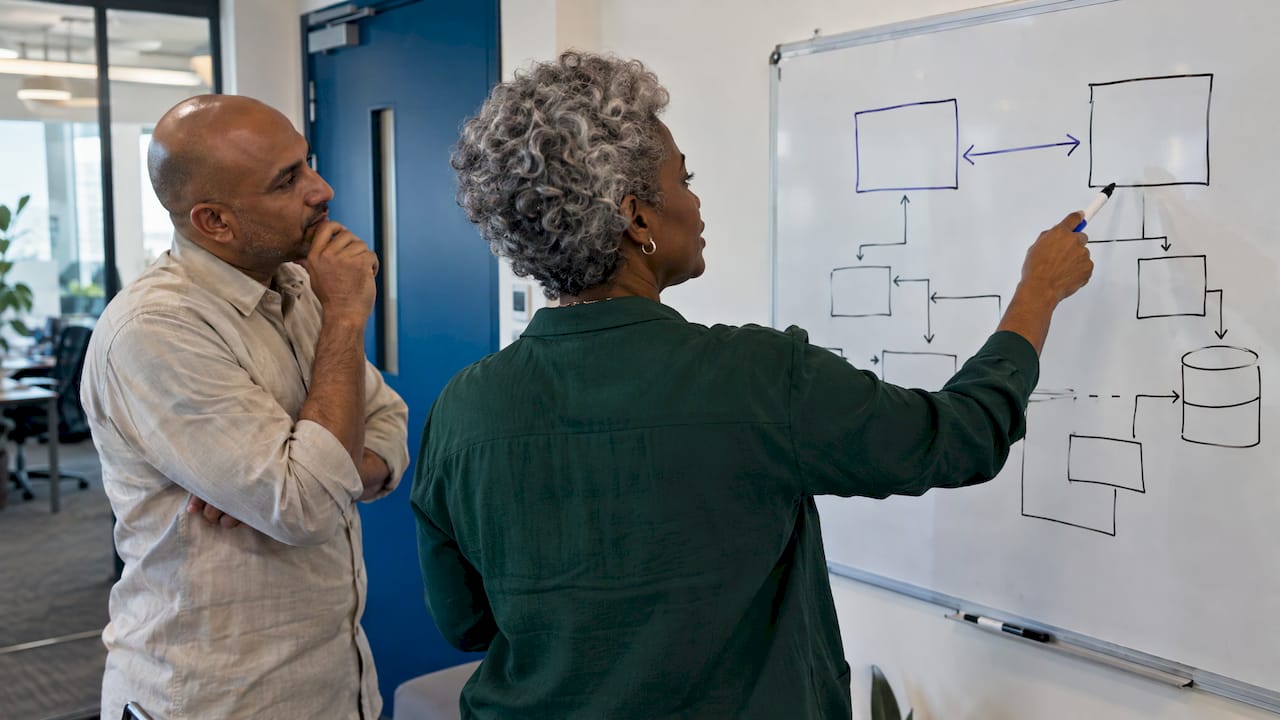
Yes, Odoo and SAP can be integrated, and the approach that holds up is not a point-to-point script. It is a governed integration layer between the two systems, with agreed data ownership, error handling and monitoring. For UAE and Saudi organizations this usually means SAP stays the financial and master-data core while Odoo runs a specific business unit, subsidiary, warehouse, CRM or project operation. At Singleclic we build these links through Odoo’s APIs, SAP’s standard interfaces and our workflow platform, Cortex, so that approvals, ERP, CRM and legacy systems behave as one process.
SEO title: Odoo SAP integration: architecture, data flows and UAE checks
Slug: odoo-sap-integration
Keyword: odoo sap integration
Secondary keywords: connect Odoo to SAP S/4HANA, Odoo SAP connector, ERP integration middleware, Odoo API integration, SAP OData integration
Pillar cluster: ERP and CRM integration, with Odoo, Microsoft Dynamics 365 and SAP as the systems being connected
TL;DR
- Odoo and SAP connect through APIs, SAP OData services, BAPIs or IDocs, and usually a middleware or workflow layer in between.
- Decide first which system owns each record (customers, items, chart of accounts, stock). Most failed integrations fail on ownership, not on technology.
- Plan for error queues, retries, monitoring and API key rotation from day one, not after go-live.
- In the UAE, check e-invoicing and VAT handling before you fix the data flow.
- Treat the project as a business process design exercise first and a connector exercise second.
Table of Contents
- When connecting Odoo and SAP makes sense
- The integration options, in plain terms
- What data to synchronize, and who owns it
- Implementation steps that hold up
- Risks to plan for
- What UAE and Saudi organizations should verify first
- Use cases we see in the region
- How Singleclic helps
- Our perspective
- Plan your Odoo and SAP integration with Singleclic
- FAQ
- Sources
When connecting Odoo and SAP makes sense
Most leaders who ask about this are in one of four situations.
- A group runs SAP at head office and Odoo in a subsidiary. The subsidiary needs a lighter, faster system, while the group needs consolidated financials in SAP.
- A business unit needs a specialist front end. Real estate sales, construction project tracking, e-commerce or a warehouse floor may run on Odoo modules while finance stays in SAP.
- An acquisition brings a second ERP. Replacing one system takes years, so the two have to exchange data in the meantime.
- A phased migration. Some organizations move away from a legacy SAP landscape in stages and need both systems live while processes move across.
If you are still deciding between platforms, our pieces on SAP S/4HANA versus Dynamics 365 and Odoo and what SAP is and when to choose Dynamics 365 or Odoo cover that decision. This article assumes both systems stay.
The integration options, in plain terms
There is no single “Odoo SAP connector” that fits every landscape. There are five building blocks, and a real design combines two or three of them.
Odoo’s external API
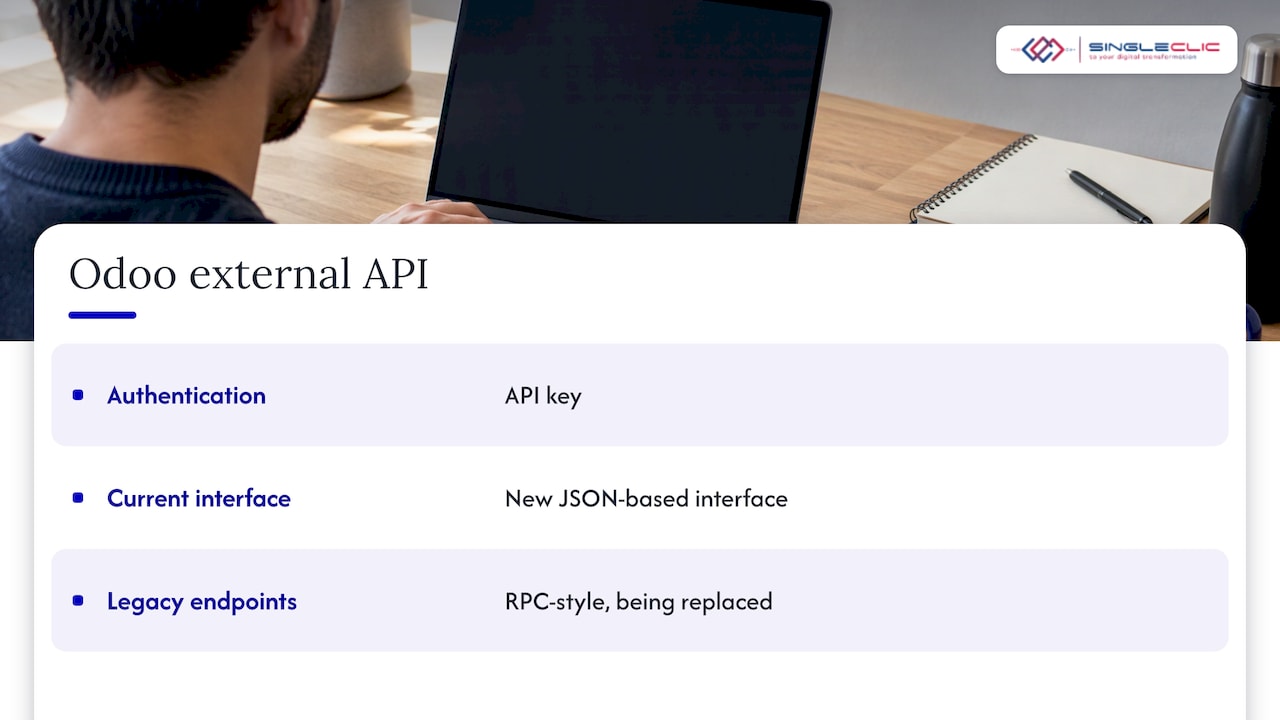
Odoo exposes its data and business logic to outside systems through an external API, authenticated with an API key. Its older RPC-style endpoints are being replaced by a newer JSON-based interface, so any new build should target the current one rather than the legacy endpoints. We cover the options in detail in our guide to Odoo API integration architectures, including webhooks and event-driven patterns.
SAP OData services
OData is a standard web protocol for reading and writing business objects over HTTP. SAP S/4HANA publishes many of its business objects as OData services, and these can be exposed securely through an API management layer with OAuth 2.0, as SAP’s own technical community describes. For new S/4HANA integrations this is normally the first choice because it is synchronous, versioned and easy to secure.
BAPIs and IDocs
BAPIs are SAP’s older callable business functions, and IDocs are its message format for batch and asynchronous exchange. Landscapes that still run ECC or heavily customized on-premise systems often depend on them. They remain reliable for high-volume batch loads such as nightly stock or ledger postings.
Middleware or an integration layer
Middleware sits between the two systems, translates formats, queues messages, retries failures and logs every exchange. It is what turns a demo into something your finance team can trust at month-end. Cortex plays this role in our projects: it connects approvals, ERP, CRM, data and legacy systems, and its workflows can be changed at runtime without downtime.
Off-the-shelf connectors
Prebuilt connectors exist for narrow cases such as HR data or analytics. They save time when your process matches the connector exactly. They struggle when you have custom fields, multiple legal entities or a bespoke approval chain, which is the normal state of an enterprise.
| Approach | Best for | Watch out for |
|---|---|---|
| Direct API to API | One simple flow, such as customers | Brittle when either system changes |
| OData via API management | S/4HANA, real-time lookups and postings | Needs SAP-side authorization design |
| BAPI / IDoc | Batch and legacy landscapes | Harder to monitor without tooling |
| Middleware or workflow layer | Multiple flows, approvals, audit trail | Needs clear ownership and design |
| Prebuilt connector | Narrow, standard scenarios | Limited fit with customizations |
What data to synchronize, and who owns it
The first workshop should produce a one-page table: object, system of record, direction, frequency. Typical results look like this.
| Business object | Usual owner | Direction | Typical pattern |
|---|---|---|---|
| Chart of accounts, cost centers | SAP | SAP to Odoo | Scheduled sync |
| Customers and vendors | SAP or CRM | Both, with one master | Event-driven with approval |
| Product and item master | SAP | SAP to Odoo | Scheduled or on change |
| Sales orders | Odoo | Odoo to SAP | Near real time |
| Stock levels | The warehouse system | Both | Event-driven |
| Invoices and journal entries | Odoo posts, SAP consolidates | Odoo to SAP | Batch or real time |
| Employee data | HR system | One direction | Scheduled |
Two rules save the most pain. First, never allow the same field to be edited in both systems. Second, map every code (units of measure, tax codes, payment terms, currencies) explicitly in a table that business users can read, because the same VAT treatment is almost never coded the same way in both systems.
For HR managers, the employee flow is usually the simplest to start with: one-way, scheduled, and low risk. For supply chain managers, stock and procurement are the hard part. Both systems may record a movement, so you must decide which one is authoritative and how quickly the other must reflect it.
Implementation steps that hold up
1. Map the end-to-end process, not the systems
Walk one transaction from start to finish, for example quote to cash. Mark every point where it crosses from Odoo to SAP. Each crossing is an interface, and each interface needs an owner in the business, not just in IT.
2. Fix master data ownership and clean it
Duplicates in customer and item masters become duplicates in both systems. Clean and de-duplicate before you automate, and agree on the key that links records across systems.
3. Choose the integration pattern per flow
Use real time for things people wait on (credit checks, stock availability) and batch for things finance reconciles later. Resist making everything real time. It raises load and makes failure handling harder.
4. Design security and access
Create dedicated integration users with minimum permissions in both systems. Store credentials in a vault. Keep in mind that Odoo API keys can be set to expire, so build a rotation routine and an alert before an expiry silently stops your sales orders. For banks, government entities and healthcare providers in the Gulf, where data residency rules are strict, on-premise deployment of the integration layer is often the decision that gets security approval.
5. Build error handling before happy paths
Every message needs a status, a retry rule and a place where a business user can see what failed and why. A rejected posting in SAP because a period is closed is a business event, and someone in finance should see it the same day.
6. Test with real volumes and real edge cases
Run end-of-month volumes, credit notes, partial deliveries, multi-currency documents and cancelled orders. Reconcile totals between the systems for a full cycle, with finance signing off the result.
7. Go live in waves and monitor
Start with one entity or one flow, watch it for a full close, then add the next. Keep dashboards on message volumes, failure rates and latency, and assign a named support owner.
Risks to plan for
- Version drift. Odoo releases annually and SAP upgrades follow their own cycle. Every upgrade needs an interface regression test, so contract-based interfaces and a versioned integration layer matter.
- Customization side effects. Odoo lets administrators add models and fields through its API and interface. That is a strength for agility, but if the schema your integration relies on changes without a release process, the integration breaks. Put changes to integrated objects under change control.
- Silent failures. The worst outcome is not an error message but a missing record nobody notices until the audit. Reconciliation reports should run daily.
- Rate and load behavior. Do not assume unlimited throughput. Test bulk loads and throttle where needed.
- Over-customizing SAP. Pushing logic into SAP custom code to suit Odoo makes later S/4HANA upgrades harder. Keep transformation in the integration layer.
What UAE and Saudi organizations should verify first
E-invoicing and VAT. The UAE is rolling out mandatory B2B e-invoicing in phases through accredited service providers. According to Banqup’s summary of the Ministry of Finance decisions, a pilot for the largest taxpayers was set for August 2026, with other large taxpayers expected to follow from February 2027. Your invoice flow between Odoo and SAP must fit this model: decide which system generates the invoice, which transmits it to the accredited provider, and where the e-archive lives. Check the Ministry of Finance and Federal Tax Authority pages for the current schedule that applies to your turnover band.
Localization. Confirm that your Odoo edition and localization modules cover UAE VAT, free-zone and designated-zone treatment, and that tax codes map cleanly to SAP’s. In Saudi Arabia, confirm the same for ZATCA requirements before you finalize the invoice flow.
Arabic and bilingual documents. Printed and electronic documents may need Arabic and English layouts. Confirm both systems and the integration layer carry Arabic text without corruption.
Hosting and data residency. Banks, government and healthcare entities should settle where the integration layer runs, and who administers it, before design starts.
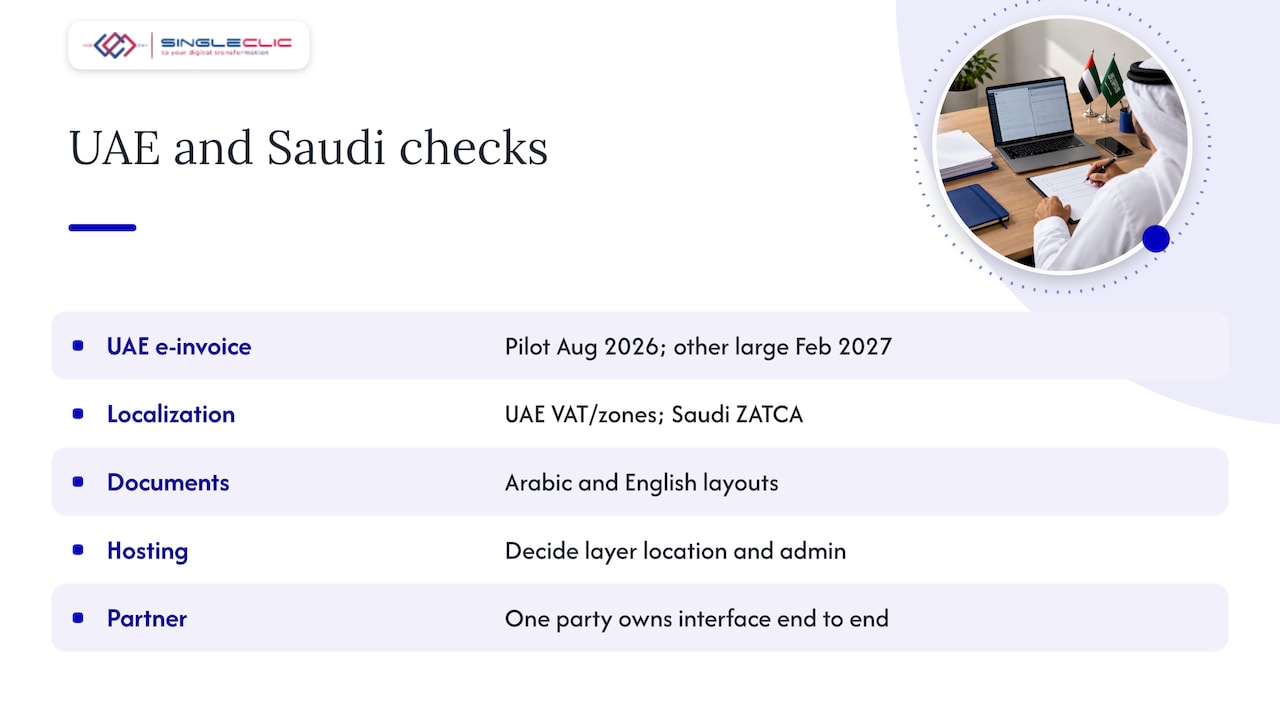
Partner expertise on both sides. Odoo skills and SAP skills rarely sit in one team. Make sure one accountable party owns the interface end to end.
Use cases we see in the region
- Real estate and construction: Odoo handles sales, contracts and project tracking, while SAP receives posted financials and commitments.
- Healthcare groups: clinic-level operations and patient-facing workflows in a lighter system, consolidated finance and procurement in SAP.
- Retail and distribution: Odoo for point of sale and e-commerce orders, SAP for inventory valuation and group reporting.
- Government and regulated entities: approval workflows built on a low-code layer that calls both systems and keeps a full audit trail.
How Singleclic helps
Singleclic is a regional Odoo Silver Partner and Microsoft Dynamics 365 integrator, with 10+ years of delivery across KSA, UAE and Egypt and 70+ consultants and engineers. Our ERP, CRM and integration teams design the data ownership table, build the interfaces and run support afterward. Cortex, our Arabic-enabled, on-premise low-code platform, supports unlimited users, deep enterprise system integrations and workflow changes at runtime without downtime, which suits the approval chains that sit between Odoo and SAP. For related reading, see our guides on ERP and CRM integration as a single source of truth, ERP implementation steps and Odoo ERP customization.
Our perspective
The question we hear from CIOs is rarely whether two ERPs can talk. They can. The real question is who is accountable when a posting fails at 11 pm on the last day of the quarter.
Our view is that the integration is a product with an owner, a roadmap and monitoring, not a project that ends at go-live. That is why we pair Odoo and Dynamics 365 expertise with a workflow layer in Cortex: approvals, ERP, CRM, data and legacy systems sit in one governed process, and changes can be made at runtime without taking the business offline.
For banks and government entities in the Gulf, we deploy on premise with a full Arabic interface. For groups running SAP at the centre, we keep transformation logic out of SAP custom code, so your next upgrade stays simple.
Tamer Badr
Plan your Odoo and SAP integration with Singleclic
If you are scoping an Odoo and SAP landscape, our team can start with the ownership table and the interface design, then deliver the build and support. Our ERP and automation services cover Odoo, Dynamics 365, IBM BAW and low-code development, and Cortex is the workflow layer we use to connect them.
Talk to Singleclic about your integration at singleclic.com.
FAQ
Can Odoo integrate with SAP?
Yes. Odoo exposes an external API, and SAP exposes OData services, BAPIs and IDocs. A middleware or workflow layer usually connects them, adding queuing, mapping and monitoring. The design depends on your SAP version and the processes involved.
How long does an Odoo SAP integration take?
It depends on the number of flows, the state of your master data and your compliance requirements. A single one-way flow such as customers or employees is far quicker than a full order-to-cash and finance link. We scope it after a process and data ownership workshop.
Which data should sync between Odoo and SAP?
Start with master data (accounts, items, customers, vendors), then transactions such as sales orders, invoices and stock movements. Each object needs one system of record and a defined direction and frequency.
Is Odoo a better ERP than SAP?
They serve different needs. Odoo is modular and fast to adapt, which suits business units, subsidiaries and growing companies. SAP is often the group-level core for large, complex finance. Many organizations use both, and our CIO guide to ERP value, speed and scale compares the options.
What should we check before starting in the UAE?
Confirm e-invoicing responsibilities, VAT and free-zone mapping, Arabic document needs, hosting and data residency, and who owns the integration end to end.
Sources
- UAE confirms phased e-invoicing mandate rollout
- Connect SAP S/4HANA OData service directly with SAP API Management using OAuth 2.0